
Ransomware Explained: How File Locking Works and What to Do
Ransomware hides inside legitimate-looking files, turning your personal data into a hostage situation that only a recent backup can resolve without paying.
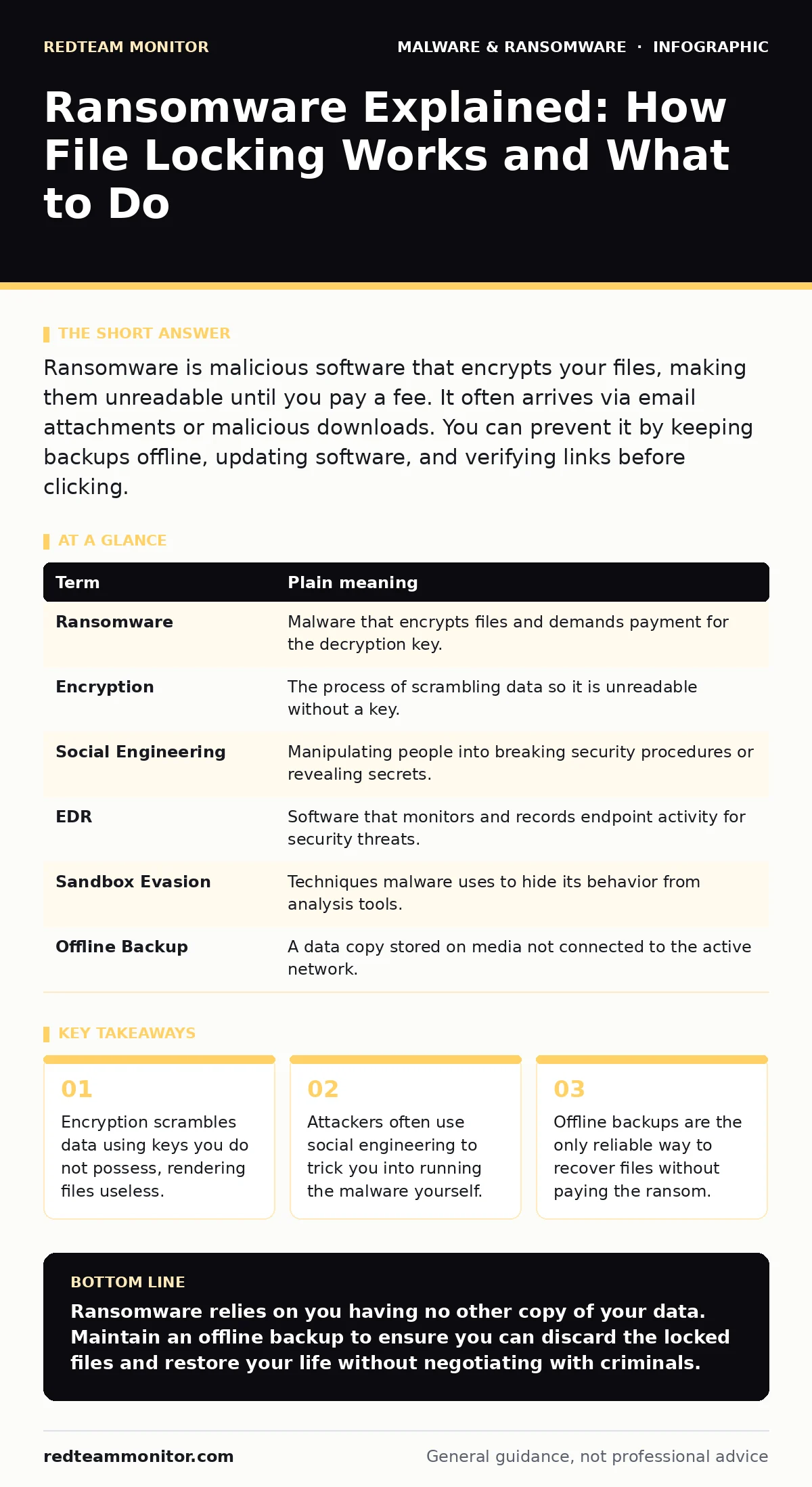
Ransomware is malicious software that encrypts your files, making them unreadable until you pay a fee. It often arrives via email attachments or malicious downloads. You can prevent it by keeping backups offline, updating software, and verifying links before clicking.
The Locked Diary Analogy
Imagine you keep a physical diary that records every detail of your life. One morning, you find the diary locked with a heavy steel padlock you did not buy. A note attached to the lock demands money in exchange for the key. If you do not pay, the thief promises to throw the diary into a furnace. This is exactly how ransomware operates on your computer. It takes the data you care about and locks it behind a digital barrier.
You cannot simply pick the lock. The encryption is mathematically secure. The attacker holds the only key. Your goal is not to open the lock, but to prove the diary was never the only copy of your life.
How the Lock Gets On
The thief does not break into your house to place the lock. You hand them the diary. This usually happens through social engineering, which is the manipulation of people into performing actions or divulging confidential information. An email arrives with an urgent subject line, perhaps from a known vendor or a fake delivery service. It contains an attachment that looks like an invoice or a tracking sheet.
When you open that file, you are not viewing a document. You are executing a program. This program immediately begins scanning your drives for files. It targets documents, photos, and databases. It leaves system files alone because wiping them would crash the computer, making it obvious too soon. Instead, it quietly transforms your readable data into gibberish.
The Hidden Cost of Convenience
Many users believe that installing security software is enough. This is a dangerous misconception. Endpoint detection and response (EDR) systems monitor for known bad behaviors, but new ransomware variants often use sandbox evasion techniques. These techniques allow the malware to stay dormant if it detects it is being analyzed in a virtual environment.
Once it confirms it is running on a real machine, it activates. By then, the damage is often done. The malware may also look for connected network drives. If your computer is part of a home network or a small office setup, it can spread rapidly. This behavior mirrors computer worms, which are self-replicating malware that spread across networks without human intervention.
What Happens to Your Data
The encryption process uses asymmetric cryptography. This means two different keys are involved: a public key for locking and a private key for unlocking. The ransomware generates a unique public key for your machine and sends it to the attacker's server. It then uses this key to encrypt your files.
The attacker keeps the corresponding private key. Without it, reversing the encryption is computationally infeasible. You cannot brute-force the key. The strength of the encryption ensures that only the attacker can restore your files. This is why ransomware decryption tools are rarely effective against modern variants. They only work if the attackers made a mistake in their code or reused keys across many victims.
The Recovery Trap
Paying the ransom does not guarantee recovery. There is no contract enforcement in cybercrime. You might pay and receive a broken key. You might pay and receive nothing. Worse, paying marks you as someone who complies. This makes you a target for future attacks.
The only reliable recovery method is restoration from a backup. This backup must be offline. If your backup drive is constantly connected to your computer, the ransomware will encrypt it too. You need a copy of your data that exists in a separate location, physically disconnected from the infected machine. This is the only way to discard the locked diary and start fresh with a clean copy.
Simple Safety Habits
You can reduce your risk by changing how you interact with digital files. Start by verifying the source of any unexpected attachment. If a file arrives via email, check the sender's address carefully. Look for slight misspellings or unusual domains. When in doubt, contact the sender through a different channel, such as a phone call, to confirm they sent the file.
Second, keep your operating system and applications updated. Updates often patch vulnerabilities that malware exploits to gain initial access. Delaying updates leaves your door unlocked. Third, maintain a regular backup routine. Use the 3-2-1 rule: keep three copies of your data, on two different media types, with one copy offline.
Mini Glossary
| Term | Plain meaning |
|---|---|
| Ransomware | Malware that encrypts files and demands payment for the decryption key. |
| Encryption | The process of scrambling data so it is unreadable without a key. |
| Social Engineering | Manipulating people into breaking security procedures or revealing secrets. |
| EDR | Software that monitors and records endpoint activity for security threats. |
| Sandbox Evasion | Techniques malware uses to hide its behavior from analysis tools. |
| Offline Backup | A data copy stored on media not connected to the active network. |
Try This Now
- Check your backup status. Ensure you have a recent copy of your important files stored on an external drive that you unplug after use.
- Review your email settings. Enable multi-factor authentication and set up filters to flag emails with attachments from unknown senders.
- Test your recovery process. Disconnect your backup drive, delete a test file from your computer, and restore it from the backup to ensure the process works smoothly.
Key takeaways
- Encryption scrambles data using keys you do not possess, rendering files useless.
- Attackers often use social engineering to trick you into running the malware yourself.
- Offline backups are the only reliable way to recover files without paying the ransom.
Ransomware relies on you having no other copy of your data. Maintain an offline backup to ensure you can discard the locked files and restore your life without negotiating with criminals.
Frequently asked questions
Can antivirus software remove ransomware after it has encrypted my files?
Antivirus can remove the malicious program, but it cannot reverse the encryption. Your files will remain locked unless you have a backup or a specific decryption tool for that variant.
Is cloud storage safe from ransomware?
Cloud storage is only safe if versioning is enabled and the ransomware cannot access your cloud account credentials. If the attacker logs into your cloud account, they can delete or encrypt files there too.
What if I receive a ransom note but my files still open?
You may have been targeted by a warning variant, or the encryption has not completed. Assume your system is compromised. Disconnect from the network and run a full security scan immediately.
Do mobile devices get ransomware?
Mobile ransomware exists but is less common. It often locks the screen rather than encrypting files. **Malicious mobile apps** can also steal data. Keep your mobile OS updated and install apps only from official stores.
How this guide was produced: written by the RedTeam Monitor editorial team with AI assistance, checked against the public references listed below, and reviewed when the facts change. See our editorial policy or report an error.