Digital Forensics Explained: Reconstructing Events from Digital Debris
Digital forensics treats hard drives like crime scenes, where deleted files leave magnetic traces that reveal hidden actions and timelines long after the event.
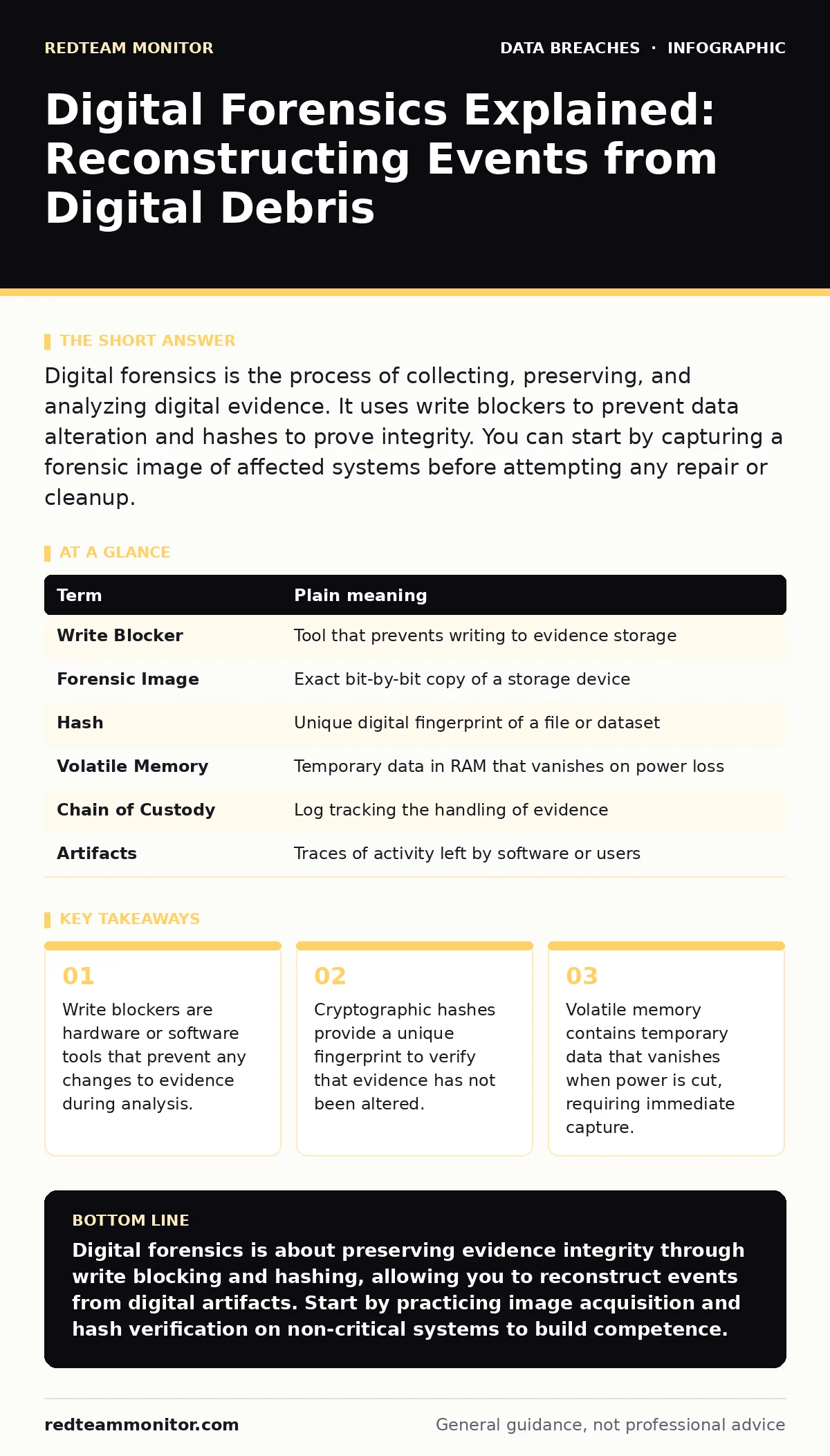
Digital forensics is the process of collecting, preserving, and analyzing digital evidence. It uses write blockers to prevent data alteration and hashes to prove integrity. You can start by capturing a forensic image of affected systems before attempting any repair or cleanup.
The Kitchen Fire Metaphor
Imagine a kitchen fire. You cannot simply open the windows and wave away the smoke. That action destroys the evidence of how the fire started. Instead, you must seal the room. You document the scene. You analyze the ash patterns to determine the ignition point. Digital forensics follows this same logic. A compromised server is a crime scene. The data on its disks is the ash. Your goal is not to clean it up immediately. Your goal is to understand what happened.
If you reboot a compromised system, you lose the volatile data in RAM. This is like hosing down the kitchen floor before finding the matches. The evidence washes away. You must preserve the state exactly as it exists. This requires discipline and specific tools. The process is methodical. It is not about guessing. It is about reconstruction.
Preserving the Scene with Write Blockers
The first rule of forensics is do not touch the original evidence. Any interaction with a drive can change its data. Even reading a file updates its access timestamp. To prevent this, you use a write blocker. A write blocker is a device or software filter that allows read-only access to storage media. It intercepts any command to modify the data and blocks it. This ensures the evidence remains pristine.
You should never analyze the live drive directly. Instead, you create a forensic image. This is a bit-for-bit copy of the entire storage medium. You perform all your analysis on this copy. If you make a mistake, you can start again with a fresh copy. The original drive stays untouched. This separation is the foundation of admissibility. Without it, your findings may be challenged.
Understanding Volatile Data
Not all evidence sits on the hard drive. Some data lives in RAM. This is volatile memory. It holds running processes, open network connections, and decrypted keys. When the power goes out, this data disappears. If you suspect an intrusion, you must capture this memory before shutting down the machine. This is difficult. It requires specialized tools that can dump the contents of RAM to a file.
Imagine the kitchen fire again. The smoke in the air is volatile data. It dissipates quickly. You need to capture it before it vanishes. This often means running a memory acquisition tool while the system is still running. This is risky. It can alert an attacker. But the trade-off is necessary. Without RAM data, you miss the active threats. You see the aftermath, but not the perpetrator.
Proving Integrity with Hashes
You must prove that your evidence has not changed. This is where cryptographic hashes come in. A hash is a fixed-length string of characters generated from data. If you change even one bit in the original file, the hash changes completely. This makes it a unique fingerprint. You calculate the hash of the forensic image before and after analysis. If the hashes match, the evidence is intact.
Common algorithms include SHA-256 and MD5. SHA-256 is preferred for its strength. You document these hashes in your chain of custody. This log tracks who handled the evidence and when. It creates a paper trail. Without this trail, the evidence is suspect. It is like finding a bag of evidence without a seal. You cannot trust it. The hash provides that seal.
| Term | Plain meaning |
|---|---|
| Write Blocker | Tool that prevents writing to evidence storage |
| Forensic Image | Exact bit-by-bit copy of a storage device |
| Hash | Unique digital fingerprint of a file or dataset |
| Volatile Memory | Temporary data in RAM that vanishes on power loss |
| Chain of Custody | Log tracking the handling of evidence |
| Artifacts | Traces of activity left by software or users |
Reconstructing the Timeline
Once you have the image, you look for artifacts. These are traces left by user activity. They include file metadata, registry entries, and log files. You piece these together to build a timeline. This is like arranging the ash patterns to see the fire's spread. You look for anomalies. Unusual processes. Strange network connections. Files created at odd hours.
This step requires context. You need to know what normal looks like for that system. Without a baseline, everything looks suspicious. You compare the current state to known good states. This helps filter out noise. You focus on deviations. These deviations tell the story. They reveal the attacker's path. They show what data was accessed. This context is vital for understanding the scope.
See also: Stop Denial-of-Wallet Attacks: Response and Recovery Steps
Common Pitfalls in Analysis
Many investigators make the same mistakes. They rush to clean up. They forget to document their steps. They analyze the wrong system. These errors compromise the entire investigation. You must slow down. You must write everything down. Every command run. Every file opened. This documentation is as important as the findings.
Another mistake is ignoring the network. Data exfiltration often happens over the network. You need to correlate disk artifacts with network logs. This gives a complete picture. It shows where the data went. It shows who received it. Without this correlation, you have a partial story. You might miss the impact. You might underestimate the breach. This relates to understanding breach dwell time, as attackers often remain hidden for long periods.
Starting Your Investigation
You do not need expensive tools to begin. You need a process. Here are three steps to start your practice.
- Create a write-blocked copy of a safe, non-production drive. Practice acquiring a forensic image from this copy.
- Calculate the SHA-256 hash of the image. Store this hash securely.
- Use a free tool to examine the file system. Look for recent changes. Document your findings.
This practice builds muscle memory. It helps you stay calm under pressure. It prepares you for real incidents. You can also learn more about data leaks to understand what attackers typically target. Knowing what they want helps you find what they took.
Key takeaways
- Write blockers are hardware or software tools that prevent any changes to evidence during analysis.
- Cryptographic hashes provide a unique fingerprint to verify that evidence has not been altered.
- Volatile memory contains temporary data that vanishes when power is cut, requiring immediate capture.
Digital forensics is about preserving evidence integrity through write blocking and hashing, allowing you to reconstruct events from digital artifacts. Start by practicing image acquisition and hash verification on non-critical systems to build competence.
Frequently asked questions
What is the difference between incident response and digital forensics?
Incident response is the immediate action to contain and mitigate a threat. Digital forensics is the detailed analysis of evidence to determine what happened and who did it.
Can I use standard antivirus software for forensics?
No, antivirus software is designed to clean infections, not preserve evidence. It often modifies or deletes files, which compromises forensic integrity.
How long does a forensic investigation take?
The duration varies widely based on the scope and complexity. Simple cases may take days, while complex enterprise investigations can take months.
Is it legal to analyze my own devices?
Generally, yes, if you own the device. However, privacy laws and employment contracts may restrict access to certain data. Consult legal counsel.
How this guide was produced: written by the RedTeam Monitor editorial team with AI assistance, checked against the public references listed below, and reviewed when the facts change. See our editorial policy or report an error.