
Implement Firewalls: A Step-by-Step Guide for Network Security
Misconfigured firewalls often expose more surface area than they protect because default allow rules silently bypass your intended security posture.
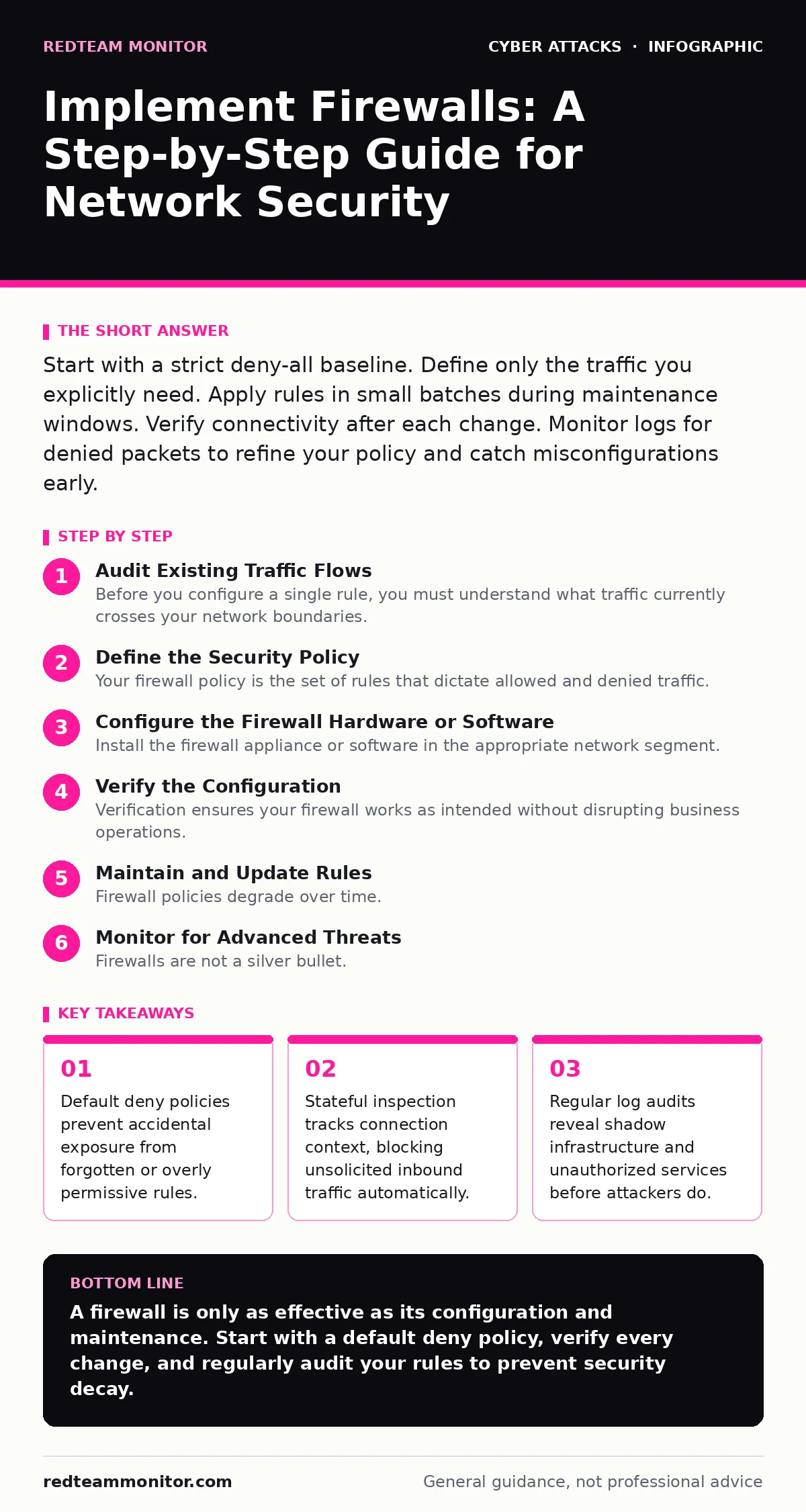
Start with a strict deny-all baseline. Define only the traffic you explicitly need. Apply rules in small batches during maintenance windows. Verify connectivity after each change. Monitor logs for denied packets to refine your policy and catch misconfigurations early.
Audit Existing Traffic Flows
Before you configure a single rule, you must understand what traffic currently crosses your network boundaries. You cannot protect what you cannot see. Map your internal services and identify which ports and protocols each service requires. Document this information in a central repository.
This audit reveals legacy applications that no longer serve a business purpose. It also highlights unexpected connections to external IP addresses. These anomalies often indicate compromised hosts or shadow IT deployments. If you skip this step, you risk breaking critical business functions when you implement restrictive rules.
Define the Security Policy
Your firewall policy is the set of rules that dictate allowed and denied traffic. Start with a default deny stance. This means the firewall blocks all traffic unless a rule explicitly permits it. This approach forces you to justify every allowed connection.
Define rules based on the principle of least privilege. Grant access only to the specific source, destination, and port required for the service. Avoid broad rules that allow traffic from any source to any destination. These rules create unnecessary exposure and make troubleshooting difficult.
Configure the Firewall Hardware or Software
Install the firewall appliance or software in the appropriate network segment. For perimeter protection, place it between your internal network and the internet. For internal segmentation, place it between different network zones. Ensure the device has a stable management interface and redundant power sources.
Set up the initial configuration with basic connectivity for management purposes only. Disable any default allow rules that may exist. Configure logging to capture both allowed and denied packets. This data is vital for verifying your policy and detecting anomalies later.
Step 1: Establish Management Access
Configure access controls for the firewall management interface. Restrict access to specific administrator IP addresses. Use multi-factor authentication for all administrative accounts. This prevents unauthorized changes to your security posture.
Verify that you can log in from your authorized management stations. Ensure that login attempts from other sources are blocked. Check the logs to confirm that unauthorized access attempts are recorded.
Step 2: Implement Default Deny Rules
Create rules that deny all inbound and outbound traffic by default. Place these rules at the end of your rule chain. This ensures that any traffic not explicitly allowed by preceding rules is blocked.
Test connectivity from an external source to a non-public service. The connection should fail. Check the firewall logs to confirm that the denied packet was recorded. This verifies that your default deny policy is active and effective.
Step 3: Add Explicit Allow Rules
Add rules to permit necessary traffic one service at a time. Start with critical business applications. Define the source IP range, destination IP, port, and protocol for each rule. Order rules from most specific to least specific.
Test the service after adding each rule. Ensure that the service functions correctly and that no unintended traffic is allowed. Monitor the logs to verify that only the expected traffic matches the new rule.
Step 4: Enable Stateful Inspection
Enable stateful packet inspection on your firewall. This feature tracks the state of active connections. It allows return traffic for established sessions without needing explicit rules for every packet.
Send a request from an internal host to an external web server. Verify that the response traffic is allowed automatically. Check that unsolicited inbound traffic is still blocked. This confirms that the firewall understands connection context.
Verify the Configuration
Verification ensures your firewall works as intended without disrupting business operations. Use a combination of automated tests and manual checks. Test from both inside and outside the network. Document the results for audit purposes.
Check that all critical services are accessible. Verify that unauthorized access attempts are blocked and logged. Look for any unexpected allowed connections in the logs. These may indicate misconfigured rules or compromised hosts.
- All critical business services are accessible from authorized sources.
- Unauthorized access attempts are blocked and logged.
- Default deny rules are active and effective.
- Stateful inspection is functioning correctly.
- Management access is restricted and secure.
Maintain and Update Rules
Firewall policies degrade over time. Rules become obsolete as services change or are retired. Regularly review and clean up your rule set. Remove unused rules to reduce complexity and improve performance.
Monitor logs for denied packets that may indicate new business requirements. Add rules only after verifying the need and documenting the justification. Schedule regular audits to ensure compliance with your security policy.
Update firewall firmware regularly. Patching addresses known vulnerabilities in the firewall software itself. A compromised firewall is a direct path into your network. Treat the firewall as a critical asset that requires ongoing care.
See also: Using Autonomous System Numbers to Map Attacker Infrastructure · Computer Worms Explained: How Self-Replicating Malware Spreads
Monitor for Advanced Threats
Firewalls are not a silver bullet. They filter traffic based on rules, but they do not inspect deep packet content for sophisticated attacks. Combine your firewall with other security controls for comprehensive protection.
Look for signs of API abuse in your logs. Attackers often exploit poorly secured APIs to exfiltrate data. Your firewall can limit API access to specific IP ranges, but you need additional controls to validate requests.
Be aware of drive-by downloads that may bypass perimeter defenses. If a user visits a malicious site, the download happens over an established HTTPS connection. Your firewall sees only encrypted traffic, so you need endpoint protection to catch the payload.
Plan for Incident Response
When a breach occurs, your firewall is a key tool for containment. Isolate compromised segments by adding temporary deny rules. Block communication with known malicious IP addresses. Preserve logs for forensic analysis.
Practice your incident response plan regularly. Simulate scenarios where you need to quickly block traffic. Ensure your team knows how to add emergency rules without disrupting other services. Speed and accuracy are critical during an incident.
Review your logs after any security event. Identify how the attacker bypassed your controls. Update your firewall rules to prevent similar attacks in the future. Continuous improvement is the only way to stay ahead of evolving threats.
Key takeaways
- Default deny policies prevent accidental exposure from forgotten or overly permissive rules.
- Stateful inspection tracks connection context, blocking unsolicited inbound traffic automatically.
- Regular log audits reveal shadow infrastructure and unauthorized services before attackers do.
A firewall is only as effective as its configuration and maintenance. Start with a default deny policy, verify every change, and regularly audit your rules to prevent security decay.
Frequently asked questions
How do I know if my firewall rules are too restrictive?
Monitor your logs for denied packets that correspond to legitimate business traffic. If users report connectivity issues, check the logs to identify blocked services and adjust rules accordingly.
Can firewalls protect against insider threats?
Firewalls can limit lateral movement by segmenting the network. However, they cannot stop malicious actions by authorized users. You need additional controls like endpoint detection and user behavior analytics.
How often should I review my firewall rules?
Review your rules at least quarterly. Remove unused rules and update existing ones to reflect current business needs. More frequent reviews are recommended after major infrastructure changes.
Do I need a firewall for my cloud environment?
Yes. Cloud environments have different network boundaries. Use security groups and network ACLs to enforce firewall-like rules. Ensure that these controls are consistent with your on-premises security policy.
How this guide was produced: written by the RedTeam Monitor editorial team with AI assistance, checked against the public references listed below, and reviewed when the facts change. See our editorial policy or report an error.