
Least Privilege for Small Teams: Cut Risk Without Slowing Work
Small teams often grant broad access to save time, creating a hidden path for attackers to move laterally across the entire network without detection.
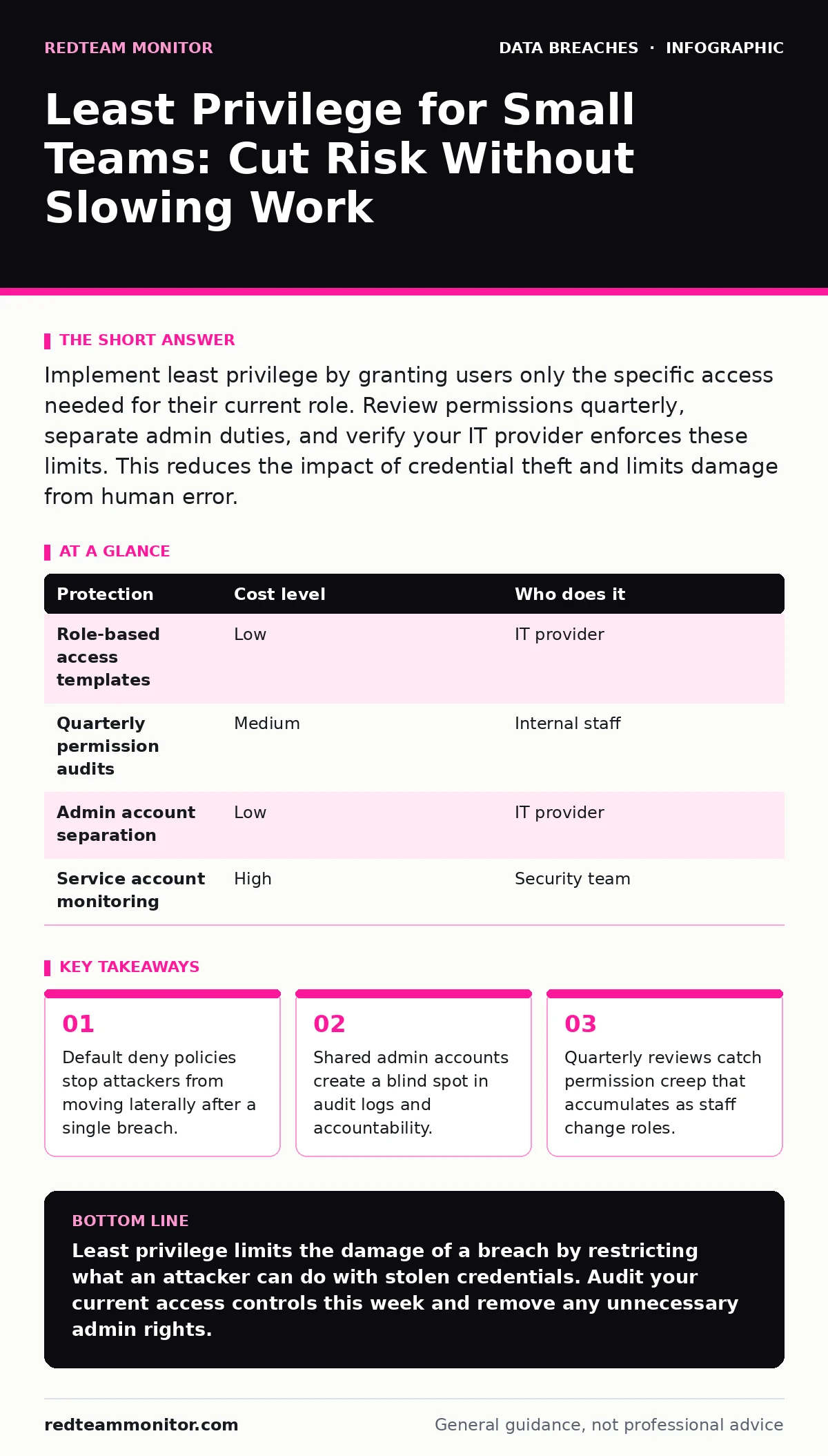
Implement least privilege by granting users only the specific access needed for their current role. Review permissions quarterly, separate admin duties, and verify your IT provider enforces these limits. This reduces the impact of credential theft and limits damage from human error.
Why Least Privilege Matters at Small Scale
Small organizations often treat security as a cost center rather than a risk multiplier. The principle of least privilege requires granting users only the permissions necessary to perform their current job functions. This concept applies to every system, file, and database connection. You might assume your small network is too insignificant to attract targeted attacks. This assumption is incorrect. Automated bots scan for weak entry points regardless of company size.
When you grant broad access, you increase the attack surface. An attacker who steals a single credential gains immediate access to everything that user can touch. Least privilege contains this blast radius. If a marketing intern’s account is compromised, the attacker cannot access financial records or HR files. You limit the damage to the specific role of that user. This containment buys you time to detect and respond to the intrusion.
The Hidden Cost of Convenience
Convenience drives many permission decisions. It is faster to give a new hire full admin rights than to configure specific access levels. This speed creates technical debt. Over time, employees accumulate permissions from previous roles. They keep access to systems they no longer use. This phenomenon is known as permission creep. It makes auditing difficult and increases the chance of accidental data exposure.
Imagine a designer who moves to sales. They still have write access to the design server. If their laptop is stolen, the thief has keys to two departments. You must actively remove permissions when roles change. Passive security relies on people remembering to revoke access. Human memory fails under pressure. Automated policies and scheduled reviews are the only reliable way to manage this drift.
Practical Steps for Implementation
Start by mapping user roles to required permissions. Define what each job function needs to do daily. Create standard templates for these roles. When a new employee starts, assign the template rather than building access from scratch. This ensures consistency and reduces configuration errors. You can adjust individual needs later, but starting with a baseline is safer.
Separate administrative duties from daily work. Users should not run their primary accounts with elevated privileges. They should use a standard account for email and browsing. They should use a separate, protected account for system administration. This separation prevents malware from elevating privileges automatically. If a user clicks a malicious link, the malware runs with limited rights. It cannot install system-wide changes or disable security tools.
Managing Service Accounts and Applications
Service accounts are non-human identities used by software to access resources. These accounts often have high privileges to ensure smooth operation. They are frequent targets for attackers because they rarely change passwords. You must treat service accounts with extreme caution. Disable interactive login for these accounts. They should only be usable by the specific application they support.
Rotate credentials for service accounts regularly. Use automated tools to handle this rotation to avoid service interruptions. Monitor activity on these accounts closely. Unusual access patterns often indicate compromise. If a database service account starts querying sensitive user tables, that is a red flag. Your monitoring system should alert you immediately. Do not ignore alerts from service accounts assuming they are just background noise.
What to Ask Your IT Provider
Your IT provider manages your infrastructure. They must enforce least privilege, not just configure it once. You need to verify their ongoing practices. Ask specific questions about their process. Do not accept vague assurances about security. You need concrete details about how they handle access control.
- How do you handle permission reviews for long-term employees?
- What is the process for revoking access when an employee leaves?
- Do you use separate admin accounts for daily tasks and maintenance?
- How do you monitor for privilege escalation attempts?
- Can you provide a sample access control policy for our industry?
| Protection | Cost level | Who does it |
|---|---|---|
| Role-based access templates | Low | IT provider |
| Quarterly permission audits | Medium | Internal staff |
| Admin account separation | Low | IT provider |
| Service account monitoring | High | Security team |
See also: Responding to Password Spraying: Containment and Recovery Steps · SSO vs MFA: How to Choose Identity Controls That Actually Work
Understanding the Trade-offs
Least privilege introduces friction. Users may request access that they do not immediately need. You must have a clear process for granting temporary access. This process should require justification and an expiration date. After the expiration, access is automatically revoked. This prevents temporary permissions from becoming permanent.
You must balance security with productivity. If access requests take too long, users may bypass security controls. They might share credentials or use unauthorized tools. Your security policy must be practical. Define clear escalation paths for urgent requests. Ensure your IT team can respond quickly to legitimate business needs. Speed in granting access is not the same as granting broad access.
Detecting Violations and Misconfigurations
Even with strict policies, mistakes happen. You need visibility into who has what access. Regular audits are necessary to verify compliance. Compare actual permissions against the defined role templates. Identify any deviations and investigate them. Some deviations may be legitimate business needs. Others may be errors or unauthorized changes.
Monitor for unusual activity. Look for users accessing files outside their normal patterns. Look for accounts logging in at odd hours or from new locations. These signals may indicate a compromised account or an insider threat. Your detection capabilities depend on logging. Ensure your systems log access attempts, both successful and failed. Without logs, you cannot prove that your controls are working.
The Role of External Audits
Consider including access control reviews in your privacy impact assessments. These assessments evaluate how you handle personal data. They should verify that only authorized personnel can access sensitive information. External auditors can provide an unbiased view of your controls. They may identify gaps that internal teams overlook due to familiarity.
Review your cyber insurance requirements. Some policies require specific security controls, including least privilege. Failure to implement these controls may void your coverage in the event of a claim. Understand your policy details. Ensure your security posture meets the insurer’s expectations. This alignment protects your financial interests and encourages best practices.
Key takeaways
- Default deny policies stop attackers from moving laterally after a single breach.
- Shared admin accounts create a blind spot in audit logs and accountability.
- Quarterly reviews catch permission creep that accumulates as staff change roles.
Least privilege limits the damage of a breach by restricting what an attacker can do with stolen credentials. Audit your current access controls this week and remove any unnecessary admin rights.
Frequently asked questions
How often should we review user permissions?
Review permissions quarterly or whenever an employee changes roles. This frequency balances security with operational overhead.
Does least privilege affect remote work?
No, it enhances remote security. Users access only what they need, reducing the risk if a device is lost or stolen.
What if a user needs temporary admin rights?
Grant time-bound access with an automatic expiration. Require justification for the request and monitor activity during the access period.
How do we handle legacy systems without modern controls?
Isolate these systems on a separate network segment. Restrict access to a minimal number of trusted administrators.
How this guide was produced: written by the RedTeam Monitor editorial team with AI assistance, checked against the public references listed below, and reviewed when the facts change. See our editorial policy or report an error.