
Default Credentials: Why Factory Settings Invite Intruders
Manufacturers ship devices with known keys to simplify setup, leaving every unit vulnerable to attackers who memorize public lists.
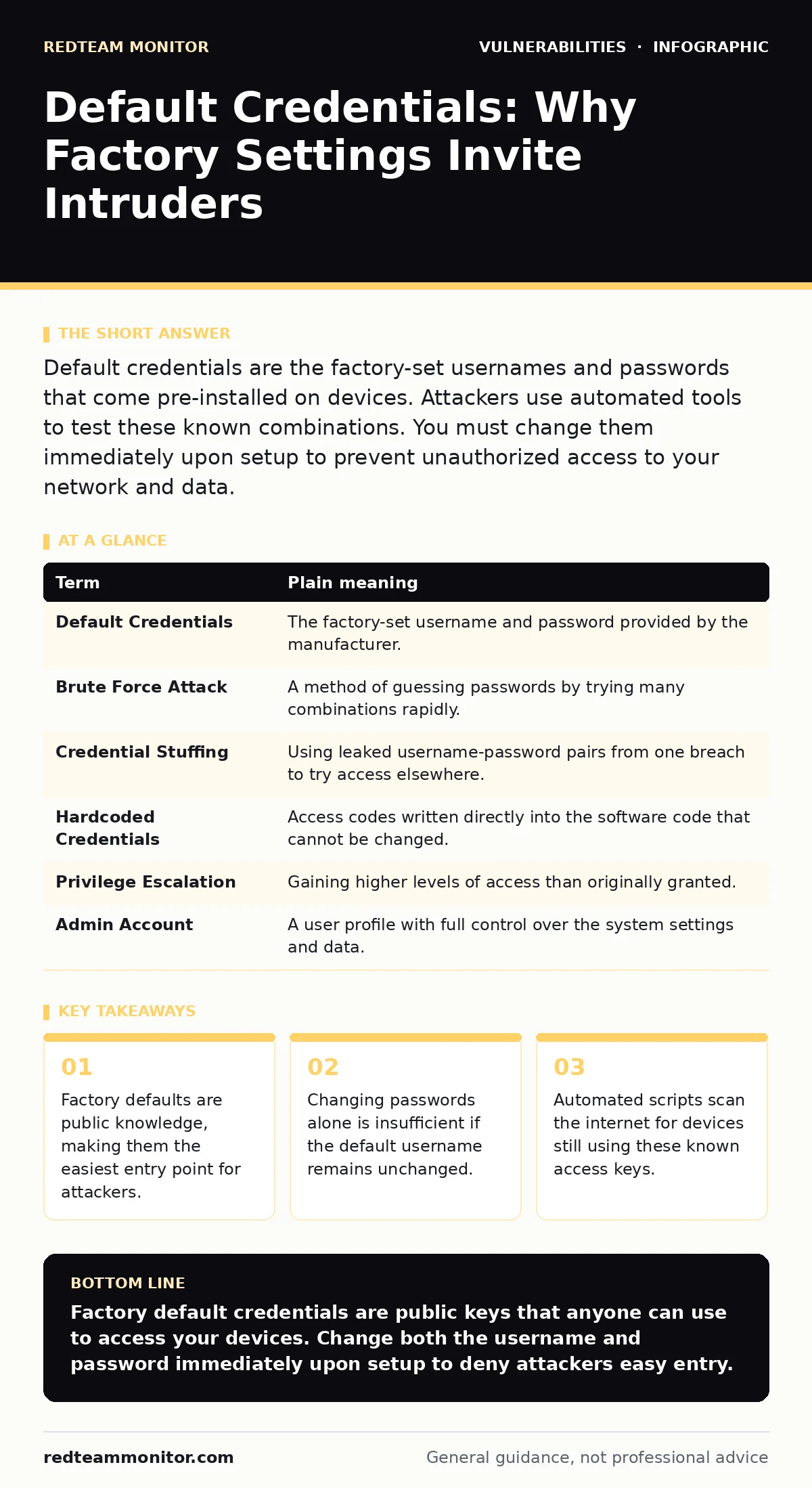
Default credentials are the factory-set usernames and passwords that come pre-installed on devices. Attackers use automated tools to test these known combinations. You must change them immediately upon setup to prevent unauthorized access to your network and data.
The House Key Analogy
Imagine you buy a new house. To help you move in, the builder leaves a master key under the welcome mat. They tell you, "Take this key, open the door, and then change the lock." This works if you remember. It fails if you forget. Default credentials are that key under the mat. The manufacturer provides them so you can log in immediately. They expect you to change them. You often do not.
Attackers know where the mat is. They also know the shape of the key. Every device from a brand uses the same initial access code. If you leave it, anyone with that code can enter. This is not a sophisticated hack. It is simply walking through an unlocked door.
The Mechanics of Access
A credential is a set of identifying information that grants access to a system. It usually consists of a username and a password. Default credentials are the values pre-programmed by the creator. These values are documented in user manuals, on manufacturer websites, or in public databases.
When you power on a router, camera, or server, it asks for a name and a key. If you do not provide new ones, it uses the factory settings. This design prioritizes ease of use over security. It assumes the user will act responsibly. In practice, many users never change these settings. They assume the device is secure because it is new. This assumption is dangerous.
| Term | Plain meaning |
|---|---|
| Default Credentials | The factory-set username and password provided by the manufacturer. |
| Brute Force Attack | A method of guessing passwords by trying many combinations rapidly. |
| Credential Stuffing | Using leaked username-password pairs from one breach to try access elsewhere. |
| Hardcoded Credentials | Access codes written directly into the software code that cannot be changed. |
| Privilege Escalation | Gaining higher levels of access than originally granted. |
| Admin Account | A user profile with full control over the system settings and data. |
The Hidden Cost of Convenience
Changing the password is the obvious step. It is not enough. You must also change the username. Many attackers only need the correct password if they guess the username. Common usernames like "admin" or "root" are tried first. If you change "admin" to "superuser123," you add a layer of obscurity. This makes automated scanning less effective.
Another hidden risk is hardcoded credentials. Some embedded devices have passwords written into their firmware. You cannot change these through the settings menu. This creates a permanent backdoor. Even if you change the web interface password, the device still accepts the factory key for internal processes. This is a critical flaw. You must check for security advisories to see if your device has this issue. If it does, you may need to replace the hardware.
The Role of Automation
Attackers do not guess passwords manually. They use bots. These programs scan the internet for devices. They send thousands of login attempts per minute. This is called a brute force attack. When a bot finds a device with default credentials, it logs in. It may install malware, steal data, or use the device for further attacks.
This is why SQL injection is less relevant here. SQL injection exploits code flaws in databases. Default credential attacks exploit human laziness and poor design. They require no code vulnerability. They only require the door to be unlocked. This makes them widespread. They affect everything from home cameras to industrial controllers.
Safety Habits for Users
You can protect yourself with simple habits. First, change the credentials immediately. Do not wait until you are "settled in." Do it before you connect the device to the internet. Second, use a password manager. Generate a long, random password. Store it securely. Do not write it on a sticky note. Third, disable remote access if you do not need it. Many devices allow management from outside your home network. This expands the attack surface.
Check for automatic software updates. Manufacturers sometimes patch hardcoded credential issues. Keeping your firmware current ensures you have the latest security fixes. Do not ignore update prompts. They are often the only way to close a backdoor you cannot see.
See also: Responding to Password Spraying: Containment and Recovery Steps · SSO vs MFA: How to Choose Identity Controls That Actually Work
Try This Now
- [ ] List every internet-connected device in your home or office.
- [ ] Log into each device and change the default username and password.
- [ ] Verify that remote management is disabled unless strictly necessary.
The Bigger Picture
Default credentials are a symptom of poor security hygiene. They reflect a design choice that favors speed over safety. While OWASP Top 10 lists many vulnerabilities, default credentials remain a top threat. They are easy to exploit and hard to detect if you do not monitor logs.
Even with web application firewalls, internal threats persist. A firewall blocks external traffic. It does not stop an attacker who already has valid login credentials. They are inside the gate. This is why fuzz testing and code reviews are vital for developers. But for users, the defense is simple. Change the key. Lock the door.
Final Thoughts
Security is not a one-time task. It is a continuous practice. Default credentials are the lowest hanging fruit for attackers. They offer an easy win. Do not give them that win. Treat every new device as a potential entry point. Verify its settings. Change its access codes. Stay alert to updates.
The technology industry is moving toward memory-safe programming languages to reduce software bugs. However, human factors remain constant. You are the last line of defense. Your actions determine whether the house remains safe. Do not leave the key under the mat.
Key takeaways
- Factory defaults are public knowledge, making them the easiest entry point for attackers.
- Changing passwords alone is insufficient if the default username remains unchanged.
- Automated scripts scan the internet for devices still using these known access keys.
Factory default credentials are public keys that anyone can use to access your devices. Change both the username and password immediately upon setup to deny attackers easy entry.
Frequently asked questions
Are default credentials the same for all devices of the same model?
Yes, manufacturers ship identical units with the same initial access codes, which are often published online.
Can I be hacked if I only have default credentials on a device not connected to the internet?
If the device is on a local network, an attacker on that same network can still access it using the default keys.
Is it safe to change only the password and keep the default username?
It is less secure, as attackers often guess common default usernames like "admin" before trying passwords.
What should I do if I forgot the new password I set?
You may need to perform a factory reset, which will restore the default credentials and erase your custom settings.
How this guide was produced: written by the RedTeam Monitor editorial team with AI assistance, checked against the public references listed below, and reviewed when the facts change. See our editorial policy or report an error.