
Responding to Password Spraying: Containment and Recovery Steps
Password spraying hides in plain sight by staying below lockout thresholds, making detection dependent on log correlation rather than single-event alerts.
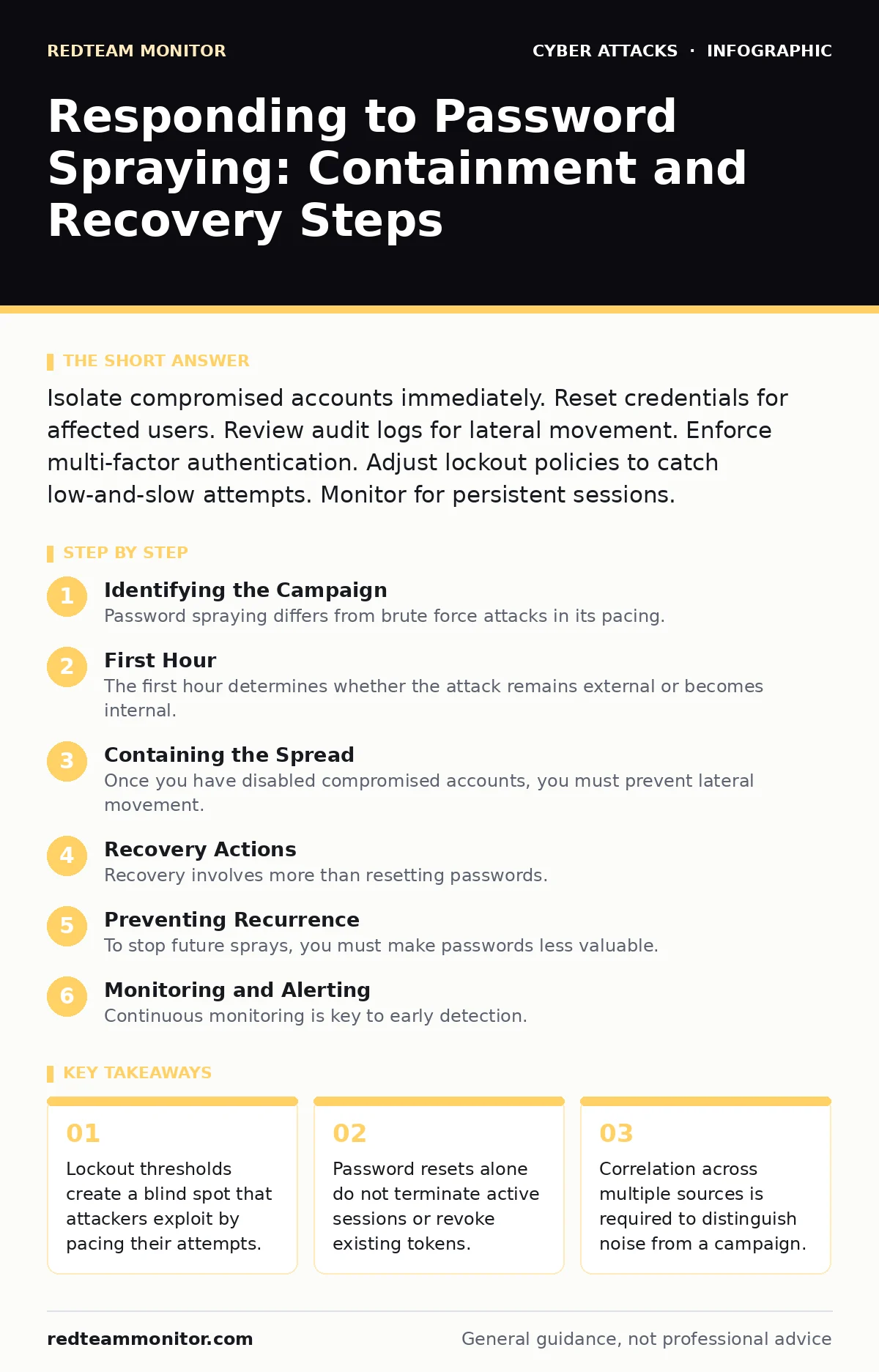
Isolate compromised accounts immediately. Reset credentials for affected users. Review audit logs for lateral movement. Enforce multi-factor authentication. Adjust lockout policies to catch low-and-slow attempts. Monitor for persistent sessions.
Identifying the Campaign
Password spraying differs from brute force attacks in its pacing. Instead of trying thousands of passwords against one account, attackers try one common password against thousands of accounts. This method stays below account lockout thresholds, which are security controls designed to block repeated failed login attempts. You may see a spike in failed logins from a single source IP or, more commonly, from many different IPs targeting a single common credential.
Check your identity provider logs for a high ratio of failures to successes. A sudden increase in failed attempts using simple passwords like "Summer2024" or "Welcome1" is a strong indicator. Do not rely on a single alert. Correlate data from firewalls and identity platforms to confirm the pattern.
First Hour
The first hour determines whether the attack remains external or becomes internal. Speed matters, but accuracy prevents unnecessary disruption. Follow this checklist to stabilize the environment.
- Isolate the identity tenant or domain controller if mass compromise is evident.
- Disable accounts that show successful logins after a burst of failures.
- Revoke all active tokens and sessions for affected users.
- Block source IP addresses associated with the attack at the perimeter.
- Enable verbose logging on authentication services.
You must distinguish between a failed spray and a successful breach. Look for successful logins that follow a cluster of failures. If an attacker guessed a password, they are likely inside. Check for impossible travel scenarios, where a user logs in from two distant locations in a short time. This indicates credential theft rather than legitimate user error.
Containing the Spread
Once you have disabled compromised accounts, you must prevent lateral movement. Attackers use stolen credentials to access email, file shares, and management consoles. They may also use these accounts to harvest more credentials or install malware.
Review audit logs for access to sensitive resources. Look for administrative privileges granted to standard user accounts. Check for new device registrations or changes to security settings. These actions often signal that an attacker is trying to maintain access.
If you suspect the attack originated from a compromised endpoint, isolate that machine from the network. This prevents the attacker from using the host to pivot to other systems. Do not power off the device, as this destroys volatile memory evidence. Instead, disconnect the network cable or disable Wi-Fi.
Recovery Actions
Recovery involves more than resetting passwords. You must ensure that the attacker cannot return with the same credentials. Reset the passwords for all compromised accounts. Use a strong, random password generator to create new credentials. Do not rely on users to create their own passwords, as they may reuse old ones.
Force a global session revocation. This ends all active connections for the affected users. Even if the password is changed, an attacker with a valid session token can remain logged in until the token expires. Most modern identity providers allow you to invalidate all tokens for a specific user or the entire tenant.
Audit group memberships and permissions. Attackers often add themselves to privileged groups before being detected. Remove any unauthorized changes. Review recent file access and email activity for signs of data exfiltration. This helps you understand the scope of the damage.
Preventing Recurrence
To stop future sprays, you must make passwords less valuable. The most effective defense is phishing-resistant authentication. This method uses hardware keys or platform-based authentication, which cannot be phished or guessed. Unlike passwords, these methods require physical possession of a device or biometric verification.
Adjust your account lockout policies. Lower the threshold for locking accounts after failed attempts. However, be cautious. If you set the threshold too low, attackers can lock out legitimate users in a denial-of-service attack. Use step-up authentication for risky logins instead. This requires additional verification only when the system detects suspicious behavior.
Educate users about the risks of simple passwords. Many sprays succeed because users choose common passwords that appear in breach databases. Use password filters that block known compromised passwords. This stops users from setting weak credentials in the first place.
Consider using DMARC to protect your organization's email domain. While not a direct defense against password spraying, it prevents attackers from sending phishing emails that appear to come from your domain. This reduces the likelihood of users being tricked into revealing their credentials. For more on email security, see our guide on DMARC.
See also: Stop Denial-of-Wallet Attacks: Response and Recovery Steps
Monitoring and Alerting
Continuous monitoring is key to early detection. Configure alerts for specific patterns rather than generic login failures. Look for a high volume of failures from a single source or a single password across many accounts.
Use behavioral analytics to identify anomalies. If a user suddenly logs in from a new country or at an unusual time, trigger an alert. This helps you catch compromised accounts before the attacker does significant damage.
Integrate your identity logs with your security information and event management system. This allows you to correlate data from different sources. You can see the full picture of an attack, from the initial spray to the final compromise.
For broader network protection, ensure your firewalls are configured to block known malicious IPs. While firewalls cannot stop password sprays that use legitimate infrastructure, they can block direct access to management interfaces. See our guide on firewalls for configuration best practices.
Reporting and Compliance
After containing the incident, you must report it. Internal stakeholders need to know the scope and impact. External parties may need to be notified if personal data was accessed. Follow your organization's incident response plan.
Document every step you took. This record is valuable for post-incident reviews and compliance audits. It helps you identify gaps in your defenses and improve your response for next time.
If the attack involved external email servers, check for brand impersonation attempts. Attackers often use compromised accounts to send fraudulent emails. See our guide on brand impersonation for detection techniques.
Key takeaways
- Lockout thresholds create a blind spot that attackers exploit by pacing their attempts.
- Password resets alone do not terminate active sessions or revoke existing tokens.
- Correlation across multiple sources is required to distinguish noise from a campaign.
Frequently asked questions
How long should I keep accounts disabled after a password spray?
Keep accounts disabled until you have confirmed the password is changed and the session is revoked. Monitor the account for suspicious activity for at least 24 hours before re-enabling.
Can password spraying be used against cloud services?
Yes. Cloud services are common targets because they often have large user bases. Attackers use automated tools to spray passwords against cloud login pages.
What is the difference between a password spray and a brute force attack?
Brute force attacks try many passwords against one account. Password spraying tries one password against many accounts. Spraying avoids lockouts that brute force triggers.
Should I block all IPs that attempt password spraying?
Blocking IPs can help, but attackers often use residential proxies or compromised devices. Focus on identity-based defenses like multi-factor authentication instead of IP blocking.
How this guide was produced: written by the RedTeam Monitor editorial team with AI assistance, checked against the public references listed below, and reviewed when the facts change. See our editorial policy or report an error.