DMARC Mistakes That Leave Domains Open to Phishing
Misconfigured DMARC policies often fail to stop sophisticated brand impersonation attacks because administrators ignore DNS spoofing risks in monitoring data.
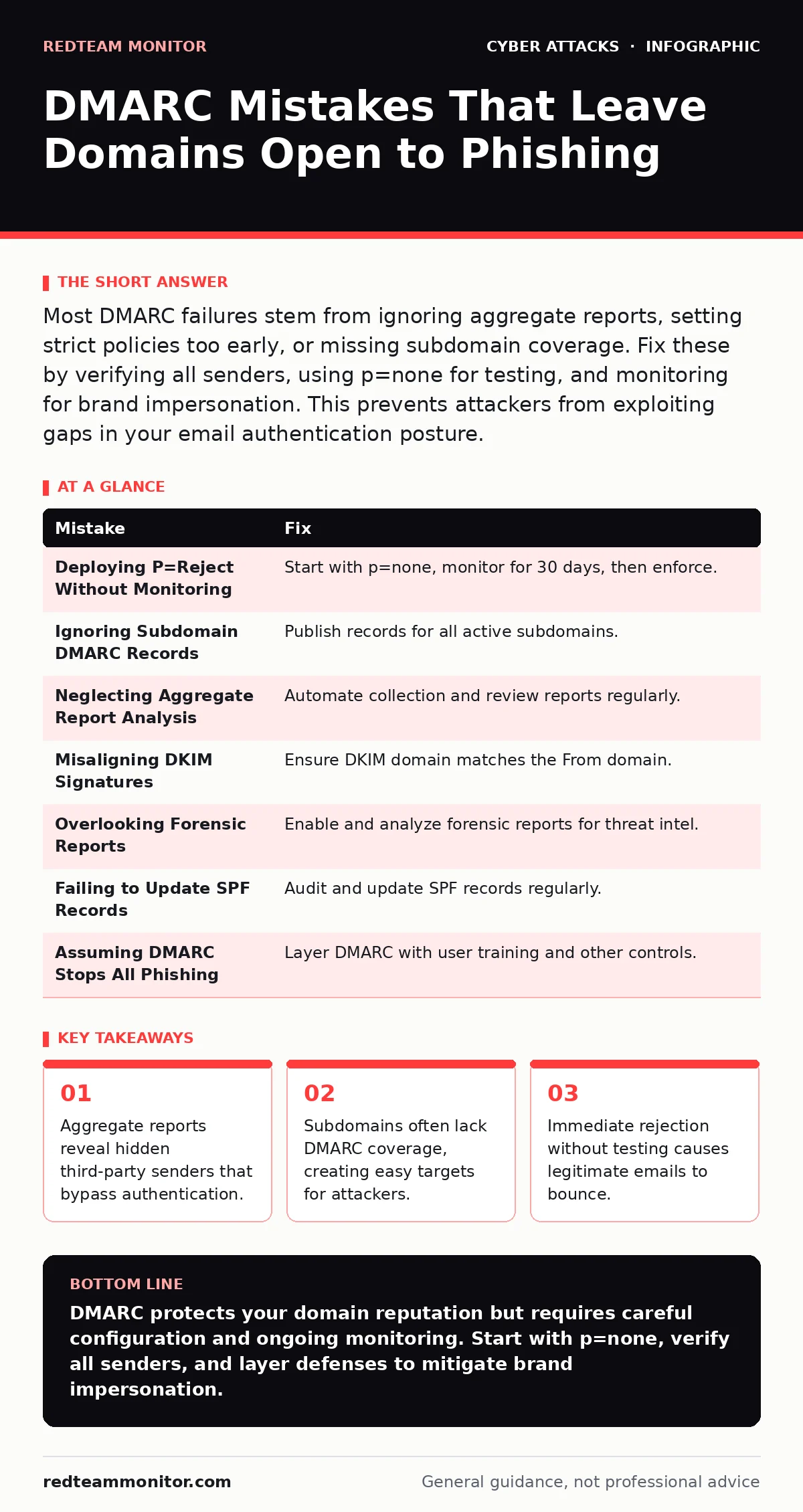
Most DMARC failures stem from ignoring aggregate reports, setting strict policies too early, or missing subdomain coverage. Fix these by verifying all senders, using p=none for testing, and monitoring for brand impersonation. This prevents attackers from exploiting gaps in your email authentication posture.
Mistake 1: Deploying P=Reject Without Monitoring
Organizations often rush to set the DMARC policy to p=reject immediately. This blocks all unauthenticated email from the domain. The intent is to stop spoofing instantly. However, this aggressive stance ignores internal mail flows that may not be authenticated correctly.
Why it hurts:
Legitimate emails from marketing platforms or HR tools get blocked. Users lose critical communications. The disruption creates pressure to relax security settings. Attackers exploit this chaos by sending phishing emails that slip through temporary gaps. You lose trust with users who receive bounce messages for valid mail.
The fix:
Start with p=none to monitor traffic without blocking. Review aggregate reports for at least 30 days. Identify all legitimate sending sources. Configure DKIM and SPF for each source. Only switch to p=quarantine or p=reject when you are certain all legitimate mail passes authentication. This gradual approach prevents accidental outages.
Mistake 2: Ignoring Subdomain DMARC Records
Many administrators publish a DMARC record only for the apex domain. They assume this covers all subdomains. DMARC does not automatically inherit policies from the parent domain. Each subdomain requires its own DNS record. Leaving subdomains unprotected creates a significant security gap.
Why it hurts:
Attackers target unprotected subdomains to send phishing emails. These emails bypass DMARC checks for the main domain. Users see emails from subdomain.company.com and trust them implicitly. This facilitates brand impersonation attacks that look legitimate. The lack of coverage undermines the entire authentication strategy.
The fix:
Publish DMARC records for every active subdomain. Use wildcard records only if necessary and understood. Ensure each subdomain has proper SPF and DKIM alignment. Regularly audit subdomains for new services. Remove or secure unused subdomains to reduce the attack surface. Consistent coverage across all domains ensures comprehensive protection.
Mistake 3: Neglecting Aggregate Report Analysis
Many teams ignore these files or let them accumulate unread. Without analysis, you cannot verify that your configuration works. You remain blind to authentication failures and potential abuse.
Why it hurts:
Hidden senders continue to bypass authentication. Fraudulent emails may slip through unnoticed. You miss opportunities to tighten security. The lack of visibility leads to false confidence. Attackers exploit these blind spots to launch persistent campaigns. You cannot defend what you do not measure.
The fix:
Automate the collection and parsing of aggregate reports. Use standardized formats like RUA. Monitor for unexpected sources or high failure rates. Investigate any new source that appears in reports. Adjust SPF and DKIM records as needed. Regular review ensures your policy reflects current email practices.
Mistake 4: Misaligning DKIM Signatures
DKIM adds a cryptographic signature to email headers. DMARC requires domain alignment. The domain in the DKIM signature must match the From domain. Many services use generic DKIM domains. This breaks alignment and causes DMARC failures. Misaligned signatures look like spoofing to receivers.
Why it hurts:
Legitimate emails fail DMARC checks. Receivers may reject or quarantine these messages. Users lose access to important communications. Attackers exploit this by sending spoofed emails that pass alignment. The misalignment creates confusion and reduces trust. You must ensure every signer aligns with the visible sender domain.
The fix:
Configure third-party services to use custom DKIM domains. Ensure the DKIM domain matches the From domain. Test signatures regularly. Verify alignment in DMARC reports. Adjust configurations to maintain strict alignment. This ensures all legitimate mail passes authentication checks.
Mistake 5: Overlooking Forensic Reports
Forensic reports provide detailed data on individual message failures. They help identify specific attacks. Many teams disable these reports due to privacy concerns or noise. However, they offer critical insights into active threats. Ignoring them limits your ability to respond to incidents.
Why it hurts:
You lack detailed evidence of attacks. Incident response becomes slower and less effective. Attackers adapt to your blind spots. You cannot trace the origin of sophisticated phishing campaigns. The lack of detail hinders forensic analysis. You miss opportunities to block malicious sources.
The fix:
Enable forensic reports where legally permissible. Use privacy-preserving techniques to protect sensitive data. Analyze reports for patterns of abuse. Block malicious sources identified in reports. Collaborate with industry groups to share threat intelligence. Detailed reporting enhances your defensive capabilities.
See also: Microsoft Exchange Vulnerabilities: Risks and Protection for Small Businesses
Mistake 6: Failing to Update SPF Records
SPF lists authorized IP addresses for sending email. DMARC relies on SPF alignment. Many teams forget to update SPF records when services change. This leads to authentication failures. Unupdated records create gaps in your security posture. Attackers exploit these outdated configurations.
Why it hurts:
Legitimate emails fail authentication. Receivers reject valid messages. Users experience communication breakdowns. Attackers use old IP ranges to send spoofed mail. The outdated SPF record undermines DMARC effectiveness. You must keep SPF records current to maintain trust.
The fix:
Audit SPF records regularly. Remove unused IP addresses. Add new services promptly. Use DNS delegation for complex setups. Monitor for SPF resolution errors. Keep records accurate and up-to-date. This ensures consistent authentication across all sending sources.
Mistake 7: Assuming DMARC Stops All Phishing
DMARC authenticates the domain, not the content. It does not scan for malware or malicious links. Users may still click on phishing links. DMARC reduces spoofing but does not eliminate risk. Overreliance on DMARC creates a false sense of security. You need layered defenses.
Why it hurts:
Attackers use legitimate domains to send harmful content. DMARC passes these checks. Users trust the sender and engage with malicious payloads. This leads to credential theft or malware infection. You must combine DMARC with other security measures. Single-layer defense is insufficient against modern threats.
The fix:
Implement additional security controls. Use phishing-resistant authentication for users. Educate employees on recognizing social engineering. Deploy bot protection to filter automated attacks. Monitor for insider threats that may bypass technical controls. Layered security provides deeper protection.
| Mistake | Fix |
|---|---|
| Deploying P=Reject Without Monitoring | Start with p=none, monitor for 30 days, then enforce. |
| Ignoring Subdomain DMARC Records | Publish records for all active subdomains. |
| Neglecting Aggregate Report Analysis | Automate collection and review reports regularly. |
| Misaligning DKIM Signatures | Ensure DKIM domain matches the From domain. |
| Overlooking Forensic Reports | Enable and analyze forensic reports for threat intel. |
| Failing to Update SPF Records | Audit and update SPF records regularly. |
| Assuming DMARC Stops All Phishing | Layer DMARC with user training and other controls. |
Key takeaways
- Aggregate reports reveal hidden third-party senders that bypass authentication.
- Subdomains often lack DMARC coverage, creating easy targets for attackers.
- Immediate rejection without testing causes legitimate emails to bounce.
DMARC protects your domain reputation but requires careful configuration and ongoing monitoring. Start with p=none, verify all senders, and layer defenses to mitigate brand impersonation.
Frequently asked questions
Does DMARC protect against password spraying attacks?
No, DMARC authenticates email sources, not user credentials. Password spraying targets login pages. Use phishing-resistant authentication to defend against credential theft. DMARC reduces phishing emails that initiate such attacks.
Can DMARC prevent DNS spoofing?
DMARC helps verify email authenticity, reducing spoofing impact. It does not directly prevent DNS spoofing attacks. Use DNSSEC to secure DNS resolution. Combine these measures for stronger protection against domain manipulation.
How does DMARC help with brand impersonation?
DMARC blocks emails claiming to be from your domain if they fail authentication. This reduces successful brand impersonation attempts. Attackers cannot easily spoof your domain. It protects your brand reputation and user trust.
Should I use DMARC for internal email only?
DMARC applies to all email leaving your domain. Internal email often uses separate routing. Ensure internal senders are authenticated. External reputation depends on consistent DMARC enforcement. Ignore internal traffic at your own risk.
How this guide was produced: written by the RedTeam Monitor editorial team with AI assistance, checked against the public references listed below, and reviewed when the facts change. See our editorial policy or report an error.