
Microsoft Exchange Vulnerabilities: Risks and Protection for Small Businesses
Small businesses face disproportionate risk from Exchange flaws because attackers exploit the gap between public internet exposure and limited internal patching capacity.
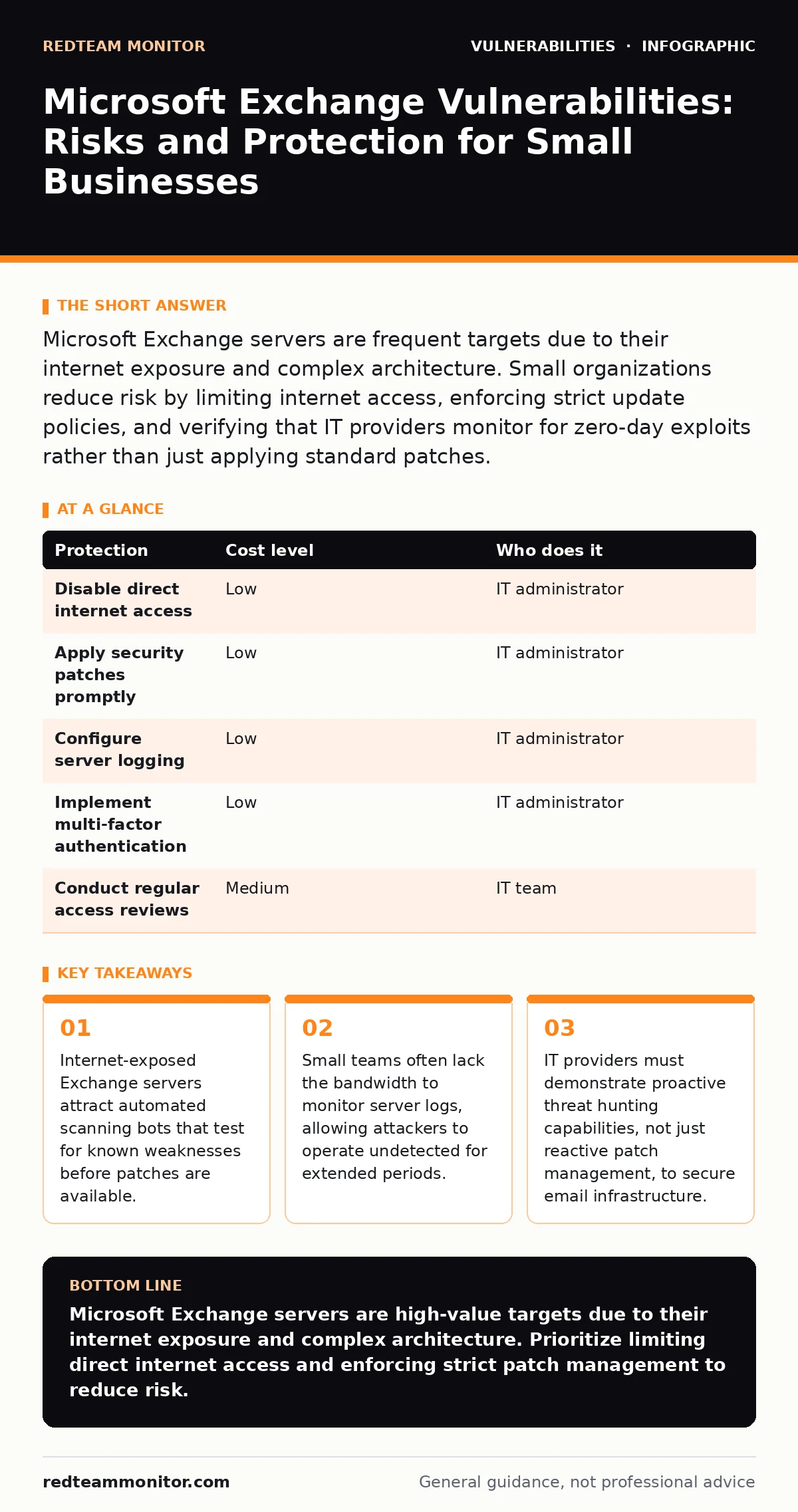
Microsoft Exchange servers are frequent targets due to their internet exposure and complex architecture. Small organizations reduce risk by limiting internet access, enforcing strict update policies, and verifying that IT providers monitor for zero-day exploits rather than just applying standard patches.
Why Exchange Servers Attract Attackers
Microsoft Exchange handles sensitive organizational communication, making it a high-value target for cybercriminals. The software runs on Windows servers and manages mailboxes, calendars, and contacts. Because these servers often sit behind firewalls but maintain open ports for internet traffic, they present a large attack surface. Attackers do not need to guess passwords if they can exploit a vulnerability in the server software itself.
The complexity of Exchange increases risk. The system relies on multiple components, including web services, database engines, and authentication modules. A flaw in any single component can compromise the entire server. Small organizations often run older versions of Exchange to avoid the cost of migration. These legacy versions no longer receive security updates, leaving them permanently exposed to known exploits.
Small teams lack the resources to monitor traffic patterns. Attackers use slow, low-and-slow techniques to avoid detection. They might read emails one by one or exfiltrate data in small batches. Without dedicated security operations staff, these activities blend in with normal business traffic. The result is a compromised server that continues to function normally while attackers harvest credentials and sensitive data.
The Hidden Costs of Internet Exposure
Connecting an Exchange server directly to the internet is a common practice for small businesses seeking remote access. This configuration allows employees to check email from anywhere. However, it also makes the server visible to global scanning networks. Bots constantly probe open ports, looking for specific software fingerprints. When a bot identifies an Exchange server, it immediately tests for known vulnerabilities.
The cost of exposure is not just financial. A breach damages client trust and may violate data protection regulations. Recovery involves forensic analysis, data restoration, and legal consultation. These costs often exceed the budget of a small organization. Furthermore, the downtime during recovery disrupts business operations. Email is the primary communication channel for most firms. Losing access for days or weeks can halt sales, support, and internal coordination.
Limiting internet access reduces the attack surface. You can achieve this by placing Exchange behind a proxy server or using a secure remote access solution. This approach hides the server from direct internet scans. Only authenticated users can reach the mail system. This adds a layer of security that compensates for the lack of advanced monitoring tools.
Low-Cost Protections for Limited Budgets
Small organizations can implement effective defenses without expensive security suites. The first step is to restrict internet-facing services. If remote access is required, use a virtual private network (VPN) or a zero-trust network access solution. These tools verify user identity before granting access to internal resources. This prevents attackers from reaching the Exchange server directly.
Keep the server updated. Microsoft releases security patches regularly. Applying these updates promptly closes known vulnerabilities. Automate the update process to ensure no patches are missed. Test updates in a non-production environment first to avoid compatibility issues. This practice ensures that the production server remains stable while staying secure.
Monitor server logs for unusual activity. Look for failed login attempts, unexpected administrative changes, or data transfers at odd hours. Basic logging is built into Exchange. Configure alerts for critical events. This allows you to detect potential breaches early. Even without advanced threat detection tools, manual review of logs can reveal suspicious behavior.
| Protection | Cost level | Who does it |
|---|---|---|
| Disable direct internet access | Low | IT administrator |
| Apply security patches promptly | Low | IT administrator |
| Configure server logging | Low | IT administrator |
| Implement multi-factor authentication | Low | IT administrator |
| Conduct regular access reviews | Medium | IT team |
What to Ask Your IT Provider
If you outsource IT management, you must verify that the provider secures your Exchange server adequately. Many providers focus on basic maintenance, such as backups and antivirus updates. This is insufficient for protecting against targeted attacks. You need a provider that understands the specific risks associated with email servers.
Ask the provider about their patch management process. They should have a clear timeline for testing and deploying security updates. Delays in applying patches leave the server vulnerable. Ask how they monitor for zero-day exploits. These are vulnerabilities with no available patch. A proactive provider will implement compensating controls, such as web application firewalls, to block exploit attempts.
Inquire about their experience with Microsoft Exchange security. Ask if they have handled previous incidents involving Exchange vulnerabilities. Their answers will reveal their depth of knowledge. A competent provider will discuss specific mitigation strategies, not just general security advice. They should also offer regular security assessments to identify weaknesses before attackers do.
The Role of Authentication and Access Control
Strong authentication is a critical defense layer. Passwords alone are insufficient. Attackers use brute-force tools to guess passwords. Implement multi-factor authentication (MFA) for all user accounts. MFA requires a second form of verification, such as a code from a mobile app. This blocks attackers who have stolen passwords but lack the second factor.
Restrict administrative access. Only a few users should have admin rights on the Exchange server. Limit these accounts to trusted personnel. Use separate accounts for daily tasks and administrative duties. This reduces the risk of credential theft leading to full server compromise. Monitor admin account activity closely. Any unusual changes should trigger an immediate investigation.
Review mailbox permissions regularly. Ensure that only authorized users can access sensitive mailboxes. Remove access for former employees promptly. Stale permissions are a common oversight in small organizations. They provide attackers with unauthorized access to data. Regular audits help maintain a clean permission structure.
See also: DMARC for Small Business: Stop Email Fraud Without the Budget · Privacy Impact Assessments for Small Businesses: Practical Steps
Understanding Related Security Concepts
Exchange vulnerabilities often intersect with broader security issues. For instance, web application firewalls can help filter malicious traffic targeting the Exchange web interface. These firewalls inspect HTTP requests and block known attack patterns. They provide an additional layer of defense against exploits targeting web-based components.
SQL injection attacks can target the database backend of Exchange. Although less common with modern configurations, improper input validation can allow attackers to execute malicious database commands. Ensuring that all input is validated and parameterized prevents this type of attack. This practice is part of general application security hygiene.
OWASP Top 10 lists the most critical web application security risks. Many of these risks apply to Exchange web services. Understanding these risks helps you prioritize security efforts. For example, broken access control is a frequent issue in Exchange deployments. Reviewing the OWASP guidelines can reveal gaps in your current security posture.
Exposed .git directories are another common misconfiguration. If an Exchange server runs web applications that include version control directories, attackers can download source code. This code may contain sensitive information or configuration details. Regularly scan for exposed directories and remove them from public access.
Automatic software updates are vital for maintaining security. Delaying updates increases the window of exposure to known vulnerabilities. Configure your systems to download and install updates automatically. Test updates in a staging environment to prevent disruptions. This practice ensures that your servers remain protected against the latest threats.
Integer overflow vulnerabilities can affect software components that handle numerical data. While rare in Exchange, they can cause unexpected behavior or crashes. Keeping software updated ensures that such flaws are patched. Regular security testing can also identify potential overflow issues.
Hardening a self-hosted GitLab server shares similarities with securing Exchange. Both involve protecting internet-facing services. Practices such as disabling unnecessary services, restricting access, and monitoring logs apply to both. Learning from one context can improve security in the other.
Citrix NetScaler vulnerabilities highlight the risk of relying on third-party infrastructure components. Exchange may rely on similar components for load balancing or authentication. Assess the security of all components in your architecture. Ensure that they are updated and configured securely.
Building a Resilient Email Infrastructure
Securing Microsoft Exchange requires a combination of technical controls and procedural discipline. Limit internet exposure, enforce strong authentication, and keep software updated. These measures reduce the likelihood of a successful attack. Monitor logs and review access permissions regularly to detect anomalies early.
Work with an IT provider that demonstrates proactive security practices. Ask specific questions about their patch management and threat detection capabilities. Verify their experience with Exchange security incidents. A knowledgeable provider will help you build a resilient infrastructure that withstands modern threats.
Small organizations can protect their email infrastructure without massive investments. Focus on reducing the attack surface and enhancing visibility. Implement basic controls consistently. Review and adjust your security posture regularly. This approach ensures that your Exchange server remains secure against evolving threats.
Key takeaways
- Internet-exposed Exchange servers attract automated scanning bots that test for known weaknesses before patches are available.
- Small teams often lack the bandwidth to monitor server logs, allowing attackers to operate undetected for extended periods.
- IT providers must demonstrate proactive threat hunting capabilities, not just reactive patch management, to secure email infrastructure.
Microsoft Exchange servers are high-value targets due to their internet exposure and complex architecture. Prioritize limiting direct internet access and enforcing strict patch management to reduce risk.
Frequently asked questions
Does multi-factor authentication stop all Exchange attacks?
Multi-factor authentication blocks attacks that rely on stolen passwords. It does not protect against software vulnerabilities that bypass authentication entirely. You still need to patch software and monitor for exploits.
How often should I update my Exchange server?
Apply security patches as soon as they are released and tested. Microsoft often releases critical updates in response to active exploits. Delaying updates leaves your server vulnerable to known threats.
Can I secure Exchange if I have no IT staff?
You can reduce risk by limiting internet access and enforcing multi-factor authentication. However, you will need an external IT provider to manage patches and monitor for security incidents. Ensure the provider has specific Exchange security expertise.
What is a zero-day exploit?
A zero-day exploit targets a vulnerability that is unknown to the software vendor. There is no patch available. Protection relies on detecting unusual behavior and blocking exploit attempts through network controls and firewalls.
How this guide was produced: written by the RedTeam Monitor editorial team with AI assistance, checked against the public references listed below, and reviewed when the facts change. See our editorial policy or report an error.