
Hardening a Self-Hosted GitLab Server: 8 Proven Practices
You reduce your attack surface by treating the GitLab runner as a separate security domain and isolating database connections from the web tier.
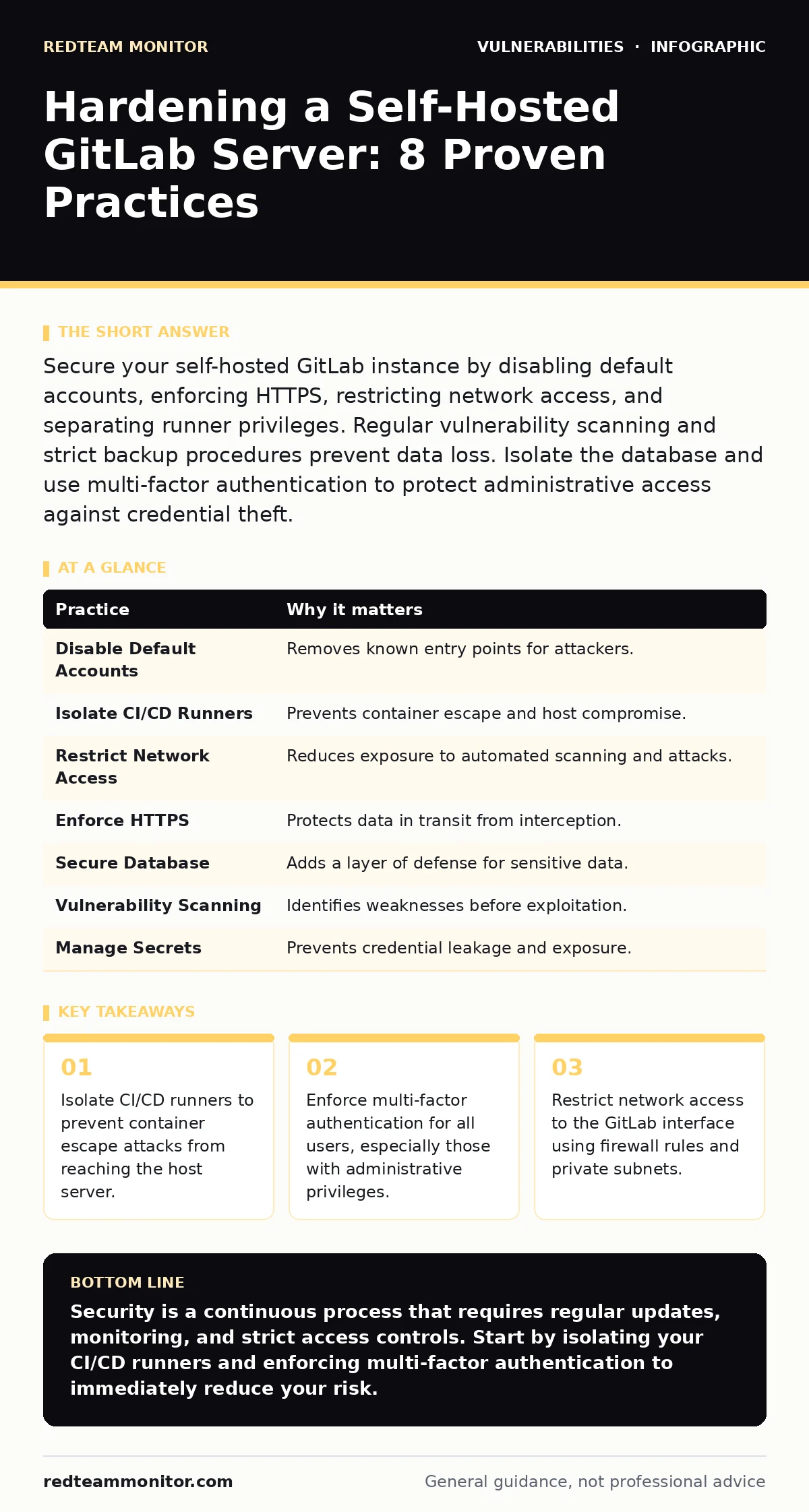
Secure your self-hosted GitLab instance by disabling default accounts, enforcing HTTPS, restricting network access, and separating runner privileges. Regular vulnerability scanning and strict backup procedures prevent data loss. Isolate the database and use multi-factor authentication to protect administrative access against credential theft.
1. Disable Default Accounts and Enforce MFA
You must disable the default administrator account and require multi-factor authentication for every user. Default accounts are known entry points that attackers target first. Multi-factor authentication adds a second layer of defense that passwords alone cannot provide. This prevents unauthorized access even if credentials are stolen through phishing or data breaches.
Tip: Configure GitLab to reject login attempts from the default root user and enforce TOTP or hardware key verification for all accounts.
2. Isolate CI/CD Runners from the Host
You should treat CI/CD runners as untrusted environments that operate on separate hardware or virtual machines. Runners execute code from your repositories, which may contain malicious payloads. If a runner is compromised, an attacker could pivot to the host system or other runners. Isolation limits the blast radius of a successful compromise.
Tip: Use dedicated virtual machines for runners and restrict their network access to only the services they need to build and test code.
3. Restrict Network Access with Firewalls
You limit exposure by configuring firewalls to allow traffic only from trusted IP addresses. Opening GitLab to the entire internet increases the risk of automated scanning and brute-force attacks. Restricting access ensures that only authorized users and services can reach the application. This reduces the number of potential entry points for attackers.
Tip: Implement firewall rules that block all inbound traffic except from your organization’s known IP ranges and necessary external services.
4. Enforce HTTPS and Disable Weak Ciphers
You protect data in transit by enforcing HTTPS and disabling outdated encryption protocols. Plaintext communication exposes credentials and source code to interception. Weak ciphers can be broken by modern computing power, compromising confidentiality. Enforcing strong encryption ensures that data remains secure between the client and server.
Tip: Configure GitLab to use TLS 1.2 or higher and disable support for older protocols like TLS 1.0 and 1.1.
5. Secure the Database with Separate Access
You protect your data by hosting the database on a separate server with restricted access. The database contains sensitive information, including user credentials and repository data. If the web server is compromised, a separate database server provides an additional barrier. This separation prevents attackers from easily accessing the core data store.
Tip: Configure the database server to accept connections only from the GitLab application server and use strong, unique credentials for database access.
6. Implement Regular Vulnerability Scanning
You identify weaknesses before attackers do by running regular vulnerability scans on your GitLab instance. New vulnerabilities are discovered frequently in software components. Scanning helps you detect and patch these issues before they can be exploited. This proactive approach reduces the likelihood of a successful breach.
Tip: Integrate automated vulnerability scanning into your CI/CD pipeline to check for known issues in dependencies and configurations.
7. Manage Secrets and Tokens Securely
You prevent credential leakage by storing secrets and tokens in a dedicated secrets manager. Hardcoding secrets in configuration files or repositories exposes them to anyone with read access. Using a secrets manager ensures that sensitive data is encrypted and access-controlled. This reduces the risk of accidental exposure and simplifies rotation procedures.
Tip: Use environment variables or a secrets manager to inject sensitive data into your GitLab runners rather than storing them in the repository.
8. Maintain Immutable Backups
You ensure recoverability by creating immutable backups that cannot be modified or deleted. Ransomware and insider threats can corrupt or delete backups, leaving you without a recovery option. Immutable backups guarantee that you have a clean copy of your data to restore from. This protects against both external attacks and internal errors.
Tip: Store backups in a separate location with write-once-read-many (WORM) storage capabilities to prevent tampering.
| Practice | Why it matters |
|---|---|
| Disable Default Accounts | Removes known entry points for attackers. |
| Isolate CI/CD Runners | Prevents container escape and host compromise. |
| Restrict Network Access | Reduces exposure to automated scanning and attacks. |
| Enforce HTTPS | Protects data in transit from interception. |
| Secure Database | Adds a layer of defense for sensitive data. |
| Vulnerability Scanning | Identifies weaknesses before exploitation. |
| Manage Secrets | Prevents credential leakage and exposure. |
| Immutable Backups | Ensures recoverability from ransomware or errors. |
9. Monitor Logs and Audit Activity
You detect suspicious behavior by enabling comprehensive logging and regular audit reviews. Logs provide a record of all actions taken within GitLab, including code changes and administrative tasks. Regular review helps identify unusual patterns or unauthorized access. This visibility is critical for incident response and forensic analysis.
Tip: Configure GitLab to send logs to a centralized logging system and set up alerts for suspicious activities like multiple failed login attempts.
Key takeaways
- Isolate CI/CD runners to prevent container escape attacks from reaching the host server.
- Enforce multi-factor authentication for all users, especially those with administrative privileges.
- Restrict network access to the GitLab interface using firewall rules and private subnets.
Security is a continuous process that requires regular updates, monitoring, and strict access controls. Start by isolating your CI/CD runners and enforcing multi-factor authentication to immediately reduce your risk.
Frequently asked questions
How often should I update my self-hosted GitLab server?
Update your GitLab server as soon as security patches are released to protect against known vulnerabilities.
Can I use a web application firewall with GitLab?
Yes, a web application firewall can provide an additional layer of protection by filtering malicious traffic.
What is the risk of using public runners?
Public runners are shared environments that may be compromised, posing a risk to your code and data security.
How do I handle default credentials in GitLab?
Change all default credentials immediately and enforce strong password policies for all users.
How this guide was produced: written by the RedTeam Monitor editorial team with AI assistance, checked against the public references listed below, and reviewed when the facts change. See our editorial policy or report an error.