
Vulnerability Scanning in Cyber Security: What It Misses and How to Fix It
Scanners find configuration errors and missing patches, but they cannot detect logic flaws or custom code errors that require human reasoning to exploit.
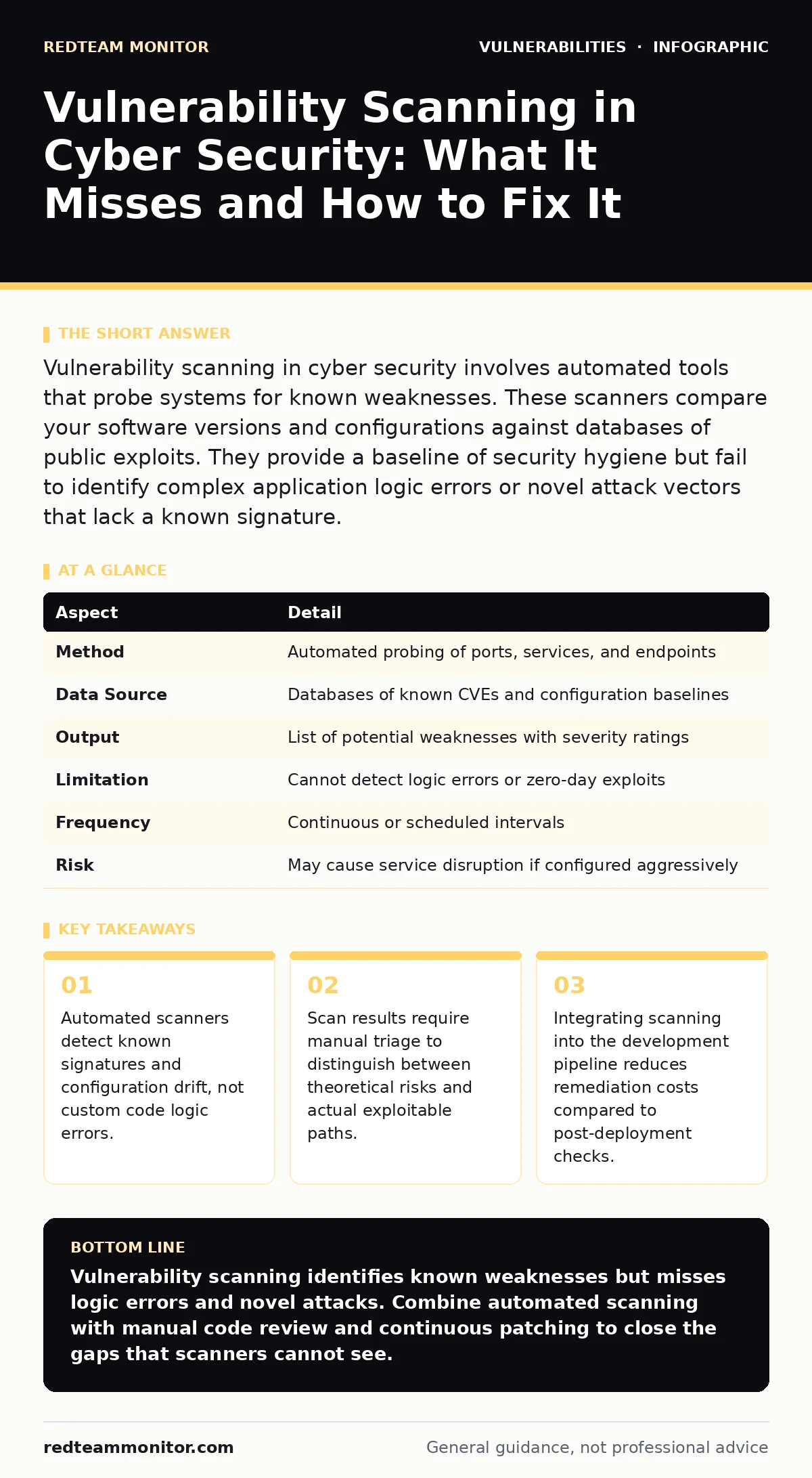
Vulnerability scanning in cyber security involves automated tools that probe systems for known weaknesses. These scanners compare your software versions and configurations against databases of public exploits. They provide a baseline of security hygiene but fail to identify complex application logic errors or novel attack vectors that lack a known signature.
The Lock Check Analogy
Imagine a security guard walking through a building at night. The guard checks every door to see if it is locked. The guard notes which locks are rusty and which doors are propped open. The guard does not test whether the lock mechanism can be picked. The guard does not check if the window hinges are loose. The guard reports on the state of the locks. Vulnerability scanning operates on this same principle. It checks for known, documented weaknesses in your digital infrastructure. It tells you if your "locks" match the current standard. It does not tell you if an attacker can bypass the lock entirely.
How Vulnerability Scanning Works
Scanners operate by sending specific requests to your systems. These requests mimic the behavior of attackers or diagnostic tools. The scanner records how the system responds. It then compares these responses against a database of known vulnerabilities. If the response matches a pattern associated with a known weakness, the scanner flags it. This process relies on signatures. A signature is a unique identifier for a specific vulnerability. The scanner looks for the presence of this identifier. It does not understand the context of the application. It only knows that a specific version of software exists and that version has a known flaw.
At a Glance: Scanning Mechanics
| Aspect | Detail |
|---|---|
| Method | Automated probing of ports, services, and endpoints |
| Data Source | Databases of known CVEs and configuration baselines |
| Output | List of potential weaknesses with severity ratings |
| Limitation | Cannot detect logic errors or zero-day exploits |
| Frequency | Continuous or scheduled intervals |
| Risk | May cause service disruption if configured aggressively |
What People Usually Get Wrong
Many teams treat the scan report as a to-do list. They assume that fixing every item will make the system secure. This is a false equivalence. Scanners generate false positives. A false positive occurs when the scanner identifies a vulnerability that does not exist. This happens because the scanner cannot see the full context. It sees a service running and assumes it is exposed. It does not know if a firewall blocks access to that service. Fixing false positives wastes time. Ignoring true positives creates risk. You must verify every finding before allocating resources.
The Blind Spot: Logic and Code
Scanners are blind to business logic flaws. Imagine a shopping cart that allows a user to apply a discount code twice. The code works as written. The scanner sees no error. The logic is flawed. This type of error requires a human to understand the intent of the application. Automated tools cannot reason about intent. They only check for known patterns. This is why understanding SQL injection attacks requires different testing methods than checking for missing patches.
See also: WordPress Plugin Vulnerability Prevention Checklist · OWASP Top 10 Explained: The Broken Lock Metaphor for Web Security
Who It Affects and Why It Matters
Every organization with digital infrastructure is affected. The impact depends on the exposure of the assets. External-facing servers are scanned constantly by automated bots. These bots look for easy wins. They target systems with default credentials or known unpatched software. Internal systems are less exposed to external bots but remain vulnerable to insider threats. If an attacker gains initial access, they use scanning tools to move laterally. They look for privilege escalation vulnerabilities within the network. The scanner helps you find these paths before the attacker does.
What to Do About It
Integrate scanning into your deployment pipeline. Run automated checks every time code changes. This catches new vulnerabilities early. Early detection is cheaper than post-incident remediation. Use different types of scanners for different layers. Network scanners check for open ports and service versions. Web application scanners check for input validation errors. Container scanners check for vulnerabilities in image layers. Combine these results into a single view. Prioritize fixes based on exploitability, not just severity scores. A high severity score means little if the vulnerability is not reachable.
Beyond the Scanner
Scanning is a baseline, not a solution. You need additional controls to address what scanners miss. Implement web application firewalls to block common attack patterns in real-time. These devices filter traffic based on rules. They can stop known exploit attempts even if the underlying vulnerability is not yet patched. Ensure you have a process for managing automatic software updates. Updates often contain patches for critical vulnerabilities. Delaying updates extends the window of exposure. Review your code for OWASP Top 10 risks manually. These risks represent the most critical web application security issues. Manual review catches logic errors that scanners miss.
Maintaining the Baseline
Schedule regular scans to maintain visibility. Systems change frequently. New services are added. Configurations drift. A one-time scan provides a snapshot that becomes outdated quickly. Frequent scanning ensures you catch new weaknesses as they appear. Review the false positive rate of your tools. Tune the scanners to reduce noise. High noise levels lead to alert fatigue. Teams ignore alerts when they are overwhelmed. This causes real vulnerabilities to be missed. Balance the frequency of scans with the stability of your systems. Aggressive scanning can disrupt services. Configure scanners to respect service availability requirements.
The Human Element
Automated tools provide data, not decisions. You must interpret the data. Context matters. A vulnerability in a development environment is less risky than the same vulnerability in production. A vulnerability in a rarely accessed service is less risky than one in a public-facing API. Use this context to prioritize remediation. Train your team to understand the limitations of scanning. They should know what the tools can and cannot see. This knowledge prevents over-reliance on automation. It encourages a deeper understanding of the application security posture.
Key takeaways
- Automated scanners detect known signatures and configuration drift, not custom code logic errors.
- Scan results require manual triage to distinguish between theoretical risks and actual exploitable paths.
- Integrating scanning into the development pipeline reduces remediation costs compared to post-deployment checks.
Vulnerability scanning identifies known weaknesses but misses logic errors and novel attacks. Combine automated scanning with manual code review and continuous patching to close the gaps that scanners cannot see.
Frequently asked questions
How often should I run vulnerability scans?
Run automated scans continuously in the development pipeline. Perform full infrastructure scans weekly or after any significant configuration change to catch drift.
Can vulnerability scanners prevent attacks?
No. Scanners only identify weaknesses. They do not block traffic or stop exploitation. You must patch the identified vulnerabilities or implement compensating controls to prevent attacks.
What is the difference between vulnerability scanning and penetration testing?
Scanning is automated and checks for known signatures. Penetration testing is manual and attempts to exploit weaknesses, including logic flaws and chained attacks, to prove impact.
Do scanners detect zero-day vulnerabilities?
No. Zero-day vulnerabilities are unknown to the public and the vendor. Scanners rely on known signatures. They cannot detect a flaw for which no signature exists.
How this guide was produced: written by the RedTeam Monitor editorial team with AI assistance, checked against the public references listed below, and reviewed when the facts change. See our editorial policy or report an error.