OWASP Top 10 Explained: The Broken Lock Metaphor for Web Security
The OWASP Top 10 is not a coding checklist but a shared language for risk, yet most teams treat it as a static list rather than a dynamic map of attacker behavior.
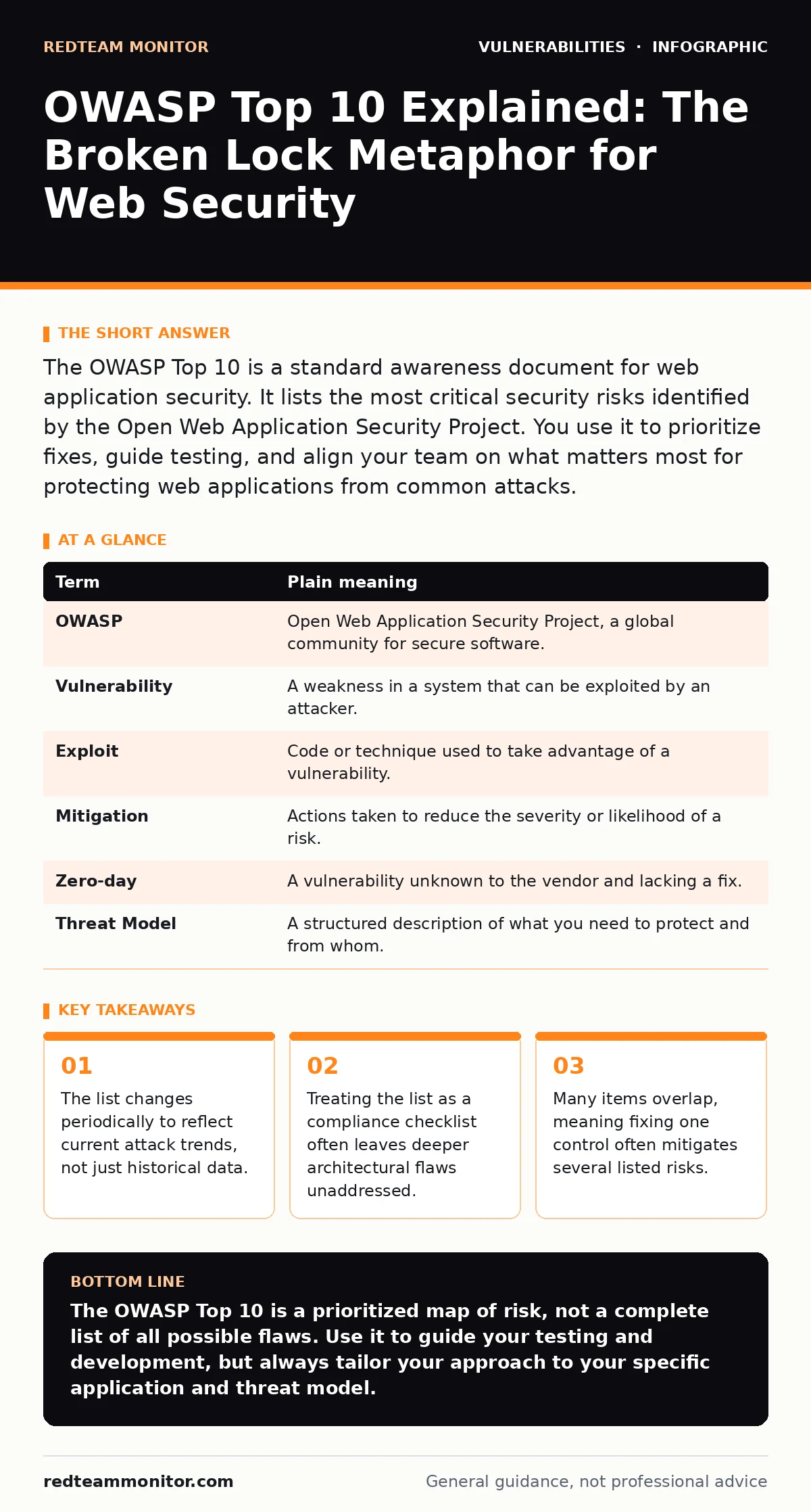
The OWASP Top 10 is a standard awareness document for web application security. It lists the most critical security risks identified by the Open Web Application Security Project. You use it to prioritize fixes, guide testing, and align your team on what matters most for protecting web applications from common attacks.
The Broken Lock Shop Analogy
Imagine you own a shop. You have a door, windows, and a back entrance. The OWASP Top 10 is not a manual on how to build the shop. It is a list of the ten most common ways thieves break in. If you leave the back door unlocked, that is one risk. If you use a key that anyone can copy, that is another. This analogy helps you understand that the list describes failure modes, not specific tools.
You do not need to fix every possible way someone could enter your shop. You focus on the methods thieves actually use. The OWASP Top 10 works the same way. It highlights the vulnerabilities that attackers exploit most frequently. This allows you to prioritize your efforts where they will have the greatest impact.
What the List Actually Is
The Open Web Application Security Project (OWASP) is a nonprofit foundation that works to improve software security. The Top 10 is their flagship document. It is not a standard that you must follow by law. It is a community-driven consensus on the most severe risks.
Many teams mistake this document for a certification requirement. It is not. It is a starting point for your security program. Using it correctly means understanding the "why" behind each item. If you only patch the symptoms, the root cause remains.
Common Points of Confusion
A major source of confusion is the belief that the list is exhaustive. It is not. There are thousands of known vulnerabilities. The Top 10 only covers the most critical ones based on frequency and impact. Another confusion is assuming the list never changes. It is updated periodically to reflect new attack vectors and technology shifts.
Suppose you secure your application against the current Top 10. You might feel safe. However, a new technique could emerge that is not yet on the list. This is why the list is a baseline, not a ceiling. You must also look at your specific context. A mobile app has different risks than a web server.
| Term | Plain meaning |
|---|---|
| OWASP | Open Web Application Security Project, a global community for secure software. |
| Vulnerability | A weakness in a system that can be exploited by an attacker. |
| Exploit | Code or technique used to take advantage of a vulnerability. |
| Mitigation | Actions taken to reduce the severity or likelihood of a risk. |
| Zero-day | A vulnerability unknown to the vendor and lacking a fix. |
| Threat Model | A structured description of what you need to protect and from whom. |
The Hidden Cost of Checklist Security
When teams treat the OWASP Top 10 as a simple checklist, they miss the broader picture. This is known as "checklist security." You mark the box for Broken Access Control because you added a login screen. But you did not check if users can access other users' data by changing an ID number in the URL.
This approach creates a false sense of security. It also wastes resources on low-value fixes while high-value risks remain. For example, you might spend weeks fixing minor cosmetic issues while ignoring Injection flaws that allow attackers to execute arbitrary commands. See our guide on SQL injection for a deep dive into one of the most dangerous injection types.
Overlapping Defenses
Many items on the list are interconnected. Fixing one often helps with others. For instance, implementing strict input validation reduces the risk of Injection and Cross-Site Scripting (XSS). Input validation ensures that data entering your system matches expected formats. XSS occurs when attackers inject malicious scripts into web pages viewed by others.
You should look for controls that address multiple risks. This is more efficient than treating each item in isolation. A web application firewall can block many common attacks, but it is not a substitute for secure code. Learn more about the limits of web application firewalls in our dedicated article.
See also: How Bot Protection Works: The Hidden Mechanics of Web Traffic Filtering · Cross Site Scripting vs CSRF: How to Tell Them Apart and Stop Both
Try This Now
- Map your current application architecture against the latest OWASP Top 10. Identify which risks are most likely in your specific stack.
- Choose one high-risk item, such as Identification and Authentication Failures, and review your code for weak password policies or session management issues.
- Run a simple scan using a tool that checks for the Top 10. Use the results to start a conversation with your developers about secure coding practices.
Beyond the Top 10
The OWASP Top 10 is a great start, but it is not the end. You should also consider other frameworks and practices. For example, using memory-safe programming languages can prevent entire classes of vulnerabilities like buffer overflows. These languages manage memory automatically, reducing the chance of crashes and exploits.
You should also ensure your systems are protected from supply chain attacks. This means verifying the security of third-party libraries. Read our guide on security advisories to learn how to stay informed about vulnerabilities in the components you use.
Key takeaways
- The list changes periodically to reflect current attack trends, not just historical data.
- Treating the list as a compliance checklist often leaves deeper architectural flaws unaddressed.
- Many items overlap, meaning fixing one control often mitigates several listed risks.
The OWASP Top 10 is a prioritized map of risk, not a complete list of all possible flaws. Use it to guide your testing and development, but always tailor your approach to your specific application and threat model.
Frequently asked questions
Does the OWASP Top 10 apply to mobile apps?
No, OWASP has a separate Top 10 for mobile applications. The web list focuses on web-specific risks.
How often is the OWASP Top 10 updated?
It is updated periodically, usually every three to five years, to reflect new trends and technologies.
Is the OWASP Top 10 a legal requirement?
No, it is a voluntary standard. However, many contracts and security frameworks reference it.
Can I ignore items that do not apply to my app?
Yes, you should tailor the list to your context. If your app has no user authentication, broken authentication is not a risk.
How this guide was produced: written by the RedTeam Monitor editorial team with AI assistance, checked against the public references listed below, and reviewed when the facts change. See our editorial policy or report an error.