
Memory-Safe Language Mistakes and How to Fix Them
Memory safety prevents buffer overflows but does not stop logic errors, race conditions, or the misuse of unsafe code blocks that bypass compiler protections.
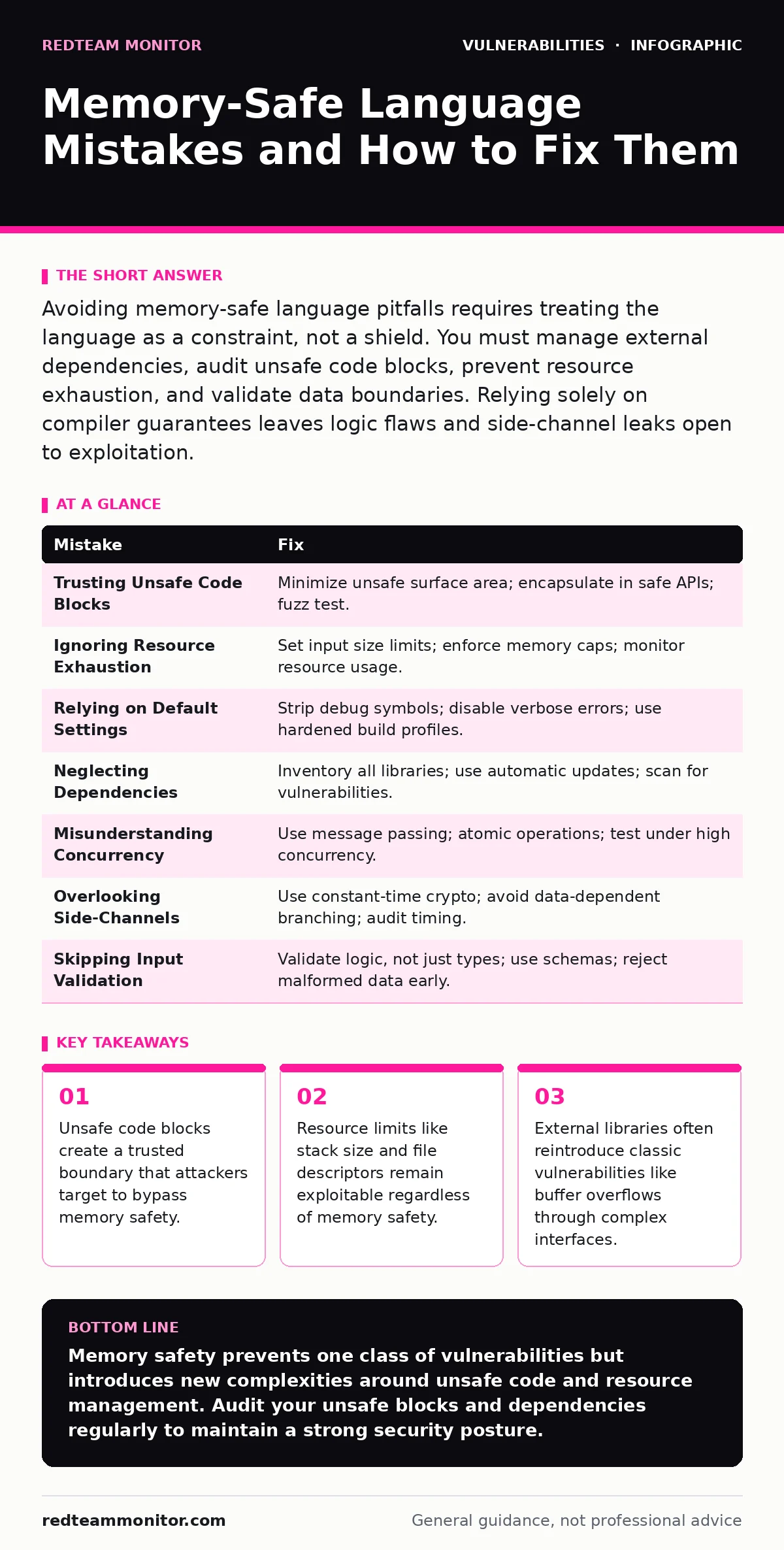
Avoiding memory-safe language pitfalls requires treating the language as a constraint, not a shield. You must manage external dependencies, audit unsafe code blocks, prevent resource exhaustion, and validate data boundaries. Relying solely on compiler guarantees leaves logic flaws and side-channel leaks open to exploitation.
Mistake 1: Trusting Unsafe Code Blocks Blindly
Developers often assume that writing in a memory-safe language like Rust or Go eliminates the need for manual memory management. They wrap low-level libraries or hardware drivers in unsafe blocks to gain performance or access raw pointers. The compiler enforces safety rules everywhere except inside these blocks, where it defers to the programmer.
Why it hurts:
An unsafe block is a hole in the safety net. If you mismanage pointers or lifetimes within that block, you reintroduce buffer overflows and use-after-free vulnerabilities. The compiler cannot verify that your manual memory operations are correct. This creates a single point of failure where a logic error becomes a remote code execution vector.
The fix:
Minimize the surface area of unsafe code. Encapsulate unsafe operations within a safe API that the rest of your codebase uses. Apply strict invariants to the data entering the unsafe block. Use tools like fuzz testing to probe the boundaries of these unsafe wrappers.
Mistake 2: Ignoring Resource Exhaustion Attacks
Memory-safe languages prevent you from writing past the end of an array. They do not prevent you from allocating too much memory. Attackers exploit this by forcing your application to allocate large amounts of memory or open too many file descriptors. This leads to out-of-memory crashes or denial of service.
Why it hurts:
The application becomes unresponsive or crashes under load. This is not a memory corruption issue; it is a resource management failure. The language runtime may panic or abort the process. Your service goes down, and the attacker achieves their denial-of-service goal without ever touching a byte of memory incorrectly.
The fix:
Implement strict input size limits. Configure the runtime to enforce memory caps. Monitor resource usage in real time. Set alerts for abnormal allocation patterns. Ensure your infrastructure can handle graceful degradation when limits are approached.
Mistake 3: Relying on Default Security Settings
Many modern languages come with default configurations that prioritize convenience over security. These defaults might allow for easy debugging, permissive dependency resolution, or relaxed build flags. Developers often deploy these defaults to production without review.
Why it hurts:
Default settings may leave debugging symbols in the binary. They might allow for stack traces to be exposed to end users. This information aids attackers in reverse-engineering your application. It provides a map of your internal logic and data structures.
The fix:
Audit every build configuration. Strip debugging symbols in production builds. Disable verbose error messages. Use hardened build profiles that enable security flags by default. Review the documentation for security-specific settings.
Mistake 4: Neglecting Third-Party Dependencies
Your code might be memory-safe, but the libraries you import are not always vetted to the same standard. Some dependencies may contain legacy code, unsafe wrappers, or complex logic that introduces vulnerabilities. These vulnerabilities can exist even if your direct code is flawless.
Why it hurts:
A vulnerability in a dependency can compromise your entire application. Attackers target popular libraries to maximize impact. You inherit the security posture of your dependencies. A single flawed library can negate the benefits of using a memory-safe language.
The fix:
Maintain an up-to-date inventory of all dependencies. Use automatic software updates to patch known vulnerabilities quickly. Regularly scan your dependency tree for known issues. Prefer libraries with strong security track records. Limit the number of dependencies to reduce risk.
Mistake 5: Misunderstanding Concurrency Safety
Memory safety does not equal thread safety. You can write code that never corrupts memory but still has race conditions. Race conditions occur when multiple threads access shared data without proper synchronization. This can lead to logic errors, data corruption, or inconsistent states.
Why it hurts:
Race conditions are difficult to reproduce and debug. They may only appear under high load or specific timing conditions. An attacker can trigger these conditions to manipulate application logic. This can lead to privilege escalation or data leakage without any memory corruption.
The fix:
Use the language’s concurrency primitives correctly. Prefer message passing over shared state. Use atomic operations for shared variables. Test your code under high concurrency. Use tools designed to detect race conditions.
See also: 7 Runtime Application Self-Protection Mistakes and How to Avoid Them · Penetration Testing Misconceptions: What Security Teams Actually Miss
Mistake 6: Overlooking Side-Channel Leaks
Memory-safe languages prevent direct memory reads and writes. They do not prevent side-channel attacks. These attacks exploit information leaked through timing, power consumption, or cache behavior. An attacker can infer sensitive data by observing how your application behaves.
Why it hurts:
Timing attacks can reveal cryptographic keys or user data. Cache timing attacks can bypass memory safety checks. These leaks are invisible to standard security tools. They require specialized analysis to detect.
The fix:
Use constant-time algorithms for cryptographic operations. Avoid data-dependent branching in sensitive code. Use compiler attributes to prevent optimizations that leak timing information. Audit your code for timing variations.
Mistake 7: Assuming Input Validation is Automatic
Developers sometimes believe that type safety eliminates the need for input validation. They assume that because the language checks types at compile time, the data is safe. This ignores the possibility of malformed or malicious data that conforms to the type but violates business logic.
Why it hurts:
Malformed data can cause unexpected behavior. It can trigger edge cases in your logic. It can lead to injection attacks if not properly sanitized. Type safety is not a substitute for semantic validation.
The fix:
Validate all input at the boundary. Check for logical correctness, not just type correctness. Use schemas to define expected data structures. Reject malformed data early. Refer to frameworks like the OWASP Top 10 for common validation pitfalls.
| Mistake | Fix |
|---|---|
| Trusting Unsafe Code Blocks | Minimize unsafe surface area; encapsulate in safe APIs; fuzz test. |
| Ignoring Resource Exhaustion | Set input size limits; enforce memory caps; monitor resource usage. |
| Relying on Default Settings | Strip debug symbols; disable verbose errors; use hardened build profiles. |
| Neglecting Dependencies | Inventory all libraries; use automatic updates; scan for vulnerabilities. |
| Misunderstanding Concurrency | Use message passing; atomic operations; test under high concurrency. |
| Overlooking Side-Channels | Use constant-time crypto; avoid data-dependent branching; audit timing. |
| Skipping Input Validation | Validate logic, not just types; use schemas; reject malformed data early. |
Key takeaways
- Unsafe code blocks create a trusted boundary that attackers target to bypass memory safety.
- Resource limits like stack size and file descriptors remain exploitable regardless of memory safety.
- External libraries often reintroduce classic vulnerabilities like buffer overflows through complex interfaces.
Memory safety prevents one class of vulnerabilities but introduces new complexities around unsafe code and resource management. Audit your unsafe blocks and dependencies regularly to maintain a strong security posture.
Frequently asked questions
Does Rust prevent all types of security vulnerabilities?
No, Rust prevents memory safety issues like buffer overflows but does not stop logic errors, race conditions, or injection attacks.
How do I test for race conditions in memory-safe code?
Use concurrent testing frameworks and stress tests that simulate high-load scenarios to trigger timing-related bugs.
Are third-party libraries in memory-safe languages safe?
Not necessarily; always audit dependencies for known vulnerabilities and unsafe code usage.
Can memory-safe languages be used for systems programming?
Yes, they are increasingly used for kernels and drivers, but require careful handling of unsafe code blocks.
How this guide was produced: written by the RedTeam Monitor editorial team with AI assistance, checked against the public references listed below, and reviewed when the facts change. See our editorial policy or report an error.