
WordPress Plugin Vulnerability Prevention Checklist
Most plugin breaches occur because organizations neglect the code execution context and privilege boundaries rather than ignoring known CVE identifiers.
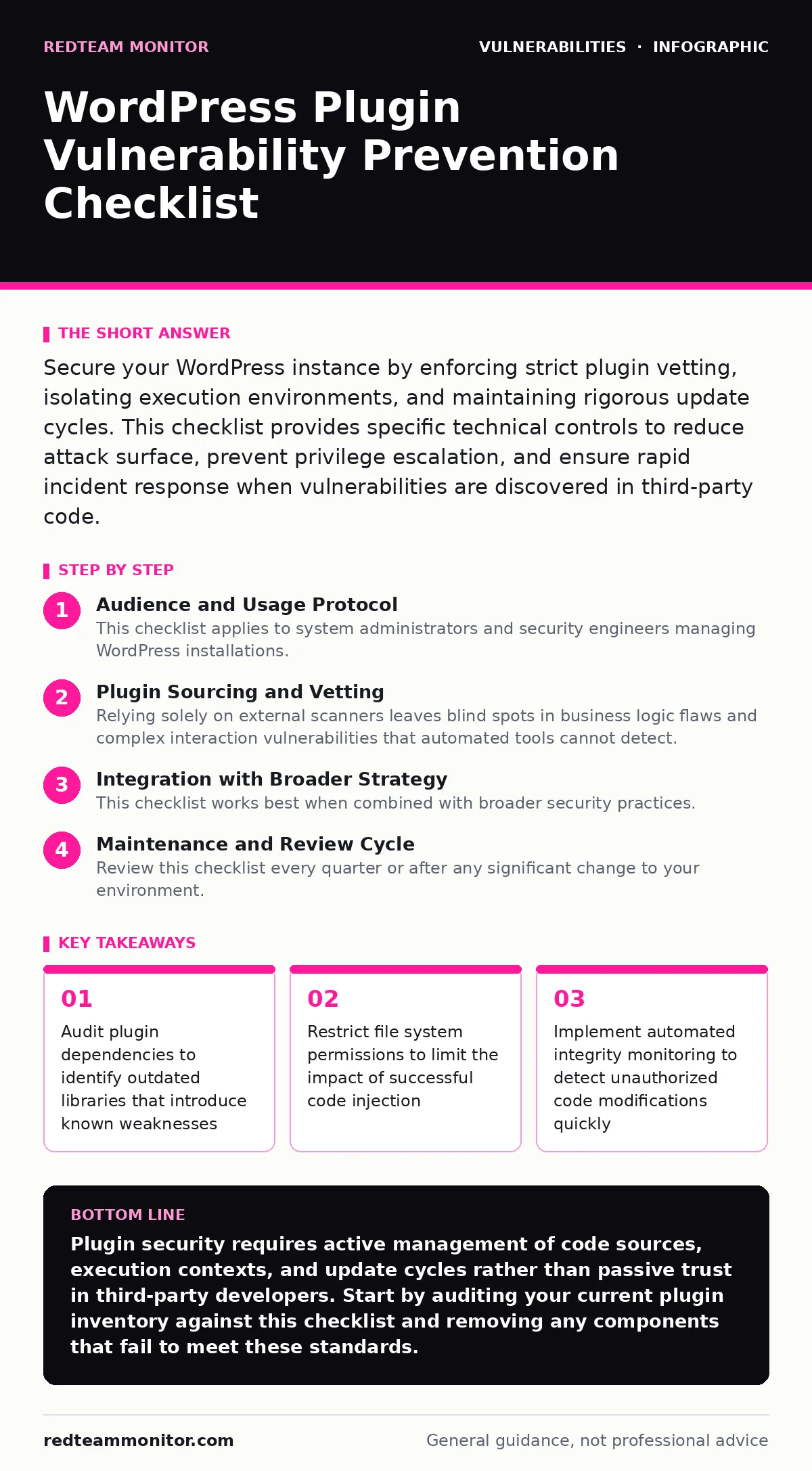
Secure your WordPress instance by enforcing strict plugin vetting, isolating execution environments, and maintaining rigorous update cycles. This checklist provides specific technical controls to reduce attack surface, prevent privilege escalation, and ensure rapid incident response when vulnerabilities are discovered in third-party code.
Audience and Usage Protocol
This checklist applies to system administrators and security engineers managing WordPress installations. You use this list to verify defensive posture before deployment and during routine maintenance. Each item represents a specific control that reduces risk exposure. Review these controls quarterly or whenever a major component updates. The goal is to minimize the blast radius of any single failure.
Plugin Sourcing and Vetting
- Verify developer identity and history: Unknown authors often publish low-quality code with hidden backdoors or poor security practices.
- Check dependency tree for known issues: Plugins rely on libraries that may contain unpatched flaws independent of the main code.
- Review permission requirements carefully: Excessive permissions increase the potential damage if the plugin is compromised by an attacker.
- Avoid abandoned plugins: Unmaintained code lacks patches for new threats and may become incompatible with security updates.
- Scan for hardcoded secrets: Keys or credentials in code expose sensitive data if the source is accessed or leaked.
Execution Environment Controls
- Disable file editing in admin: Prevents attackers from modifying core files if they gain administrative access to the dashboard.
- Restrict file upload types: Limits the ability to upload executable scripts disguised as images or documents.
- Use non-default database prefixes: Makes generic SQL injection scripts less effective against your specific database structure.
- Isolate plugin directories: Separate storage reduces the chance of one plugin affecting the integrity of another.
- Implement strict content security policies: Headers restrict where scripts can load from, mitigating cross-site scripting (XSS) attacks.
Update and Patch Management
- Enable automatic minor updates: Ensures security patches apply immediately without requiring manual intervention from staff.
- Test major updates in staging: Prevents compatibility breaks that could disable security controls or break site functionality.
- Monitor changelogs for security fixes: Identifies critical patches that require immediate attention beyond routine maintenance cycles.
- Remove unused plugins promptly: Reduces the attack surface by eliminating code that no longer serves a business purpose.
- Verify update signatures: Confirms that updates come from the legitimate developer and have not been tampered with.
Monitoring and Detection
- Enable file integrity monitoring: Alerts you when core or plugin files change unexpectedly, indicating potential compromise.
- Log failed login attempts: Helps identify brute force attacks and anomalous behavior patterns targeting administrative accounts.
- Monitor error logs for injection attempts: Detects active exploitation attempts even if they are blocked by other controls.
- Track plugin API calls: Unusual outbound requests may indicate data exfiltration or command-and-control communication.
- Review access logs regularly: Identifies unauthorized access patterns or suspicious user behavior within the administrative interface.
See also: Vulnerability Scanning in Cyber Security: What It Misses and How to Fix It · OWASP Top 10 Explained: The Broken Lock Metaphor for Web Security
Incident Response Preparation
- Maintain offline backups: Ensures you can restore the site to a known good state after a successful breach.
- Document plugin inventory: Speeds up identification of affected components when new vulnerabilities are disclosed publicly.
- Test restoration procedures: Validates that backups are usable and the restoration process meets recovery time objectives.
- Define escalation paths: Ensures security teams know exactly who to contact and what actions to take during an incident.
- Keep emergency contacts current: Guarantees rapid communication with hosting providers and security vendors during critical events.
Advanced Defense Mechanisms
- Deploy a web application firewalls: Filters malicious traffic before it reaches the application, blocking common attack patterns.
- Implement least privilege access: Restricts user permissions to only what is necessary for their specific role and tasks.
- Use application whitelisting: Allows only approved plugins and themes to run, preventing unauthorized code execution.
- Enable two-factor authentication: Adds an extra layer of security to administrative accounts, protecting against credential theft.
- Regularly audit database permissions: Ensures the database user has only the necessary privileges to function correctly.
Integration with Broader Strategy
This checklist works best when combined with broader security practices. You should integrate these controls with your existing vulnerability scanning routines to ensure continuous coverage. Consider how default credentials might still exist in legacy systems or misconfigured installations. Attack surface management helps you understand the full scope of exposed endpoints and services.
While this list focuses on WordPress, the principles apply to any dynamic web application. Regular fuzz testing can reveal unexpected input handling issues that standard testing misses. Firmware updates on your hosting infrastructure also play a role in overall security posture. Integer overflow vulnerabilities, while less common in web apps, can still appear in poorly written plugins handling large data sets.
Maintenance and Review Cycle
Review this checklist every quarter or after any significant change to your environment. Update your documentation to reflect any new findings or changes in your infrastructure. Train your team on the rationale behind each control to ensure consistent application. Engage with the security community to stay informed about emerging threats and best practices. Continuous improvement is key to maintaining a strong security posture against evolving attack techniques.
Key takeaways
- Audit plugin dependencies to identify outdated libraries that introduce known weaknesses
- Restrict file system permissions to limit the impact of successful code injection
- Implement automated integrity monitoring to detect unauthorized code modifications quickly
Plugin security requires active management of code sources, execution contexts, and update cycles rather than passive trust in third-party developers. Start by auditing your current plugin inventory against this checklist and removing any components that fail to meet these standards.
Frequently asked questions
How often should I review plugin security?
Review plugin security quarterly or immediately after any major WordPress core update to ensure compatibility and patch coverage.
Can I use free plugins securely?
Free plugins can be secure if they are actively maintained, have transparent development practices, and follow security best practices.
What is the biggest risk with plugins?
The biggest risk is privilege escalation where a vulnerable plugin grants an attacker administrative access to the entire system.
Do I need a web application firewall?
A web application firewall provides an additional layer of protection by filtering malicious traffic, though it does not replace secure coding practices.
How this guide was produced: written by the RedTeam Monitor editorial team with AI assistance, checked against the public references listed below, and reviewed when the facts change. See our editorial policy or report an error.