
Spot Citrix NetScaler Vulnerability Warning Signs Early
NetScaler often fails silently, so you must monitor for subtle protocol deviations and unexpected certificate changes rather than waiting for obvious service outages.
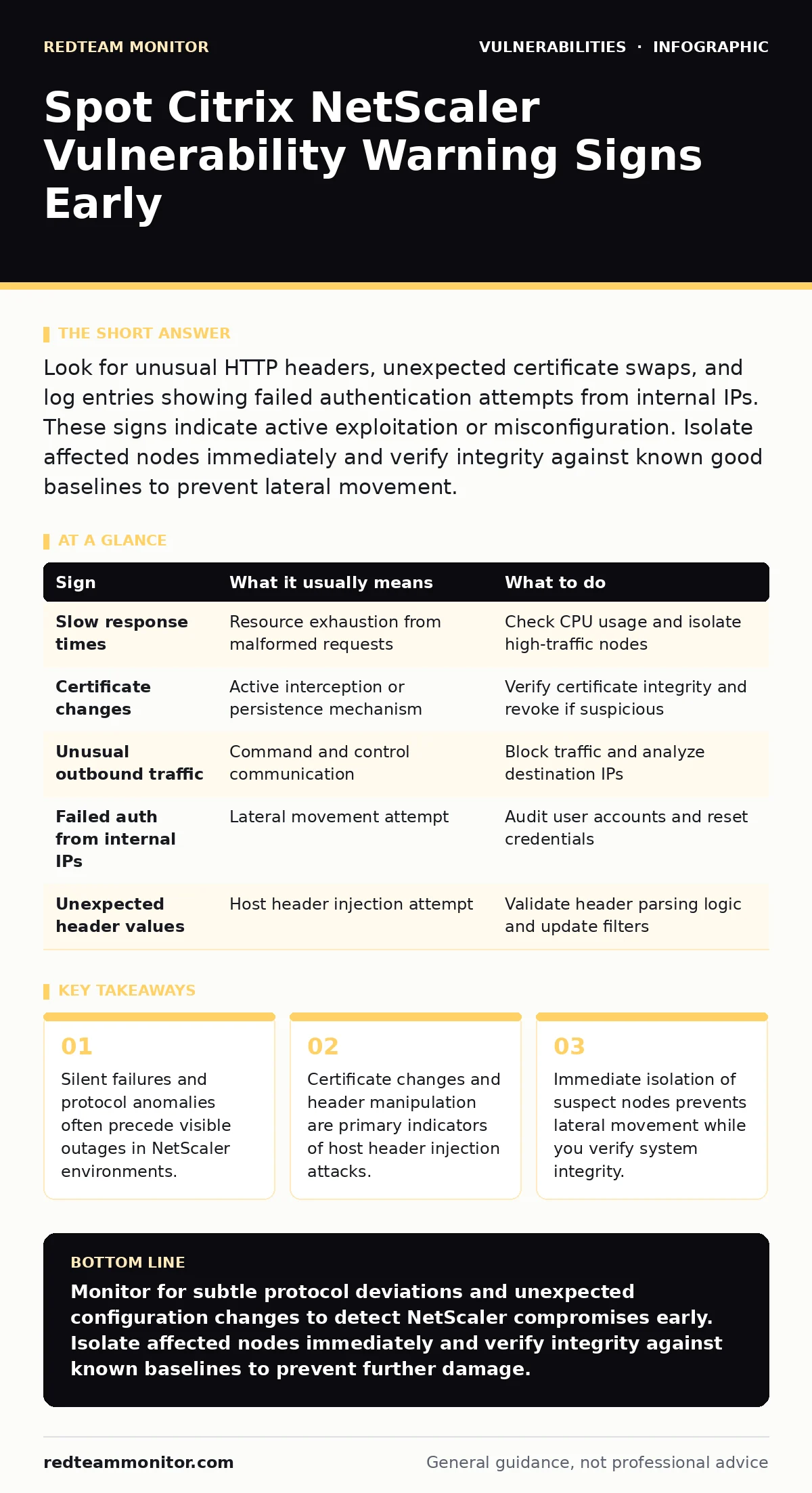
Look for unusual HTTP headers, unexpected certificate swaps, and log entries showing failed authentication attempts from internal IPs. These signs indicate active exploitation or misconfiguration. Isolate affected nodes immediately and verify integrity against known good baselines to prevent lateral movement.
Early Signs of NetScaler Compromise
Users notice performance degradation first. Page load times increase significantly without a clear cause. This slowdown often stems from resource exhaustion caused by malicious requests. The appliance struggles to process malformed packets, consuming CPU cycles that should serve legitimate traffic. You might see increased error rates in access logs. These errors appear as standard 400 or 500 responses. They do not immediately signal a breach, but a spike in their frequency warrants investigation. The system remains online, masking the underlying issue.
Hidden Indicators of Exploitation
Subtle signs are harder to detect. Monitor for unexpected changes in SSL certificates. Attackers often replace certificates to intercept traffic or maintain persistence. Check for new or modified virtual server configurations. Unauthorized changes to routing rules can redirect traffic to malicious endpoints. Look for unusual outbound connections from the NetScaler appliance. It should not initiate connections to unknown external hosts. Any deviation from the expected communication pattern suggests compromise. These signs require deep packet inspection to identify.
Understanding Host Header Injection Risks
Host header injection attacks exploit how the appliance processes HTTP headers. The attacker sends a request with a manipulated Host header. The appliance uses this header to determine the backend server. If the logic is flawed, the request routes to an internal service. This bypasses access controls. You might see requests to internal services that should be unreachable. The logs show valid-looking traffic, but the destination is wrong. This technique allows attackers to access management interfaces or other internal resources. It is a common vector in NetScaler vulnerabilities.
Table of Warning Signs and Responses
| Sign | What it usually means | What to do |
|---|---|---|
| Slow response times | Resource exhaustion from malformed requests | Check CPU usage and isolate high-traffic nodes |
| Certificate changes | Active interception or persistence mechanism | Verify certificate integrity and revoke if suspicious |
| Unusual outbound traffic | Command and control communication | Block traffic and analyze destination IPs |
| Failed auth from internal IPs | Lateral movement attempt | Audit user accounts and reset credentials |
| Unexpected header values | Host header injection attempt | Validate header parsing logic and update filters |
Immediate Response Steps
When you spot a sign, act quickly. Isolate the affected node from the network. This stops further exploitation and prevents lateral movement. Do not shut it down immediately, as you may lose volatile evidence. Capture memory dumps and log files first. Analyze the traffic patterns leading up to the incident. Look for similar patterns on other nodes. Check for any new user accounts or modified permissions. Reset credentials for any accounts accessed during the incident. Verify the integrity of the firmware against known good hashes.
Preventing Future Exploitation
Regular updates are necessary but insufficient. You must configure the appliance securely from the start. Disable unused services and features. This reduces the attack surface. Implement strict input validation for all HTTP headers. This mitigates host header injection risks. Use network segmentation to limit access to management interfaces. Only allow connections from trusted IPs. Monitor logs continuously for anomalies. Set up alerts for specific error codes and unusual traffic patterns. Conduct regular penetration testing to identify weaknesses. This proactive approach helps catch issues before they become breaches.
Long-Term Security Hygiene
Maintain a baseline of normal operations. This makes anomalies easier to spot. Review configurations regularly for drift. Unauthorized changes often indicate compromise. Keep firmware updated to the latest stable version. Patches address known vulnerabilities. Test patches in a staging environment first. This ensures stability before deployment. Train staff to recognize phishing attempts. Social engineering often precedes technical attacks. Implement multi-factor authentication for all administrative access. This adds a layer of protection against credential theft.
Related Security Considerations
Understanding broader vulnerability classes helps. For instance, integer overflow vulnerabilities can cause similar resource exhaustion. They occur when a calculation exceeds the maximum value. This leads to unexpected behavior or crashes. Similarly, Java deserialization vulnerabilities allow remote code execution. They exploit insecure object deserialization processes. While different in mechanism, the impact is similar. Cross-site scripting (XSS) attacks also target web infrastructure.
They inject malicious scripts into trusted sites. SQL injection attacks manipulate database queries. They bypass authentication and access data. Fuzz testing helps find these issues. It sends random data to find crashes. WordPress plugin vulnerabilities are common entry points. They often lack proper input validation. Host header injection is specific to proxy servers. It exploits routing logic. Recognizing these patterns improves detection.
Key takeaways
- Silent failures and protocol anomalies often precede visible outages in NetScaler environments.
- Certificate changes and header manipulation are primary indicators of host header injection attacks.
- Immediate isolation of suspect nodes prevents lateral movement while you verify system integrity.
Monitor for subtle protocol deviations and unexpected configuration changes to detect NetScaler compromises early. Isolate affected nodes immediately and verify integrity against known baselines to prevent further damage.
Frequently asked questions
How do I distinguish between a performance issue and a security breach?
Check the source of the traffic. Legitimate performance issues come from known users. Security breaches often involve malformed requests or unusual headers from unknown sources.
What is the first step in responding to a suspected breach?
Isolate the affected node from the network. This prevents lateral movement and further exploitation while you investigate the incident.
Can updates alone prevent NetScaler vulnerabilities?
No, updates patch known issues but do not fix misconfigurations. You must also secure the appliance by disabling unused services and validating input.
How often should I review NetScaler configurations?
Review configurations quarterly or after any significant change. Regular audits help detect unauthorized modifications and configuration drift.
How this guide was produced: written by the RedTeam Monitor editorial team with AI assistance, checked against the public references listed below, and reviewed when the facts change. See our editorial policy or report an error.