Phishing-Resistant Authentication: How Keys Stop Impersonation
Traditional passwords fail because they are secrets you share; hardware keys work because they are secrets you never reveal to the attacker.
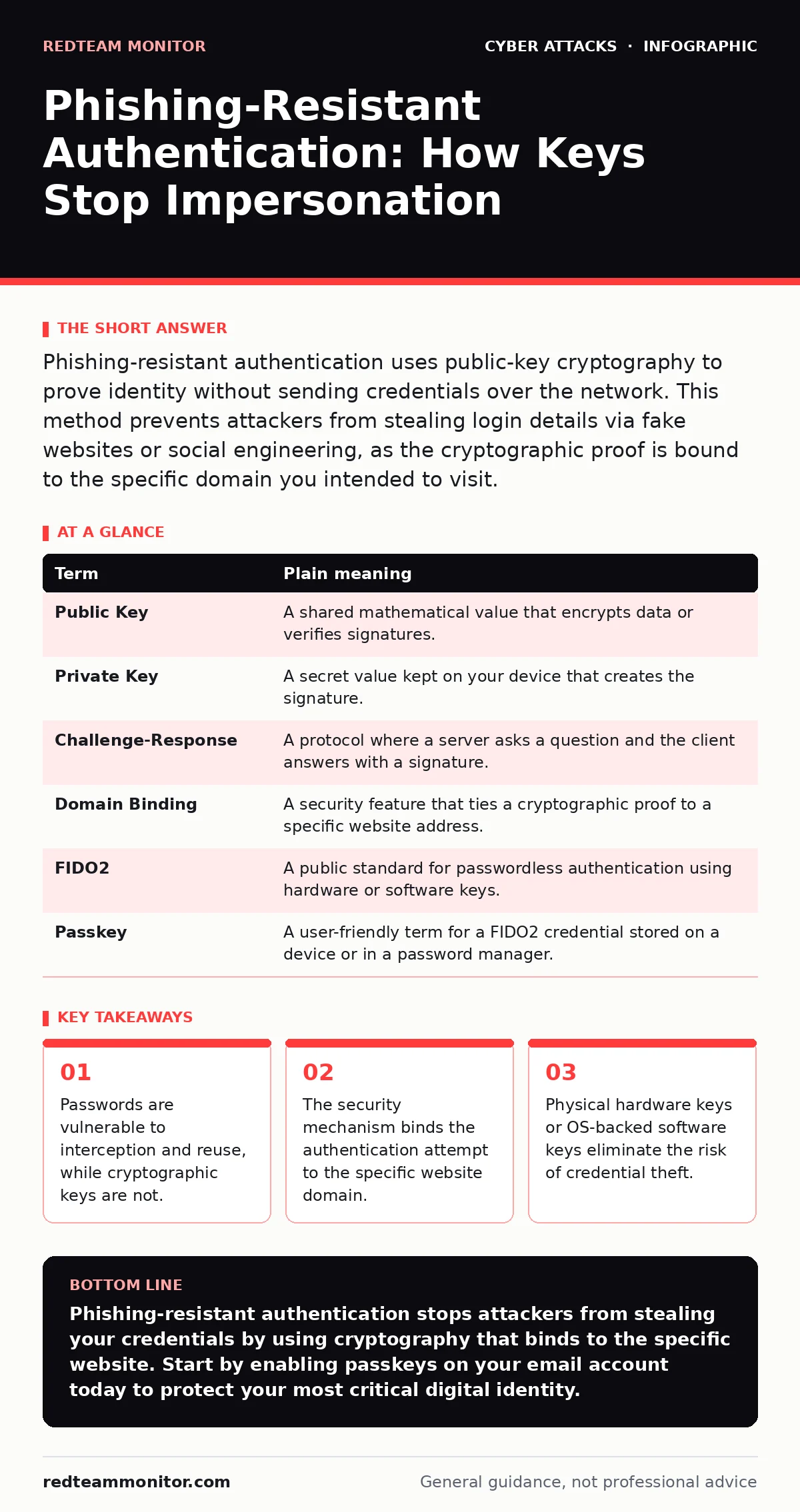
Phishing-resistant authentication uses public-key cryptography to prove identity without sending credentials over the network. This method prevents attackers from stealing login details via fake websites or social engineering, as the cryptographic proof is bound to the specific domain you intended to visit.
The Locked Mailbox Analogy
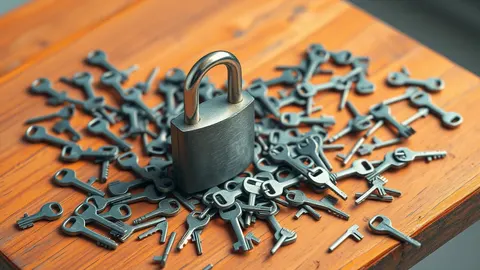
Imagine you have a mailbox with a unique, unchangeable lock. Anyone can slide a letter into the slot, but only you hold the key to open it. In this scenario, your public key is the shape of the lock, visible to everyone. Your private key is the physical metal key inside your pocket. When you want to prove you are the owner, you do not mail a copy of your key to the post office. You simply insert the key into the lock and turn it. The mechanism works, and the door opens. The world sees the lock move, but your key never leaves your hand.
This analogy maps directly to how modern authentication works. The "lock" is a mathematical problem that anyone can present to you. The "key" is a digital secret stored on your device. Proving you own the key involves performing a calculation that only the holder of the secret can solve. The server verifies the math, not the secret itself. This distinction is the foundation of phishing-resistant security.
Why Passwords Are Fundamentally Flawed
Traditional passwords operate like a secret code word. If you tell a friend the code word, they can use it. If a thief steals your diary, they can use it. If you write it on a sticky note, they can use it. The core problem is that the credential travels across the network in a form that can be copied. Even if the connection is encrypted, the password eventually exists in plain text on the server’s side. Once it is there, it can be stolen by an insider or through a database breach.
This vulnerability enables angler phishing, where attackers mimic legitimate login pages to trick you into typing your code word. Because the password is a secret you know, the attacker cannot distinguish between you and a fake version of yourself. The system accepts the code word regardless of where it came from. This is why password-only systems are inherently weak against social engineering.
The Mechanics of Cryptographic Proof
Phishing-resistant authentication replaces the secret code word with a cryptographic signature. When you attempt to log in, the website sends a random challenge to your device. Your device uses the private key to sign this challenge. The server checks the signature against your public key. If the math matches, you are authenticated.
The critical feature here is domain binding. The cryptographic signature is tied to the specific domain name of the website. If you are on the real bank website, the signature is valid. If you are on a fake site that looks identical, the signature will fail because the domain name does not match the expected one. The attacker cannot trick the math. This mechanism renders fake login pages useless, as they cannot generate a valid signature for the legitimate domain.
| Term | Plain meaning |
|---|---|
| Public Key | A shared mathematical value that encrypts data or verifies signatures. |
| Private Key | A secret value kept on your device that creates the signature. |
| Challenge-Response | A protocol where a server asks a question and the client answers with a signature. |
| Domain Binding | A security feature that ties a cryptographic proof to a specific website address. |
| FIDO2 | A public standard for passwordless authentication using hardware or software keys. |
| Passkey | A user-friendly term for a FIDO2 credential stored on a device or in a password manager. |
Hardware Versus Software Keys
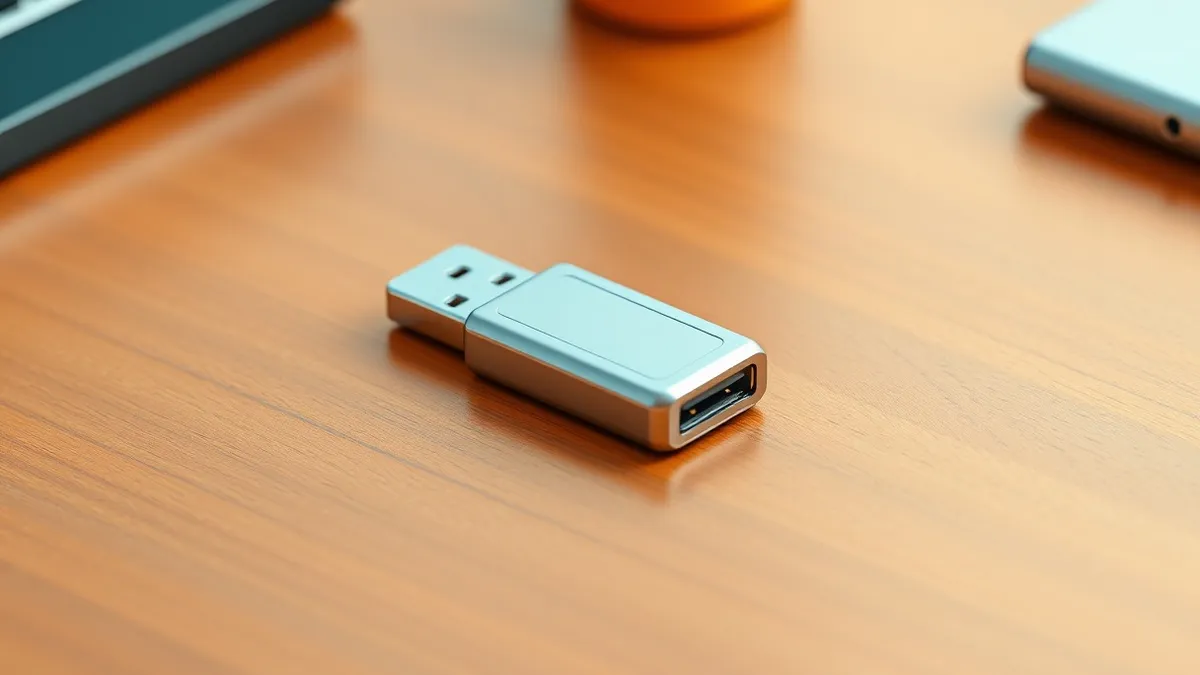
You can implement this protection using a physical USB device or a software credential stored on your phone or laptop. Physical keys, often called security keys, add a layer of physical presence. You must touch the device to authorize the login. This prevents remote attacks where malware might try to sign challenges on your behalf. The device remains inert unless you physically interact with it.
Software keys, or passkeys, are more convenient but rely on the security of the operating system. If your computer is compromised by malware, the attacker might be able to use the stored key. However, modern operating systems use secure enclaves, isolated hardware components that protect these keys from the main processor. This makes software keys significantly more secure than passwords, though physical keys remain the gold standard for high-risk accounts.
Integrating With Existing Defenses
Phishing-resistant authentication is not a standalone shield. It works best when combined with other security layers. For instance, DMARC helps prevent email spoofing, reducing the likelihood that you will receive a convincing phishing email in the first place. If an attacker cannot send an email that appears to come from your boss, they lose their primary vector for social engineering.
Similarly, firewalls filter network traffic, blocking known malicious sources. While a firewall cannot stop a user from typing a password into a fake site, it can prevent the fake site from communicating with its command-and-control servers. This layered approach ensures that even if one defense fails, others remain in place. You should also consider supply chain attacks, where attackers compromise the software you trust. Authentication helps here too, as it ensures that only authorized developers can push updates to your systems.
See also: Phishing in video meeting invitations and how to block them
Practical Steps for Implementation
- Check if your email provider supports FIDO2 or passkeys. Most major providers now offer this feature in their security settings.
- Purchase a physical security key or set up a passkey on your mobile device. Ensure the device supports the WebAuthn standard.
- Register the key or passkey with your account. Test it by logging in from a different browser to ensure it works reliably.
The Hidden Cost of Convenience
There is a trade-off between security and convenience. Passwords are easy to type on any device, anywhere. Phishing-resistant authentication requires a specific device or a supported operating system. If you lose your hardware key, you may be locked out of your account. This is why you should always have a backup method, such as a second key or a recovery code.
Additionally, not all websites support this technology. You will still need to use passwords for legacy systems. This creates a hybrid environment where you must manage both strong keys and weaker passwords. The goal is to migrate as many accounts as possible to the stronger method, reducing the attack surface.
Key takeaways
- Passwords are vulnerable to interception and reuse, while cryptographic keys are not.
- The security mechanism binds the authentication attempt to the specific website domain.
- Physical hardware keys or OS-backed software keys eliminate the risk of credential theft.
Phishing-resistant authentication stops attackers from stealing your credentials by using cryptography that binds to the specific website. Start by enabling passkeys on your email account today to protect your most critical digital identity.
Frequently asked questions
Can I use phishing-resistant authentication on my phone?
Yes, most modern smartphones support passkeys through their built-in credential managers, allowing you to log in using biometrics like fingerprints or facial recognition.
What happens if I lose my hardware security key?
You will need to use a backup key or a recovery code to regain access to your account, which is why maintaining multiple backup methods is necessary.
Does this protect against malware on my computer?
It protects against credential theft, but if malware is already on your system, it can still perform actions on your behalf. It does not clean an infected device.
Is this technology expensive to implement?
Software passkeys are free and built into modern operating systems. Physical hardware keys have a one-time cost, but they are generally affordable for individual users.
How this guide was produced: written by the RedTeam Monitor editorial team with AI assistance, checked against the public references listed below, and reviewed when the facts change. See our editorial policy or report an error.