
Computer Worms Explained: How Self-Replicating Malware Spreads
Unlike viruses that need human action, computer worms autonomously exploit system vulnerabilities to copy themselves across networks without user intervention.
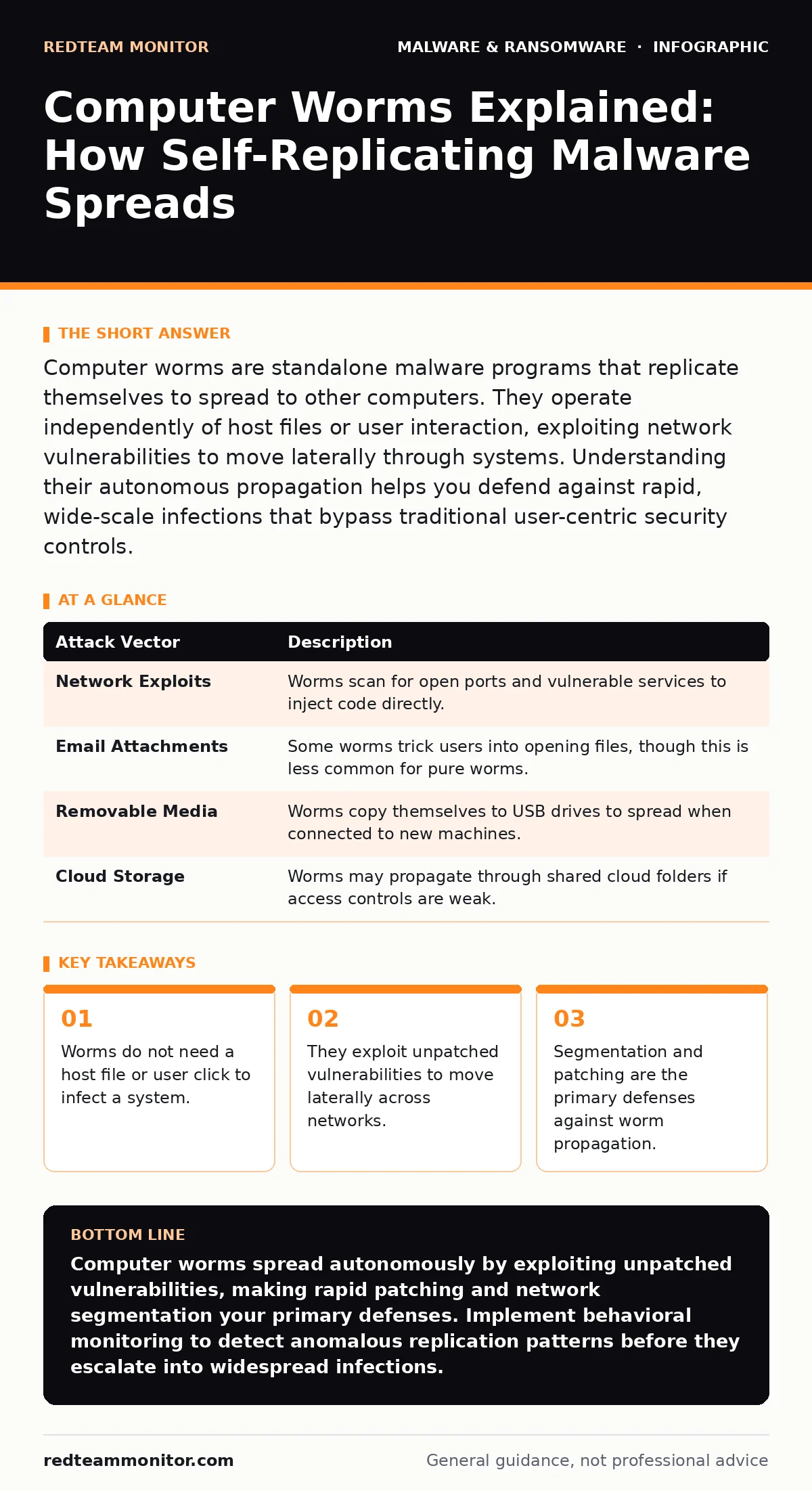
Computer worms are standalone malware programs that replicate themselves to spread to other computers. They operate independently of host files or user interaction, exploiting network vulnerabilities to move laterally through systems. Understanding their autonomous propagation helps you defend against rapid, wide-scale infections that bypass traditional user-centric security controls.
What exactly is a computer worm?
A computer worm is a standalone malicious software program that replicates itself to spread to other computers across a network. Unlike a virus, which must attach itself to a legitimate program or file and require user action to execute, a worm operates independently. It searches for vulnerable systems, exploits weaknesses in their security, and copies itself to those new hosts automatically.
How do worms differ from viruses?
The primary difference lies in propagation and dependency. A virus needs a host file and human interaction, such as opening an infected document, to spread. A worm requires neither; it travels through network connections and exploits software flaws to move from one machine to another without any user involvement. This autonomy allows worms to spread exponentially faster than viruses within a connected environment.
Do worms need user interaction to spread?
No, worms are designed to spread without any user action. They scan networks for open ports or vulnerable services, then use those entry points to inject their code into remote systems. This means an employee does not need to click a link or open an attachment for a worm to infect their workstation. The infection happens silently in the background, driven entirely by the worm’s automated logic and the system’s exposed vulnerabilities.
What vulnerabilities do worms typically exploit?
Worms target unpatched software flaws, misconfigured services, and weak authentication protocols. They often exploit known vulnerabilities in operating systems, remote desktop protocols, or database servers that have not been updated. For example, a worm might leverage a buffer overflow in a web server or a flaw in a file-sharing service to gain access. Keeping software updated closes these doors before the worm can find them.
How fast can a worm spread through a network?
Worms can spread through a network in minutes or even seconds, depending on the size of the network and the severity of the exploited vulnerability. Once a worm infects a single machine, it uses that machine to scan for other vulnerable hosts, creating a chain reaction. This rapid lateral movement can overwhelm network bandwidth and infect thousands of systems before security teams detect the anomaly. Speed is the worm’s greatest advantage, making early detection critical.
See also: Using Autonomous System Numbers to Map Attacker Infrastructure · Implement Firewalls: A Step-by-Step Guide for Network Security
Can worms cause damage without payload?
Yes, the act of replication alone can cause significant harm. Even if a worm does not steal data or encrypt files, the sheer volume of traffic generated by its scanning and copying activities can saturate network bandwidth. This denial-of-service effect slows down or completely halts legitimate business operations. Additionally, the resource consumption on infected machines can degrade performance, leading to system instability and increased operational costs.
| Attack Vector | Description |
|---|---|
| Network Exploits | Worms scan for open ports and vulnerable services to inject code directly. |
| Email Attachments | Some worms trick users into opening files, though this is less common for pure worms. |
| Removable Media | Worms copy themselves to USB drives to spread when connected to new machines. |
| Cloud Storage | Worms may propagate through shared cloud folders if access controls are weak. |
How do you detect a worm infection?
Detection relies on monitoring for unusual network activity and system behavior. Look for spikes in outbound traffic, connections to unknown IP addresses, or repeated failed login attempts. Endpoint detection and response (EDR) tools can identify the rapid, self-replicating behavior characteristic of worms. Additionally, network intrusion detection systems can flag the scanning patterns worms use to find new targets. Early detection limits the scope of the infection before it spreads widely.
What is the best way to stop a worm?
The most effective defense is to eliminate the vulnerabilities worms exploit. Apply security patches promptly to operating systems and applications to close known entry points. Network segmentation limits the worm’s ability to move laterally by isolating critical systems from general user workstations. Firewalls and intrusion prevention systems can block the specific traffic patterns associated with known worm strains. Combining these measures creates multiple layers of defense that slow or stop propagation.
Can antivirus software stop worms?
Traditional antivirus software can detect and remove worms if it has a signature for that specific variant. However, signature-based detection is reactive and may not catch new or modified worms quickly enough. Modern security solutions use behavioral analysis to identify suspicious activities, such as rapid file replication or unusual network connections, regardless of the worm’s signature. This proactive approach is more effective against novel threats that do not yet have a known signature.
Do worms target specific operating systems?
Worms can target any operating system with network connectivity, including Windows, Linux, and macOS. They exploit vulnerabilities specific to the target platform’s architecture and software stack. For instance, a worm might target a flaw in a Windows SMB protocol or a vulnerability in a Linux server application. Understanding the specific weaknesses of your environment helps you prioritize patching and monitoring efforts for the most likely attack vectors.
How do worms relate to ransomware?
Worms often serve as the delivery mechanism for ransomware. Once a worm gains access to a network, it can deploy ransomware payloads to encrypt files on multiple machines simultaneously. This combination amplifies the impact, as the worm ensures the ransomware spreads rapidly before defenses can react. Understanding this link is vital for preventing large-scale encryption events that cripple business operations. See our guide on ransomware for more details on mitigation strategies.
What happens if a worm enters your network?
If a worm enters your network, it will begin scanning for other vulnerable systems and replicating itself. This activity generates high levels of network traffic and may cause systems to slow down or crash. Security tools should alert you to this anomalous behavior, allowing you to isolate infected machines. Prompt isolation prevents the worm from reaching critical servers and sensitive data stores. Incident response plans should include specific steps for containing self-replicating threats.
Can worms be removed easily?
Removing a worm requires more than just deleting the malicious files. You must identify and patch the vulnerability the worm used to enter, as well as any subsequent vulnerabilities it exploited during lateral movement. Simply removing the worm without fixing the root cause allows it to reinfect the system or spread to others. Comprehensive remediation includes scanning all connected devices, updating software, and changing credentials that may have been compromised during the infection.
How do worms evade detection?
Worms use various techniques to avoid detection, such as polymorphism, which changes their code signature with each replication. This makes signature-based detection less effective. Some worms also use legitimate system tools to move around, blending in with normal network traffic. Others may slow down their replication rate to avoid triggering alerts based on traffic volume. These evasion tactics require behavioral monitoring and advanced threat intelligence to identify.
Do worms affect mobile devices?
Yes, mobile devices are also targets for worm-like malware. These threats often spread through Bluetooth, SMS messages, or malicious mobile apps. Once installed, they can replicate across nearby devices or use the device’s connectivity to spread further. Protecting mobile devices requires keeping the operating system updated, installing apps only from trusted sources, and disabling unnecessary connectivity features like Bluetooth when not in use.
What is the role of patching in worm defense?
Patching is the single most effective defense against computer worms. Since worms exploit known vulnerabilities, applying patches removes the entry points they rely on. Delaying patches leaves systems exposed to automated scanning and exploitation. Establishing a rigorous patch management process ensures that all systems, including servers, workstations, and network devices, are protected against the latest threats. This proactive measure significantly reduces the attack surface available to worms.
Key takeaways
- Worms do not need a host file or user click to infect a system.
- They exploit unpatched vulnerabilities to move laterally across networks.
- Segmentation and patching are the primary defenses against worm propagation.
Computer worms spread autonomously by exploiting unpatched vulnerabilities, making rapid patching and network segmentation your primary defenses. Implement behavioral monitoring to detect anomalous replication patterns before they escalate into widespread infections.
Frequently asked questions
Can a computer worm steal data?
Yes, while some worms only cause disruption, others are designed to steal sensitive information, credentials, or intellectual property as they propagate.
How do I know if my firewall is blocking worms?
Firewalls can block worm traffic by restricting open ports and blocking connections to known malicious IP addresses, but they cannot patch the vulnerabilities the worms exploit.
Are worms a threat to IoT devices?
Yes, IoT devices often have weak security and unpatched firmware, making them easy targets for worms that can turn devices into botnets for further attacks.
Can a worm infect a computer that is not connected to the internet?
Yes, if the computer is connected to an internal network or if a worm is transferred via removable media like a USB drive, it can infect offline systems.
How this guide was produced: written by the RedTeam Monitor editorial team with AI assistance, checked against the public references listed below, and reviewed when the facts change. See our editorial policy or report an error.