How Single Sign-On Works: The Protocol Mechanics Behind Auth
Single sign-on shifts trust from local password checks to signed cryptographic tokens, creating a single point of failure that centralizes both access and attack surfaces.
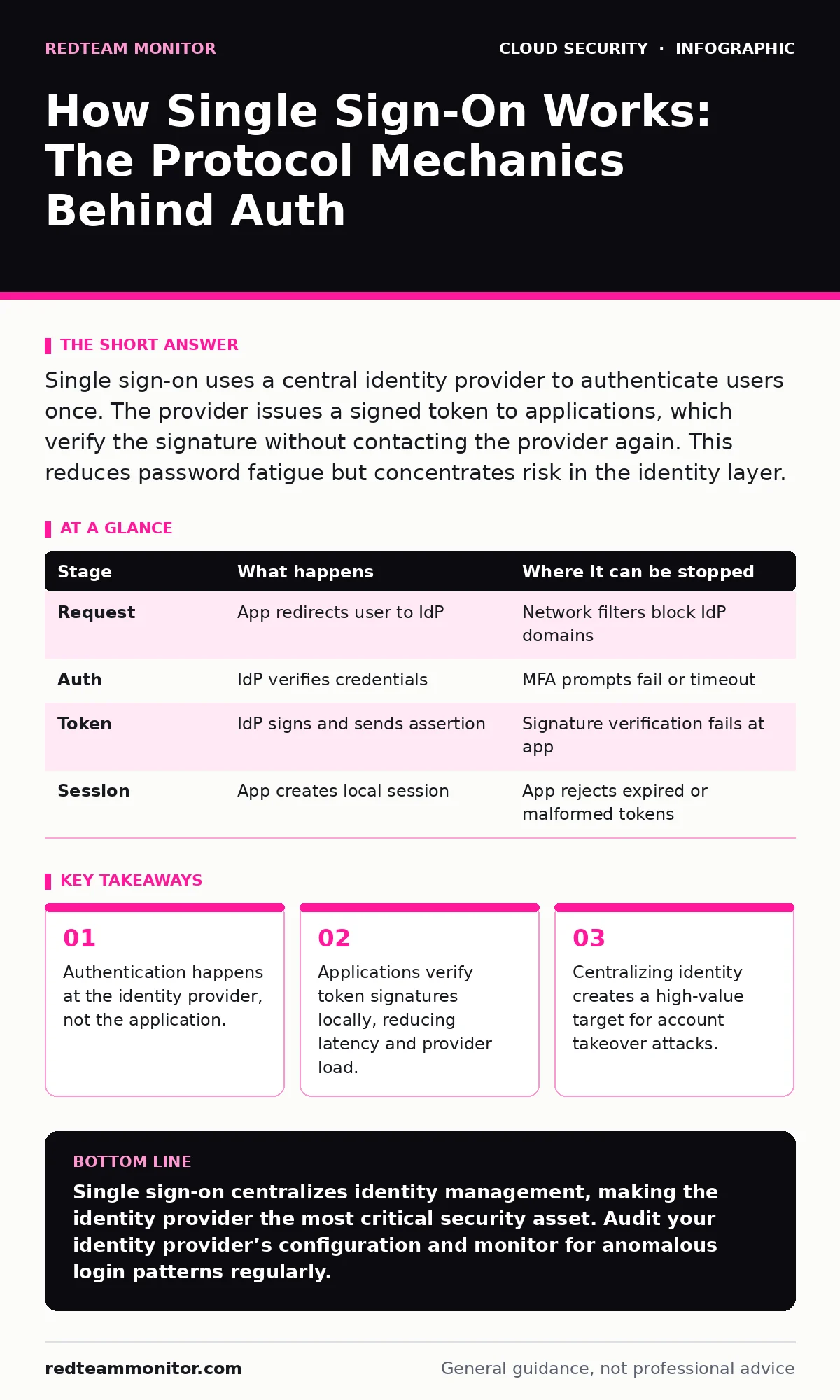
Single sign-on uses a central identity provider to authenticate users once. The provider issues a signed token to applications, which verify the signature without contacting the provider again. This reduces password fatigue but concentrates risk in the identity layer.
The Trust Anchor Model
Single sign-on replaces the traditional model where every application stores and verifies its own credentials. Instead, you delegate authentication to a trusted third party called an identity provider. This provider knows who you are. The applications you use only care that the provider says you are who you claim to be.
This shift changes the security boundary. The application no longer needs to protect your password. It only needs to validate the digital signature of the token the provider sends. If the signature is valid, the application grants access. This decouples identity from infrastructure, allowing you to join or leave applications without changing credentials.
Stage 1: The Authentication Request
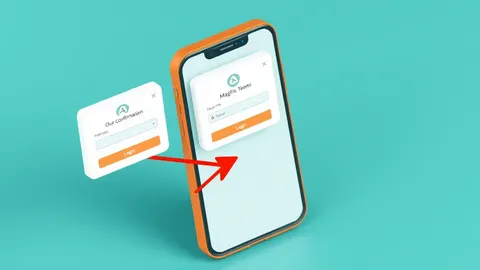
The process begins when you attempt to access an application that supports single sign-on. The application recognizes it does not have your credentials. It redirects your browser to the identity provider’s login page. This redirect includes parameters that tell the provider which application is asking and what permissions it needs.
The identity provider checks if you already have an active session. If you do, it may skip the login screen entirely. If not, it presents its own login form. You enter your credentials here, not on the application’s site. This ensures the application never sees your password in plain text.
Stage 2: Credential Verification and MFA
The identity provider verifies your credentials against its database. This step is where multi-factor authentication occurs. The provider may require a second factor, such as a hardware key or a push notification, before proceeding. This adds a layer of defense that the application itself cannot enforce.
If the credentials are invalid, the provider returns an error to the application. The transaction ends. If they are valid, the provider prepares an assertion. This assertion is a data packet containing your identity information and the permissions you have been granted. The provider signs this packet with a private key known only to itself.
Stage 3: Token Issuance
The identity provider sends the signed assertion back to your browser. This usually happens via a redirect or a postback. The assertion contains claims, which are statements about your identity, such as your user ID or email address. It also includes an expiration time. This limits the window of opportunity if the token is stolen.
The application receives this assertion. It must verify the digital signature. To do this, it uses the public key published by the identity provider. If the signature matches, the application knows the assertion has not been tampered with. It also knows it came from the legitimate provider.
Stage 4: Session Establishment
Once the signature is verified, the application creates a local session for you. It generates a session cookie or token specific to that application. This local session is separate from the identity provider’s session. The application uses this local token to track your activity within its own environment.
The identity provider’s role ends here, unless the application needs to refresh permissions later. The application now trusts you based on the provider’s word. It does not need to contact the provider again for every request. This reduces latency and keeps the identity provider from becoming a bottleneck.
| Stage | What happens | Where it can be stopped |
|---|---|---|
| Request | App redirects user to IdP | Network filters block IdP domains |
| Auth | IdP verifies credentials | MFA prompts fail or timeout |
| Token | IdP signs and sends assertion | Signature verification fails at app |
| Session | App creates local session | App rejects expired or malformed tokens |
See also: Service Mesh Security Misconceptions That Weaken Your Defense
Limits of Token-Based Trust
Single sign-on relies on the integrity of the identity provider. If an attacker compromises your identity provider account, they gain access to every connected application. This centralization is efficient but risky. You are trading distributed risk for concentrated risk.
The applications do not verify your identity in real-time. They trust the token until it expires. If you change a permission in the identity provider, the application may not know until the token refreshes. This lag can leave gaps in access control. You must configure token expiration times carefully to balance security and usability.
Protocol Choices Matter
The two dominant standards for single sign-on are SAML and OAuth 2.0 with OpenID Connect. SAML is an XML-based protocol that passes assertions in browser redirects. It is widely used in enterprise environments. OpenID Connect is a JSON-based layer on top of OAuth 2.0. It is lighter and easier to implement for mobile and web apps.
Each protocol has different security implications. SAML tokens are larger and can be harder to parse correctly. OpenID Connect uses smaller JSON Web Tokens. These are easier to inspect but also easier to forge if signatures are not checked rigorously. You must ensure your applications validate the issuer and expiration fields regardless of the protocol.
Integration with Zero Trust
Single sign-on is a component of broader access strategies. It works best when combined with zero trust network access principles. Zero trust assumes no user or device is trusted by default. Single sign-on provides the identity context needed to make these decisions.
Without strong identity signals, zero trust policies lack data. Single sign-on provides the user identity. You can then layer in device health and location checks. This creates a dynamic access model. You grant access based on the current risk, not just the initial login.
The Hidden Cost of Convenience
The main trade-off of single sign-on is complexity in troubleshooting. When access fails, you must determine if the issue lies with the user, the identity provider, or the application. Logs are split across these systems. Correlating events requires careful logging strategies.
You also lose the ability to enforce password policies locally. The identity provider sets the rules. If the provider’s policies are weak, your applications inherit that weakness. You must audit the identity provider’s configuration regularly. This includes checking for unused applications and excessive permissions.
Managing the Attack Surface
Attackers target identity providers because they are high-value targets. They know that compromising one account grants access to many systems. You must monitor for unusual login patterns. Look for logins from new locations or devices.
Use secrets managers to store the keys used to sign tokens. Never hardcode these keys in application code. Rotate keys regularly. This limits the damage if a key is exposed. Combine this with cloud security groups to restrict access to the identity provider’s administrative interfaces.
Conclusion of Mechanics
Single sign-on simplifies the user experience but complicates the security architecture. It moves the burden of authentication to a central service. This service becomes the most critical asset in your environment. You must protect it with the highest level of scrutiny.
Understanding the flow helps you identify where things can go wrong. Each stage is a potential point of failure. By securing the token transmission and verification, you maintain the integrity of the system. This allows you to scale access without scaling risk.
Key takeaways
- Authentication happens at the identity provider, not the application.
- Applications verify token signatures locally, reducing latency and provider load.
- Centralizing identity creates a high-value target for account takeover attacks.
Single sign-on centralizes identity management, making the identity provider the most critical security asset. Audit your identity provider’s configuration and monitor for anomalous login patterns regularly.
Frequently asked questions
Does single sign-on eliminate the need for passwords?
It reduces the number of passwords you must remember, but you still need a primary password for the identity provider.
Can single sign-on be used for external partners?
Yes, but you should use a separate identity provider or tenant to isolate external users from internal employees.
What happens if the identity provider goes offline?
Users cannot log in to new sessions. Existing sessions may remain active until they expire, depending on configuration.
Is single sign-on secure for mobile apps?
Yes, especially with OpenID Connect, which is designed for mobile and web environments with better security flows.
How this guide was produced: written by the RedTeam Monitor editorial team with AI assistance, checked against the public references listed below, and reviewed when the facts change. See our editorial policy or report an error.