
Implement Single Sign-On: A Step-by-Step Rollout Plan
Single sign-on shifts identity risk from individual accounts to the identity provider, creating a single point of failure that requires stricter access controls than distributed systems.
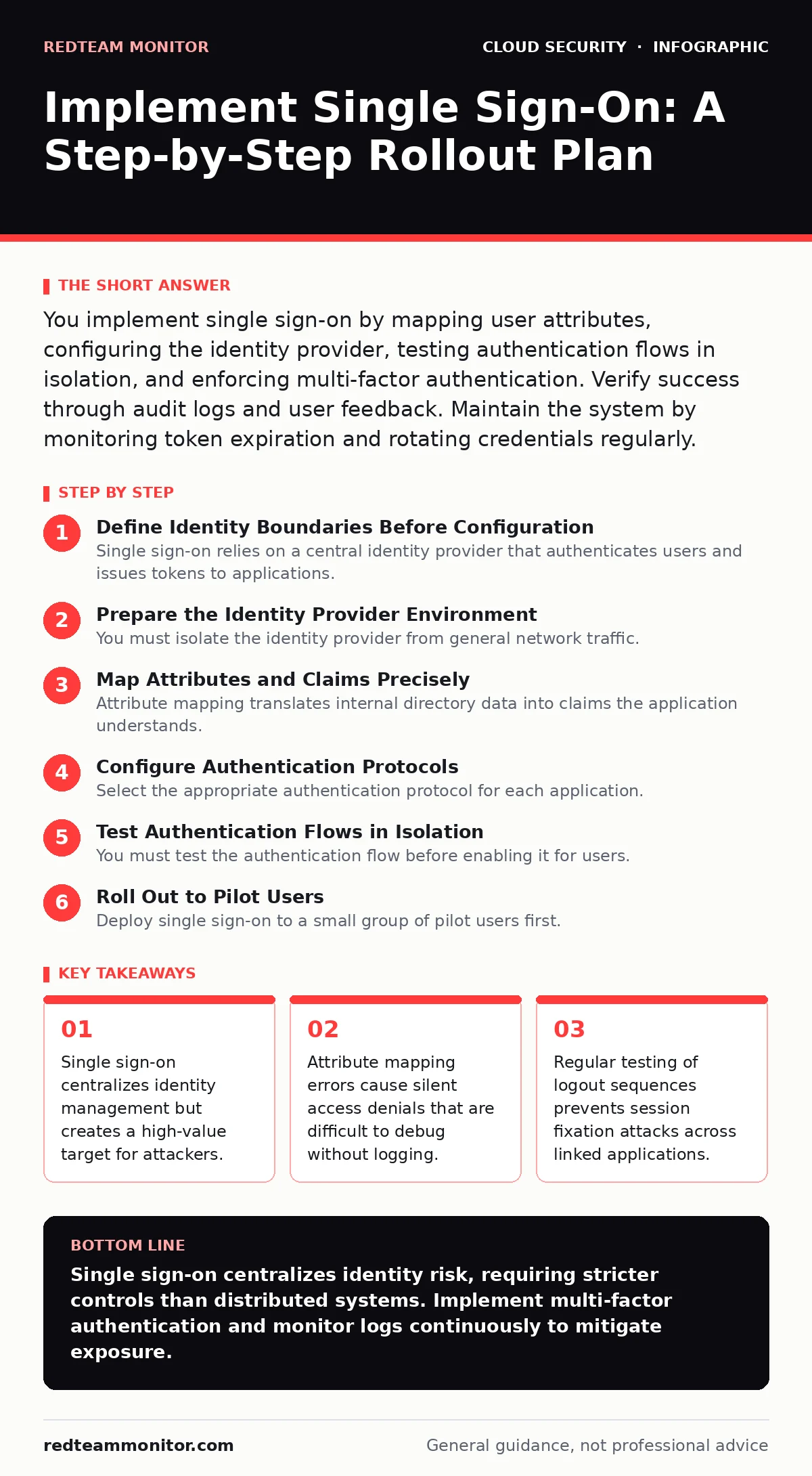
You implement single sign-on by mapping user attributes, configuring the identity provider, testing authentication flows in isolation, and enforcing multi-factor authentication. Verify success through audit logs and user feedback. Maintain the system by monitoring token expiration and rotating credentials regularly.
Define Identity Boundaries Before Configuration
Single sign-on relies on a central identity provider that authenticates users and issues tokens to applications. You must define which user attributes travel between the provider and service providers before writing any configuration. Identify the minimum set of claims required by each application. Sending excessive data increases the attack surface and violates privacy principles. Map these attributes to internal directories. Verify that the identity provider can resolve these mappings without ambiguity. Check that group memberships update in real time.
Imagine a scenario where an employee moves departments. The identity provider must update group claims instantly. If the application caches roles for hours, the user retains access to restricted resources. This lag creates a privilege escalation window. You must configure short token lifetimes to mitigate this risk. Short tokens force frequent re-authentication, which improves security but impacts user experience. Balance these needs during the design phase.
Prepare the Identity Provider Environment
You must isolate the identity provider from general network traffic. Use dedicated network segments to protect authentication endpoints. Configure firewall rules to allow only necessary inbound connections. Enable encryption for all data in transit using standard protocols. Define certificate rotation schedules to prevent service interruptions. Test certificate renewal procedures in a staging environment. Verify that the identity provider logs all authentication attempts. Ensure logs include source IP addresses and user agents. These details help detect brute-force attacks and credential stuffing.
Map Attributes and Claims Precisely
Attribute mapping translates internal directory data into claims the application understands. You must align these schemas exactly. Mismatched attributes cause silent failures where users cannot log in. Test each mapping individually. Verify that email addresses match exactly, including case sensitivity. Check that unique identifiers remain consistent across systems. Use immutable identifiers for user accounts. Mutable attributes like names change frequently and cause confusion. Immutable IDs ensure stable identity resolution.
| Internal Attribute | Claim Name | Format | Required |
|---|---|---|---|
| User ID | sub | UUID | Yes |
| String | Yes | ||
| Role | roles | Array | Yes |
| Department | dept | String | No |
Configure Authentication Protocols
Select the appropriate authentication protocol for each application. OpenID Connect is standard for web applications. It combines authentication and authorization. SAML is common for enterprise legacy systems. It uses XML-based assertions. You must configure endpoint URLs correctly. The identity provider redirects users to these URLs after authentication. Verify that redirect URIs are whitelisted. Wildcard redirects allow attackers to intercept authentication responses. Disable wildcard redirects in production. Enforce HTTPS for all endpoints. HTTP connections expose tokens to network sniffers.
Test Authentication Flows in Isolation
You must test the authentication flow before enabling it for users. Use a test account with known credentials. Verify that the login redirect works correctly. Check that the application receives the expected claims. Test the logout sequence thoroughly. Single sign-on logout must invalidate sessions across all linked applications. If one application remains logged in, the user retains access after logging out. This is a session fixation risk. Verify that the identity provider sends logout requests to all active sessions.
See also: Zero Trust Network Access: Seven Practices for Secure Cloud Identity · SSO vs MFA: How to Choose Identity Controls That Actually Work
Roll Out to Pilot Users
Deploy single sign-on to a small group of pilot users first. Choose users who understand security concepts and can provide detailed feedback. Monitor authentication logs for errors. Check for unexpected authentication failures. Verify that multi-factor authentication triggers correctly. Enforce multi-factor authentication for all pilot users. This adds a layer of security against credential theft. Collect feedback on the login experience. Identify friction points that cause users to abandon the process. Address these issues before wider deployment.
Enforce Multi-Factor Authentication
Single sign-on consolidates access, making multi-factor authentication mandatory. You must enforce it at the identity provider level. This ensures all applications inherit the policy. Configure time-based one-time passwords as the default method. Push notifications offer better user experience but require device management. Verify that backup codes are generated and stored securely. Users who lose access to their primary device need backup codes to recover accounts. Store these codes in secrets managers to prevent unauthorized access.
Monitor and Maintain the System
Single sign-on requires continuous monitoring. You must review authentication logs daily. Look for unusual login patterns or geographic anomalies. Detect brute-force attacks by monitoring failed login attempts. Implement account lockout policies to mitigate these attacks. Rotate signing keys regularly. Key rotation prevents attackers from forging tokens if keys are compromised. Test the rotation process in staging first. Verify that applications accept new keys without interruption. Update certificate chains before expiration. Expired certificates cause service outages.
Verify Success with a Checklist
Use this checklist to verify single sign-on implementation.
- Identity provider is isolated and protected by network rules.
- Attribute mappings are tested and validated for all applications.
- Authentication endpoints use HTTPS and restrict redirect URIs.
- Logout sequences invalidate sessions across all linked applications.
- Multi-factor authentication is enforced for all users.
- Authentication logs are collected and monitored for anomalies.
- Certificate and key rotation procedures are documented and tested.
- Pilot users report no authentication failures or friction.
Handle Edge Cases and Failovers
Single sign-on creates a single point of failure. You must plan for identity provider outages. Configure fallback authentication methods for critical applications. These methods should be secure but less convenient. Notify users when the identity provider is unavailable. Provide clear instructions for accessing critical services. Monitor identity provider health continuously. Set up alerts for latency spikes or error rates. High latency can cause application timeouts. Users may perceive the application as broken. Investigate latency issues promptly to maintain trust.
Suppose the identity provider experiences a database failure. Authentication requests will fail. Users cannot log in. Your fallback mechanism must activate automatically. Verify that fallback methods do not bypass security controls. Weak fallbacks undermine the entire single sign-on strategy. Test failover scenarios regularly. Ensure that operations teams understand the recovery procedures. Document the steps clearly. Practice the recovery process during drills.
Integrate with Zero Trust Principles
Single sign-on supports zero trust network access by verifying every request. You must integrate identity data with access policies. Applications should check claims before granting access. This dynamic verification prevents privilege escalation. Verify that applications validate tokens on every request. Caching tokens reduces security. Short-lived tokens force frequent validation. This adds latency but improves security. Balance these needs based on application requirements. Monitor token validation failures. High failure rates indicate configuration errors or attacks.
Key takeaways
- Single sign-on centralizes identity management but creates a high-value target for attackers.
- Attribute mapping errors cause silent access denials that are difficult to debug without logging.
- Regular testing of logout sequences prevents session fixation attacks across linked applications.
Single sign-on centralizes identity risk, requiring stricter controls than distributed systems. Implement multi-factor authentication and monitor logs continuously to mitigate exposure.
Frequently asked questions
How do I handle users who lose access to their multi-factor device?
Provide backup codes stored in a secure location. Verify the user's identity through alternative methods before issuing new codes.
Can single sign-on be used for external partners?
Yes, using federated identity. Configure the identity provider to trust external providers. Map attributes carefully to maintain security boundaries.
What happens if the identity provider goes offline?
Applications should fail securely. Deny access rather than allowing unauthenticated use. Implement fallback methods for critical services only.
How often should I rotate signing keys?
Rotate keys annually or immediately after a suspected compromise. Automate rotation to prevent human error and service interruptions.
How this guide was produced: written by the RedTeam Monitor editorial team with AI assistance, checked against the public references listed below, and reviewed when the facts change. See our editorial policy or report an error.