
Zero Trust Network Access: Seven Practices for Secure Cloud Identity
Zero trust shifts security from the network perimeter to the identity, requiring continuous verification rather than one-time logins.
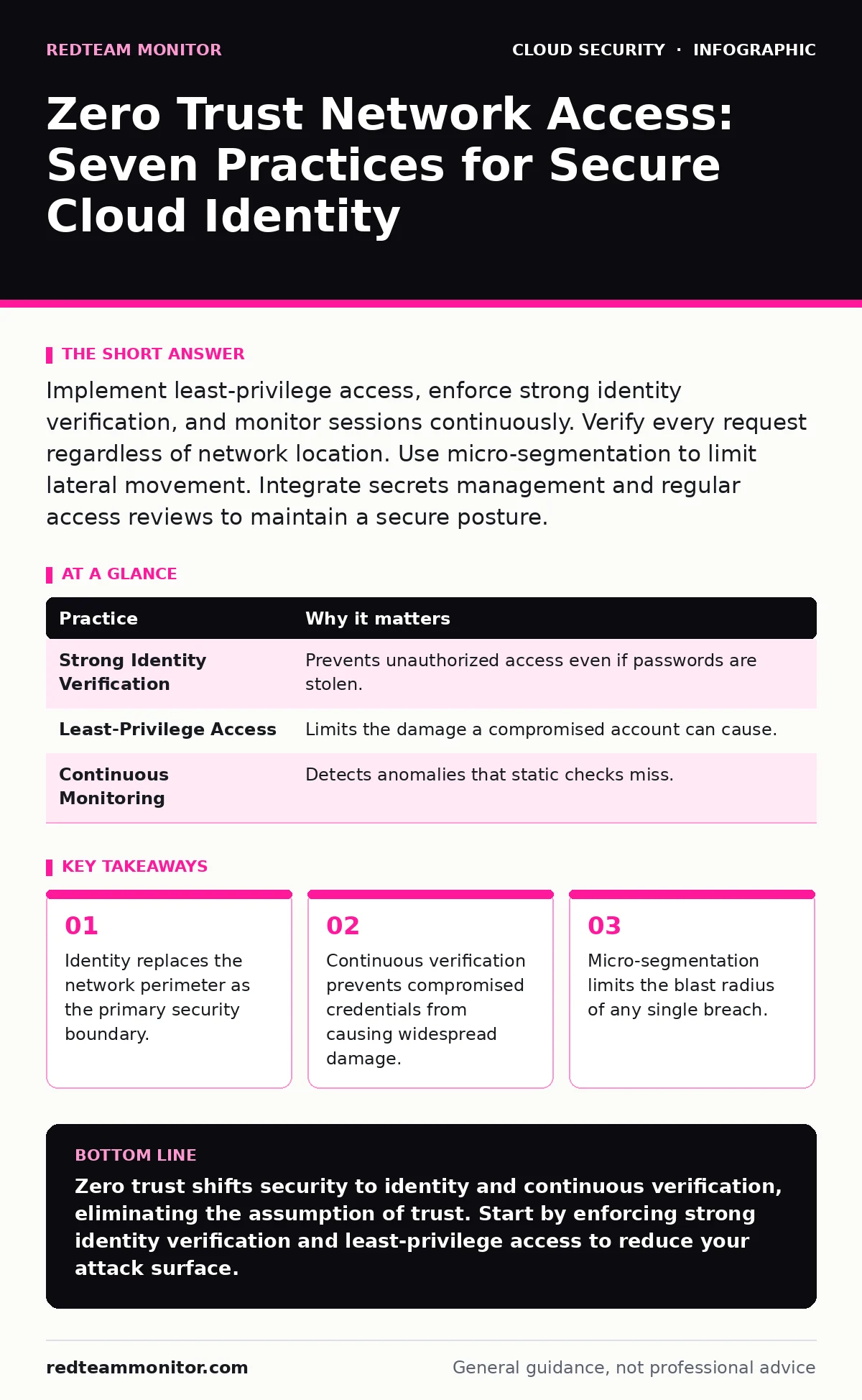
Implement least-privilege access, enforce strong identity verification, and monitor sessions continuously. Verify every request regardless of network location. Use micro-segmentation to limit lateral movement. Integrate secrets management and regular access reviews to maintain a secure posture.
Identity as the New Perimeter
Traditional security models rely on a trusted internal network. Once a user is inside the firewall, they can access most resources. Zero trust network access (ZTNA) rejects this assumption. It treats every connection request as untrusted, regardless of origin.
You must verify the identity of every user and device before granting access. This verification happens at the application layer, not just the network edge. The mechanism relies on strong authentication protocols rather than IP address whitelisting.
When you remove the concept of a "safe" internal zone, you eliminate the risk of lateral movement from a compromised workstation. An attacker who steals credentials cannot simply walk through the digital doors. They must present valid proof for every single action.
1. Enforce Strong Identity Verification
Relying on passwords alone is insufficient because they are easily stolen or guessed. You need multi-factor authentication (MFA) that combines something the user knows with something they have or are. This adds a layer of defense that works even if credentials are compromised.
The reasoning is simple: a stolen password is just data. A second factor, like a hardware token or a biometric scan, ties the login to a specific physical context. This significantly raises the cost for an attacker.
Tip: Require FIDO2 security keys for all privileged accounts. These keys prevent phishing attacks because they bind the cryptographic challenge to the specific domain.
| Practice | Why it matters |
|---|---|
| Strong Identity Verification | Prevents unauthorized access even if passwords are stolen. |
| Least-Privilege Access | Limits the damage a compromised account can cause. |
| Continuous Monitoring | Detects anomalies that static checks miss. |
Continuous Verification and Session Control
Authentication is not a one-time event. Users change contexts, devices get lost, and behavior shifts. You must monitor sessions continuously to ensure the user remains who they claim to be.
Static checks only verify identity at the start. They do not account for changes during the session. If a user suddenly downloads terabytes of data from a new location, the system should react. This is where behavioral analytics come into play.
The hidden cost of continuous verification is latency. Every check adds milliseconds to the transaction. You must balance security rigor with user experience. Too much friction causes users to bypass controls.
2. Implement Context-Aware Access Policies
Access decisions should consider more than just credentials. Look at device health, location, time of day, and behavior patterns. A login from a known office computer at 9 AM is lower risk than the same credentials from a public cafe at 3 AM.
This approach reduces false positives while catching real threats. It adapts to the risk level of each request. High-risk actions trigger additional verification steps or denial.
Tip: Define policies that block access from unknown operating system versions. Outdated systems often lack critical security patches, making them easy entry points.
Least-Privilege Access and Micro-Segmentation
Users should only have access to the resources they need to perform their jobs. Nothing more. This principle, known as least privilege, minimizes the attack surface.
In a flat network, a compromised account can scan and attack every connected device. Micro-segmentation breaks the network into small zones. Each zone has its own access controls. This prevents an attacker from moving sideways.
The trade-off is complexity. Managing hundreds of micro-segments requires automation. Manual configuration is error-prone and does not scale. You need a system that dynamically adjusts permissions based on role and context.
3. Apply Role-Based Access Control (RBAC)
Assign permissions based on job function, not individual identity. A developer needs access to code repositories but not financial records. RBAC ensures users get exactly what they need and nothing else.
This simplifies management. When an employee changes roles, you update their role assignment rather than individual permissions. It also makes audits easier. You can review who has access to what by role.
Tip: Conduct quarterly access reviews. Remove permissions that are no longer needed. Stale accounts are a common source of breaches.
Device Health and Compliance Checks
Not all devices are equally secure. A personal laptop may lack encryption or antivirus software. Connecting such devices to sensitive cloud resources introduces risk.
You must verify device compliance before granting access. This includes checking for encryption, updated operating systems, and endpoint protection. Non-compliant devices should be quarantined or denied access.
This step ensures that the endpoint is as secure as the identity. It closes the gap between user verification and device security.
4. Enforce Device Posture Verification
Use agent-based or agentless methods to check device health. Agents provide deeper insights but require installation. Agentless checks are easier to deploy but may miss some details. Choose based on your security requirements.
The reasoning is defense in depth. Even with strong identity, a compromised device can intercept data. Ensuring device integrity protects the data in transit and at rest.
Tip: Require full disk encryption for all devices accessing sensitive data. This protects data if the device is lost or stolen.
Secure Secrets and Credential Management
Hardcoded credentials in scripts or applications are a major risk. If these secrets are exposed, attackers can access critical systems. You must manage secrets securely.
Using secrets managers ensures credentials are stored encrypted and rotated regularly. Applications retrieve secrets at runtime rather than storing them in code. This reduces the risk of exposure.
For more details, see our guide on secrets managers. Proper management prevents accidental leaks and simplifies rotation.
5. Centralize Secret Storage
Do not store credentials in configuration files or code repositories. Use a dedicated secrets manager. This provides an audit trail and ensures secrets are not hardcoded.
The reasoning is visibility. You can track who accessed which secret and when. This helps in detecting misuse and responding to incidents.
Tip: Automate secret rotation. Manually rotating credentials is tedious and often forgotten. Automation ensures freshness without human error.
See also: Infrastructure-as-Code Myths: Why Static Scanning Fails to Catch Errors · Stop Denial-of-Wallet Attacks: Response and Recovery Steps
Monitoring and Anomaly Detection
Zero trust is not static. You must monitor all access attempts for anomalies. Traditional firewalls log connections, but ZTNA logs identity and context.
Look for patterns that deviate from the norm. Sudden spikes in access, unusual data transfers, or logins from unexpected locations are red flags. Automated alerts help you respond quickly.
This practice turns passive logging into active defense. It helps you identify threats before they cause damage.
6. Implement Real-Time Log Analysis
Collect logs from all ZTNA components. Analyze them in real time using SIEM tools. Correlate events to identify potential threats.
The reasoning is speed. Detecting an attack early limits its impact. Real-time analysis allows you to block malicious activity as it happens.
Tip: Set up alerts for privilege escalation attempts. These are often early signs of an active attack.
Continuous Improvement and Auditing
Security is an ongoing process. You must regularly audit your ZTNA implementation. Check for misconfigurations, unused accounts, and policy gaps.
This ensures your security posture evolves with new threats. Regular audits help you identify weaknesses before attackers do.
For related risks, see our guide on cloud account hijacking. Understanding how accounts are compromised helps you strengthen your defenses.
7. Conduct Regular Access Reviews
Review access rights periodically. Ensure users only have the permissions they need. Remove access for former employees or those who changed roles.
The reasoning is hygiene. Stale permissions accumulate over time. Regular reviews keep the access model tight and secure.
Tip: Automate offboarding processes. Ensure access is revoked immediately when an employee leaves.
Key takeaways
- Identity replaces the network perimeter as the primary security boundary.
- Continuous verification prevents compromised credentials from causing widespread damage.
- Micro-segmentation limits the blast radius of any single breach.
Zero trust shifts security to identity and continuous verification, eliminating the assumption of trust. Start by enforcing strong identity verification and least-privilege access to reduce your attack surface.
Frequently asked questions
Does zero trust network access replace a firewall?
No, ZTNA complements firewalls by adding identity-based controls. Firewalls manage network traffic, while ZTNA manages access to applications and data.
How does zero trust affect user experience?
It can add friction, but context-aware policies minimize this. Strong, seamless authentication methods like FIDO2 keys improve both security and user experience.
Can zero trust work with legacy applications?
Yes, through proxy services that enforce access controls. These proxies sit in front of legacy apps, applying ZTNA policies without modifying the applications themselves.
What is the biggest challenge in implementing zero trust?
Cultural shift and complexity. Moving from a perimeter-based model requires changing how teams think about security and managing more granular policies.
How this guide was produced: written by the RedTeam Monitor editorial team with AI assistance, checked against the public references listed below, and reviewed when the facts change. See our editorial policy or report an error.