Password Reuse Prevention Checklist for Secure Identity Management
Reusing a password across services turns a single weak credential into a master key that grants attackers access to every connected account without additional effort.
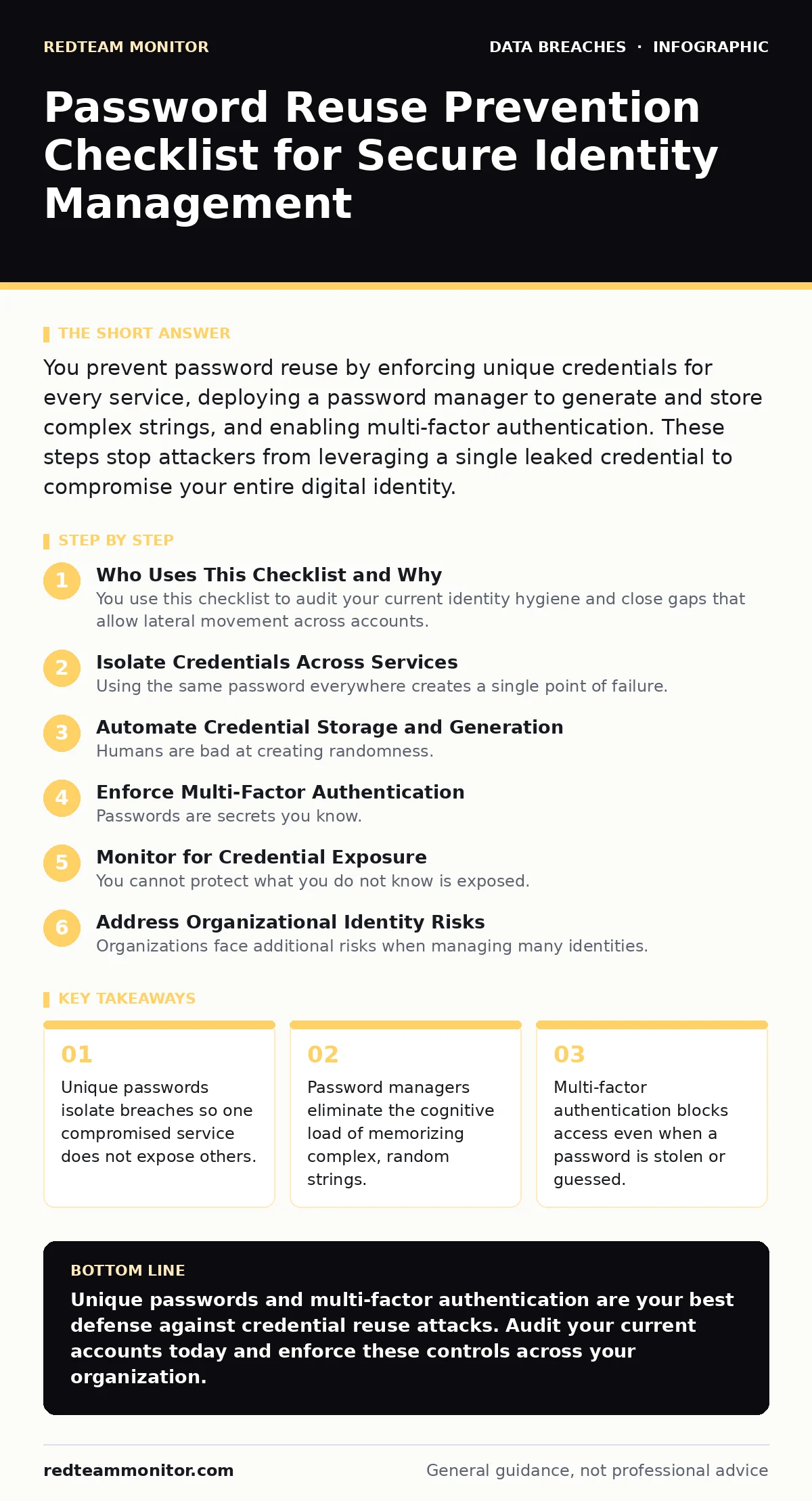
You prevent password reuse by enforcing unique credentials for every service, deploying a password manager to generate and store complex strings, and enabling multi-factor authentication. These steps stop attackers from leveraging a single leaked credential to compromise your entire digital identity.
Who Uses This Checklist and Why
You use this checklist to audit your current identity hygiene and close gaps that allow lateral movement across accounts. Security teams often assume that strong passwords are enough. This assumption fails when a single service suffers a data leak. Attackers use automated tools to test known credentials against other popular platforms. This technique, known as credential stuffing, relies entirely on your habit of reusing passwords.
Imagine you use the same password for your email, banking, and code repository. A breach at the code repository exposes that password. The attacker immediately tries it on your email and banking sites. You now have 3 compromised accounts instead of 1. This checklist helps you break that chain of custody. It forces isolation between your digital identities.
Isolate Credentials Across Services
- Generate a unique password for every account: prevents a single breach from compromising multiple services.
- Avoid personal information in passwords: stops attackers from guessing secrets using public social media profiles.
- Use different passwords for work and personal accounts: keeps corporate networks safe from personal device compromises.
- Change passwords immediately after a known breach: cuts off access for attackers who already have the old credential.
- Never share passwords via email or chat: prevents interception and accidental disclosure through insecure communication channels.
Using the same password everywhere creates a single point of failure. When you isolate credentials, you limit the blast radius of any compromise. This isolation is the core defense against credential stuffing attacks. You do not need to remember these unique strings. That is where the next section comes in.
Automate Credential Storage and Generation
- Deploy a password manager for all users: eliminates the need to memorize complex, random password combinations.
- Enable auto-generation of passwords: ensures every credential is high-entropy and impossible to guess.
- Sync passwords securely across devices: allows access from multiple locations without writing secrets down.
- Audit stored passwords for reuse: identifies accounts where you may have slipped into old habits.
- Use the password manager’s secure sharing feature: allows team collaboration without exposing actual secret values.
Humans are bad at creating randomness. We tend to use patterns like "Password123!" or substitute letters with numbers. Password managers generate strings that look like garbage to the eye but are mathematically strong. This removes the human element from password creation. It also ensures that even if you forget a password, you do not reset it to something weak.
Enforce Multi-Factor Authentication
- Enable multi-factor authentication on all critical accounts: adds a second verification step that passwords alone cannot provide.
- Prefer authenticator apps over SMS codes: prevents interception through SIM swapping or network interception attacks.
- Use hardware security keys for high-privilege accounts: provides phishing-resistant authentication based on physical possession.
- Backup recovery codes securely: ensures you can regain access if your primary factor is lost or broken.
- Disable legacy password-only login options: forces users to adopt stronger authentication methods across the board.
Passwords are secrets you know. Multi-factor authentication adds something you have, like a phone or a key. Even if an attacker steals your password, they cannot log in without the second factor. This stops automated attacks instantly. It also slows down manual attackers to a crawl. SMS codes are convenient but vulnerable to SIM swapping. Authenticator apps are more secure. Hardware keys are the most secure option available.
Monitor for Credential Exposure
- Subscribe to breach monitoring services: alerts you when your email appears in known data dumps.
- Check dark web marketplaces for credentials: identifies if your secrets are being sold for access.
- Monitor login attempt logs for anomalies: detects automated stuffing attempts before they succeed.
- Review third-party application permissions: revokes access for apps you no longer use or trust.
- Educate users on phishing indicators: reduces the risk of users voluntarily handing over credentials.
You cannot protect what you do not know is exposed. Breach monitoring services scan the internet for your data. They alert you if your email or password appears in a new leak. This allows you to act before an attacker does. You should also monitor your own logs. Sudden spikes in failed logins often indicate a credential stuffing attack. Early detection is key to minimizing damage.
See also: SSO vs MFA: How to Choose Identity Controls That Actually Work · Privacy Impact Assessments for Small Businesses: Practical Steps
Address Organizational Identity Risks
- Implement single sign-on for enterprise apps: reduces the number of passwords users need to manage while centralizing control.
- Apply the principle of least privilege to all accounts: limits what an attacker can do even if they gain access.
- Regularly review and deactivate dormant accounts: removes unused entry points that attackers often target.
- Ensure proper separation of data controllers and data processors: clarifies responsibility for identity protection across partnerships.
- Test incident response plans for identity breaches: prepares your team to act quickly when credentials are compromised.
Organizations face additional risks when managing many identities. Single sign-on simplifies the user experience while allowing centralized security policies. It also makes it easier to enforce multi-factor authentication and revoke access quickly. You must also ensure that third-party vendors follow similar standards. If a data processor suffers a breach, your data may still be at risk. Clear contracts and audits are necessary.
Final Review and Maintenance
- Schedule regular password policy reviews: ensures your standards keep pace with evolving attack techniques.
- Test password reset processes: verifies that users can recover accounts without security bypasses.
- Update software and plugins regularly: patches vulnerabilities that could be used to steal stored credentials.
- Document identity management procedures: provides a clear guide for new employees and security audits.
- Conduct periodic tabletop exercises: simulates breach scenarios to identify weaknesses in your response plan.
Security is not a one-time setup. It is an ongoing process. You must regularly review your policies and procedures. Attackers are constantly developing new techniques. Your defenses must evolve accordingly. Regular maintenance ensures that your checklist remains effective. It also helps you identify new risks before they become problems.
Key takeaways
- Unique passwords isolate breaches so one compromised service does not expose others.
- Password managers eliminate the cognitive load of memorizing complex, random strings.
- Multi-factor authentication blocks access even when a password is stolen or guessed.
Unique passwords and multi-factor authentication are your best defense against credential reuse attacks. Audit your current accounts today and enforce these controls across your organization.
Frequently asked questions
How long should I wait before reusing a password?
You should never reuse a password. Each account requires a unique, randomly generated credential to ensure that a breach on one service does not compromise others.
Is it safe to use a password manager if my computer is compromised?
No. If your device has malware, the attacker can capture your master password or keys from memory. You must secure the device first before trusting any stored credentials.
What should I do if I suspect my password is leaked?
Change the password immediately on the affected service and any other service where you used the same credential. Enable multi-factor authentication on all critical accounts.
Can I use the same password for different domains?
No. Attackers often test credentials across multiple domains owned by the same organization. You must treat each domain and subdomain as a separate entity requiring unique access.
How this guide was produced: written by the RedTeam Monitor editorial team with AI assistance, checked against the public references listed below, and reviewed when the facts change. See our editorial policy or report an error.