
Cloud Security Groups for Small Teams: Control, Cost, and Delegation
Security groups act as stateful virtual firewalls that filter traffic at the instance level, preventing unauthorized access before it reaches your application code.
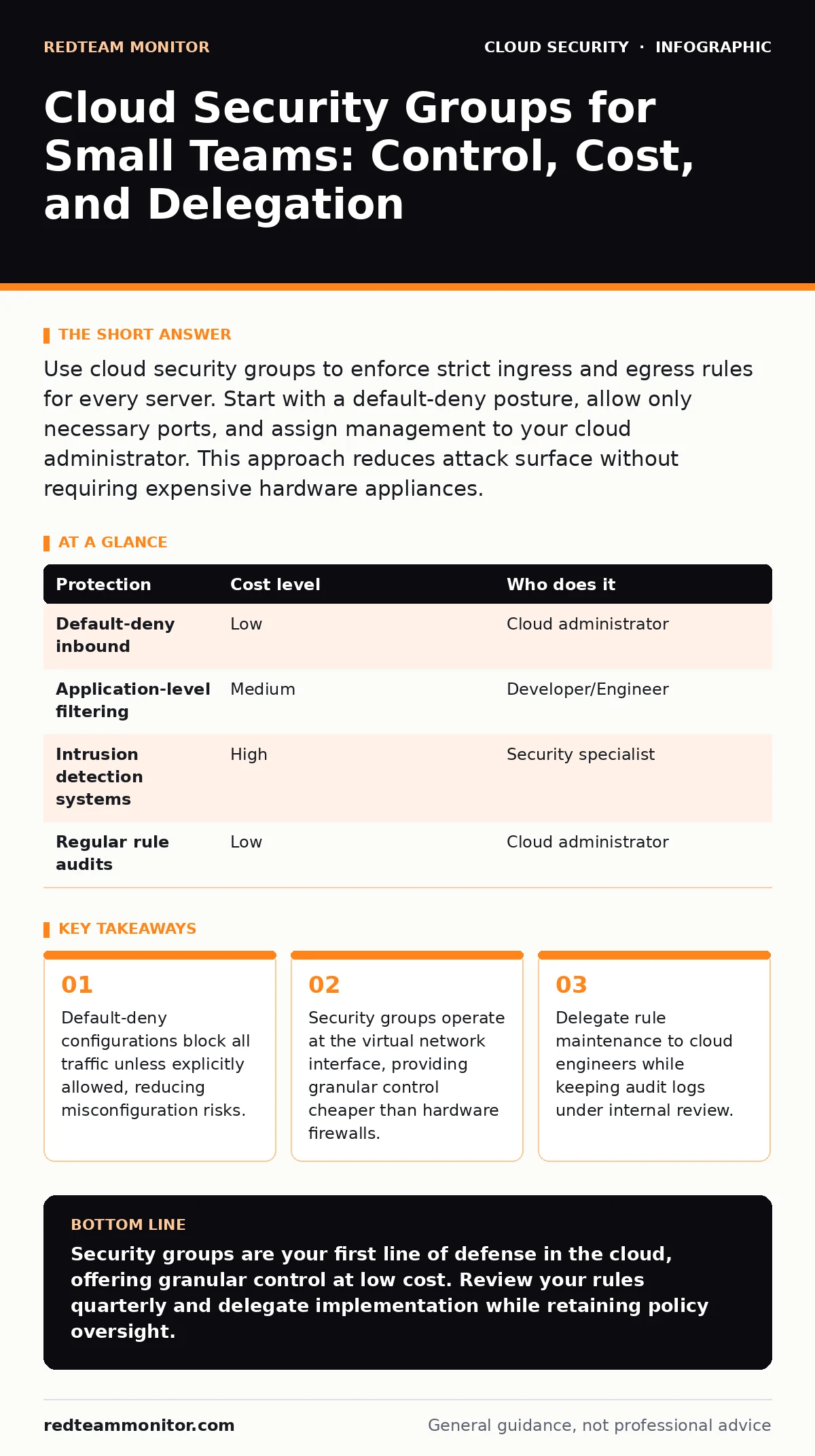
Use cloud security groups to enforce strict ingress and egress rules for every server. Start with a default-deny posture, allow only necessary ports, and assign management to your cloud administrator. This approach reduces attack surface without requiring expensive hardware appliances.
The Virtual Firewall Reality
Security groups function as stateful virtual firewalls within your cloud environment. They attach to virtual machines, containers, or other compute resources rather than sitting at the network perimeter like traditional hardware. This placement allows you to define rules that permit or deny traffic based on source, destination, and protocol.
You gain granular control over which services can communicate with each other. If a database server should only talk to a specific application server, the security group enforces that boundary. This isolation limits lateral movement if an attacker compromises one component.
Small teams often overlook these controls because they focus on perimeter defenses. The perimeter is less relevant in cloud environments where resources are distributed. Your primary defense shifts to the instance level, making security groups the first line of protection.
Why Scale Changes Nothing
The complexity of managing security groups does not scale linearly with the number of employees. A ten-person company faces the same protocol risks as a thousand-person enterprise. The difference is the number of assets, not the nature of the threat.
Automated tools can manage hundreds of rules with the same effort required for ten. This means you do not need a large security team to maintain strict controls. You need a disciplined process for defining and testing rules before deployment.
Neglecting these controls because you are small is a false economy. Attackers scan for open ports regardless of target size. A misconfigured security group on a small server is just as exploitable as one on a large cluster. The cost of a breach often exceeds the cost of proper configuration.
Affordable Implementation Strategies
You do not need expensive security appliances to implement effective controls. Cloud providers include security groups as a native feature, often with no additional cost beyond the compute resources they protect. This makes them the most cost-effective security control available.
Start by auditing your current rules. Remove any rules that allow "0.0.0.0/0" (all traffic) unless absolutely necessary. Replace broad allowances with specific IP ranges or security group references. This reduces the attack surface without impacting performance.
Use infrastructure as code to manage your configurations. Tools like Terraform or CloudFormation allow you to version control your security policies. This ensures that changes are tracked and can be rolled back if they cause issues. It also prevents configuration drift, where manual changes diverge from the intended state.
The Hidden Cost of Broad Rules
A common mistake is creating overly permissive rules to avoid downtime. Allowing all inbound traffic on a port seems convenient during development. It creates a persistent risk in production.
Stateful filtering means that return traffic is automatically allowed. This is a benefit, but it also means you must carefully define inbound rules. If you allow inbound SSH from anywhere, you expose your server to brute-force attacks globally.
Consider the maintenance burden. Broad rules require constant monitoring to ensure they remain necessary. Tight rules require less monitoring because the baseline is secure. The initial effort to define tight rules pays off in reduced alert fatigue and lower risk.
| Protection | Cost level | Who does it |
|---|---|---|
| Default-deny inbound | Low | Cloud administrator |
| Application-level filtering | Medium | Developer/Engineer |
| Intrusion detection systems | High | Security specialist |
| Regular rule audits | Low | Cloud administrator |
What to Delegate and What to Keep
You should delegate the technical implementation of security groups to your cloud administrator or IT provider. They understand the specific syntax and dependencies of your cloud provider. They can ensure that rules are applied correctly and efficiently.
However, you must retain oversight of the policy decisions. You decide which services are exposed and to whom. The provider executes the policy, but you define the risk tolerance. This separation ensures that security decisions align with business needs.
Regular audits are non-negotiable. Even with delegation, rules can accumulate and become complex. Schedule quarterly reviews to remove unused rules and verify that current rules match business requirements. This keeps the configuration clean and understandable.
See also: Implement Single Sign-On: A Step-by-Step Rollout Plan · Stop Denial-of-Wallet Attacks: Response and Recovery Steps
Integrating with Broader Security
Security groups are not a standalone solution. They work best when combined with other controls. For example, using single sign-on ensures that only authenticated users can access management consoles, reducing the risk of credential theft.
If you manage containerized applications, be aware that Kubernetes misconfigurations can bypass network policies. Security groups protect the underlying nodes, but pod-to-pod traffic may require additional network policies. Understanding these layers prevents false confidence.
For sensitive data, consider data residency requirements. Security groups control traffic flow, but they do not dictate where data is stored. Ensure your cloud region choices comply with legal obligations. This is a separate concern from network access control.
Questions for Your IT Provider
When outsourcing cloud management, ask specific questions to ensure security groups are handled correctly. Do not accept vague assurances about "best practices." Demand concrete details about their process.
- How do you enforce a default-deny posture for new resources?
- What is your process for reviewing and approving changes to security group rules?
- How do you handle emergency access requests without compromising security?
- Can you provide a recent example of a rule change that blocked a potential threat?
- How do you integrate security group management with your infrastructure as code tools?
Maintaining Long-Term Security
Security is not a one-time configuration. It requires ongoing maintenance. As your applications evolve, your security rules must evolve with them. Stale rules are a security risk because they create unnecessary exposure.
Automate your audits where possible. Many cloud providers offer tools to identify unused security group rules. Use these tools to identify and remove rules that are no longer needed. This keeps your configuration minimal and secure.
Train your team on the importance of least privilege. Every developer and administrator should understand why broad rules are dangerous. This cultural shift supports technical controls and reduces the likelihood of accidental misconfigurations.
For deeper insights on managing credentials, see our guide on secrets managers. For understanding how to move workloads safely, read about cloud migration security. These topics complement your network security efforts.
Key takeaways
- Default-deny configurations block all traffic unless explicitly allowed, reducing misconfiguration risks.
- Security groups operate at the virtual network interface, providing granular control cheaper than hardware firewalls.
- Delegate rule maintenance to cloud engineers while keeping audit logs under internal review.
Security groups are your first line of defense in the cloud, offering granular control at low cost. Review your rules quarterly and delegate implementation while retaining policy oversight.
Frequently asked questions
Do security groups protect against DDoS attacks?
No, security groups filter traffic based on rules, but they do not mitigate volumetric DDoS attacks. You need dedicated DDoS protection services for that.
Can I use security groups for on-premises servers?
No, security groups are a cloud-specific feature. On-premises servers require traditional hardware firewalls or host-based firewalls.
How often should I review my security groups?
Quarterly reviews are recommended, but any time you change your application architecture, you should review the associated rules immediately.
What is the difference between security groups and network ACLs?
Security groups are stateful and attached to instances, while network ACLs are stateless and attached to subnets. Use both for defense in depth.
How this guide was produced: written by the RedTeam Monitor editorial team with AI assistance, checked against the public references listed below, and reviewed when the facts change. See our editorial policy or report an error.