DLL Sideloading Response: Containment, Recovery and Prevention Steps
A trusted executable can become a backdoor simply by finding a malicious library in the wrong folder, bypassing traditional signature checks.
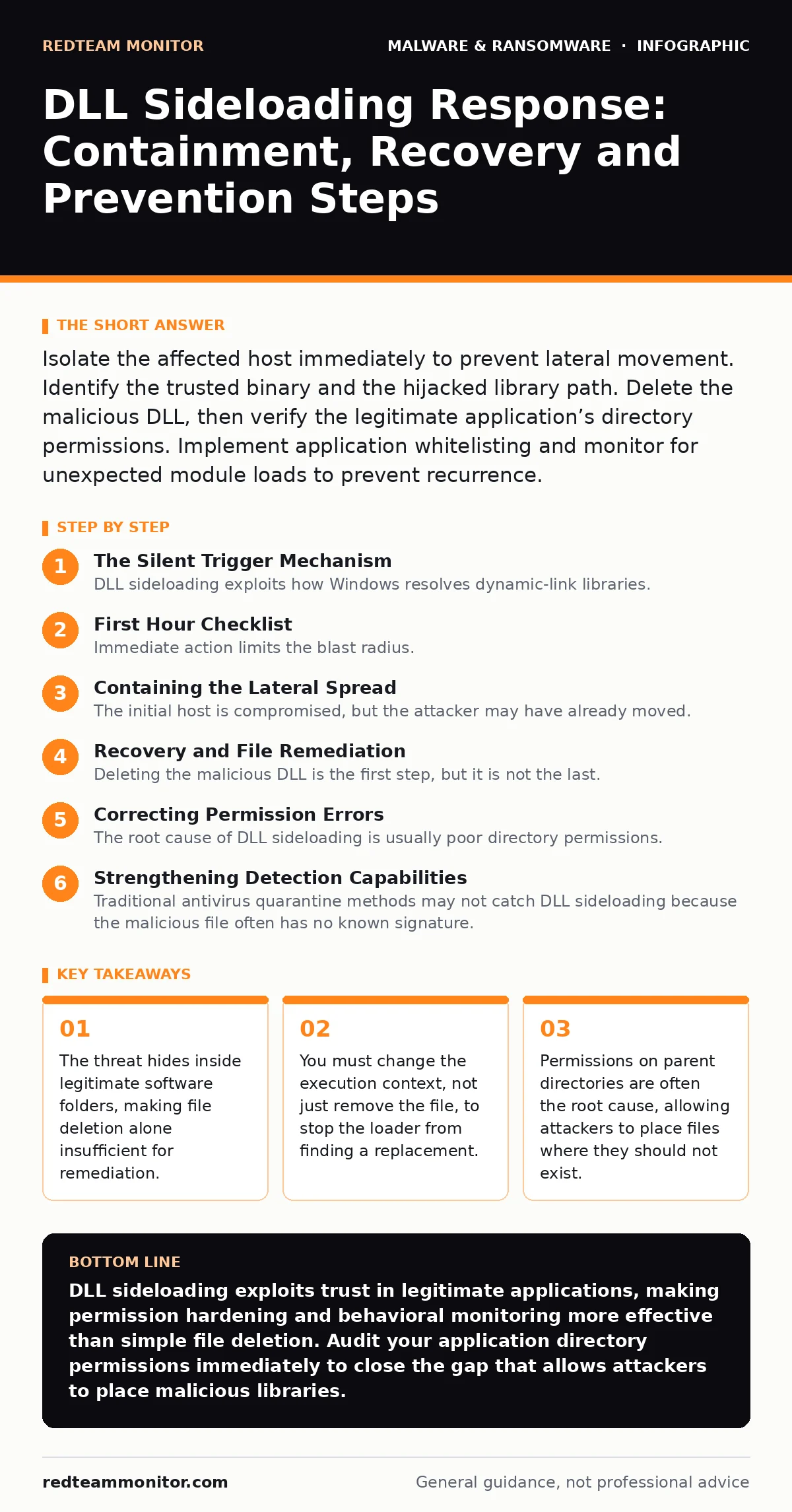
Isolate the affected host immediately to prevent lateral movement. Identify the trusted binary and the hijacked library path. Delete the malicious DLL, then verify the legitimate application’s directory permissions. Implement application whitelisting and monitor for unexpected module loads to prevent recurrence.
The Silent Trigger Mechanism
DLL sideloading exploits how Windows resolves dynamic-link libraries. When you run a trusted application, the operating system searches for required libraries in a specific order. It often checks the application’s own directory before the system path. An attacker places a malicious library with the same name as a required system library in that application folder.
When you launch the trusted app, it loads the attacker’s code instead. This happens before any security scan sees the malicious behavior. The trusted application acts as a proxy, giving the malware the same privileges as the user. This technique bypasses many endpoint detection and response (EDR) solutions because the process name is legitimate. You are not fighting an unknown process, but a known one behaving unexpectedly.
First Hour Checklist
Immediate action limits the blast radius. The attacker likely has a foothold and is looking for network access. You must stop the data flow before analyzing the code.
- Disconnect the host from the network physically or via software switch.
- Identify the trusted executable that was launched.
- Locate the malicious DLL in the application directory.
- Note the timestamp of the DLL creation and modification.
- Capture a memory dump if your tools allow it without rebooting.
- Isolate other endpoints that may have accessed the same shared folder.
Containing the Lateral Spread
The initial host is compromised, but the attacker may have already moved. DLL sideloading often serves as an initial access vector for broader campaigns. Check shared network drives for similar DLL files. Attackers often distribute the malicious library across multiple machines to ensure redundancy. If the application is portable or installed via group policy, other users may have triggered the same payload.
You must assume the network segment is untrusted. Restrict traffic from the affected subnet. Monitor for outbound connections to known command-and-control infrastructure. Look for new administrative accounts created on the host. The attacker may use the stolen credentials to access other systems. This phase is about stopping the spread, not fixing the root cause yet.
Recovery and File Remediation
Deleting the malicious DLL is the first step, but it is not the last. The trusted application will fail to start if the required library is missing. You must restore the legitimate library or ensure the application loads from the correct system directory. Verify the integrity of the application files. Compare hashes against a known good baseline.
If the application is critical, reinstall it from a trusted source. Do not use copies from the infected machine. Check the registry for any modifications made by the malware. Attackers often add persistence keys to ensure the DLL loads on boot. Clear these entries carefully. Validate that the application functions correctly after remediation. Test with a standard user account to ensure permissions are correct.
Correcting Permission Errors
The root cause of DLL sideloading is usually poor directory permissions. The attacker could write to the application directory because the permissions allowed it. Review the access control lists on the folder containing the vulnerable application. Remove write access for standard users. Only administrators should have write permissions to application directories.
This prevents any future attacker from placing files there. Check parent directories as well. Inheritance often grants more access than intended. If you cannot restrict permissions due to application requirements, consider moving the application to a protected location. This structural change is more effective than scanning for new threats. It removes the opportunity for the attack to succeed.
See also: Endpoint Detection and Response: Benefits, Limits, and Real Value · How Credential Dumps Work: From Memory to Exfiltration
Strengthening Detection Capabilities
Traditional antivirus quarantine methods may not catch DLL sideloading because the malicious file often has no known signature. You need behavioral monitoring. Configure your EDR to alert on unexpected module loads. Look for a trusted process loading a DLL from an unexpected path. For example, a text editor should not load a graphics driver library. Set up alerts for DLLs loaded from temporary directories or user profiles.
This catches many sideloading attempts. Monitor for the creation of new DLL files in application directories. This activity is unusual and often indicates an active attack. Combine these alerts with network monitoring to see if the loaded DLL attempts to connect outward. This layered approach increases visibility. It helps you spot the attack before it causes significant damage.
Preventing Future Incidents
You must change how software is deployed and managed. Application whitelisting is a powerful control. It allows only approved executables and libraries to run. This stops unauthorized DLLs from loading even if they are placed in the correct folder. Enforce least privilege principles. Users should not have administrative rights on their workstations. This limits the ability to modify system files. Regularly audit installed applications for known vulnerabilities.
Patch software promptly. Some applications have been updated to fix specific sideloading flaws. Read the release notes for mentions of security fixes. Educate users to report unusual application behavior. If a program crashes or runs slowly, it may be loading the wrong library. Early reporting helps you identify issues before they become breaches. This proactive stance reduces reliance on reactive measures.
Evaluating Tool Effectiveness
Your security tools must be configured correctly. A misconfigured EDR may miss module load events. Review your collection settings. Ensure you are capturing process creation and module load telemetry. Test your detection rules with simulated DLL sideloading attacks. Use harmless test files to verify alerts. If your tools do not alert, adjust the rules. Consider integrating threat intelligence feeds.
These feeds provide indicators of compromise for known malicious DLLs. While sideloading often uses custom malware, some campaigns reuse common libraries. This overlap can help with detection. Regularly update your detection logic. Attackers change their tactics to evade static signatures. Behavioral analysis remains your best defense. It looks at what the code does, not what it is called. This approach stays relevant even as attackers change file names.
Key takeaways
- The threat hides inside legitimate software folders, making file deletion alone insufficient for remediation.
- You must change the execution context, not just remove the file, to stop the loader from finding a replacement.
- Permissions on parent directories are often the root cause, allowing attackers to place files where they should not exist.
DLL sideloading exploits trust in legitimate applications, making permission hardening and behavioral monitoring more effective than simple file deletion. Audit your application directory permissions immediately to close the gap that allows attackers to place malicious libraries.
Frequently asked questions
How do I know if an application is vulnerable to DLL sideloading?
Check if the application loads libraries from its own directory before the system path. Tools like Process Explorer can show the load order and origin of each module.
Can antivirus software detect DLL sideloading?
Traditional signature-based antivirus often misses it because the DLL may be new or custom. Behavioral analysis and EDR solutions are more effective at detecting the unusual loading behavior.
Is DLL sideloading similar to DLL hijacking?
They are related but distinct. Hijacking usually involves missing system libraries, while sideloading exploits search order in application directories to load malicious files alongside legitimate ones.
What is the best way to stop DLL sideloading?
Restrict write permissions on application directories to administrators only. This prevents attackers from placing malicious DLLs where the application will find them.
How this guide was produced: written by the RedTeam Monitor editorial team with AI assistance, checked against the public references listed below, and reviewed when the facts change. See our editorial policy or report an error.