
Malware Families Explained: Why Small Teams Need Specific Defense
Grouping malware by behavior reveals hidden connections that generic antivirus misses, allowing smaller teams to block entire threat clusters with single configuration changes.
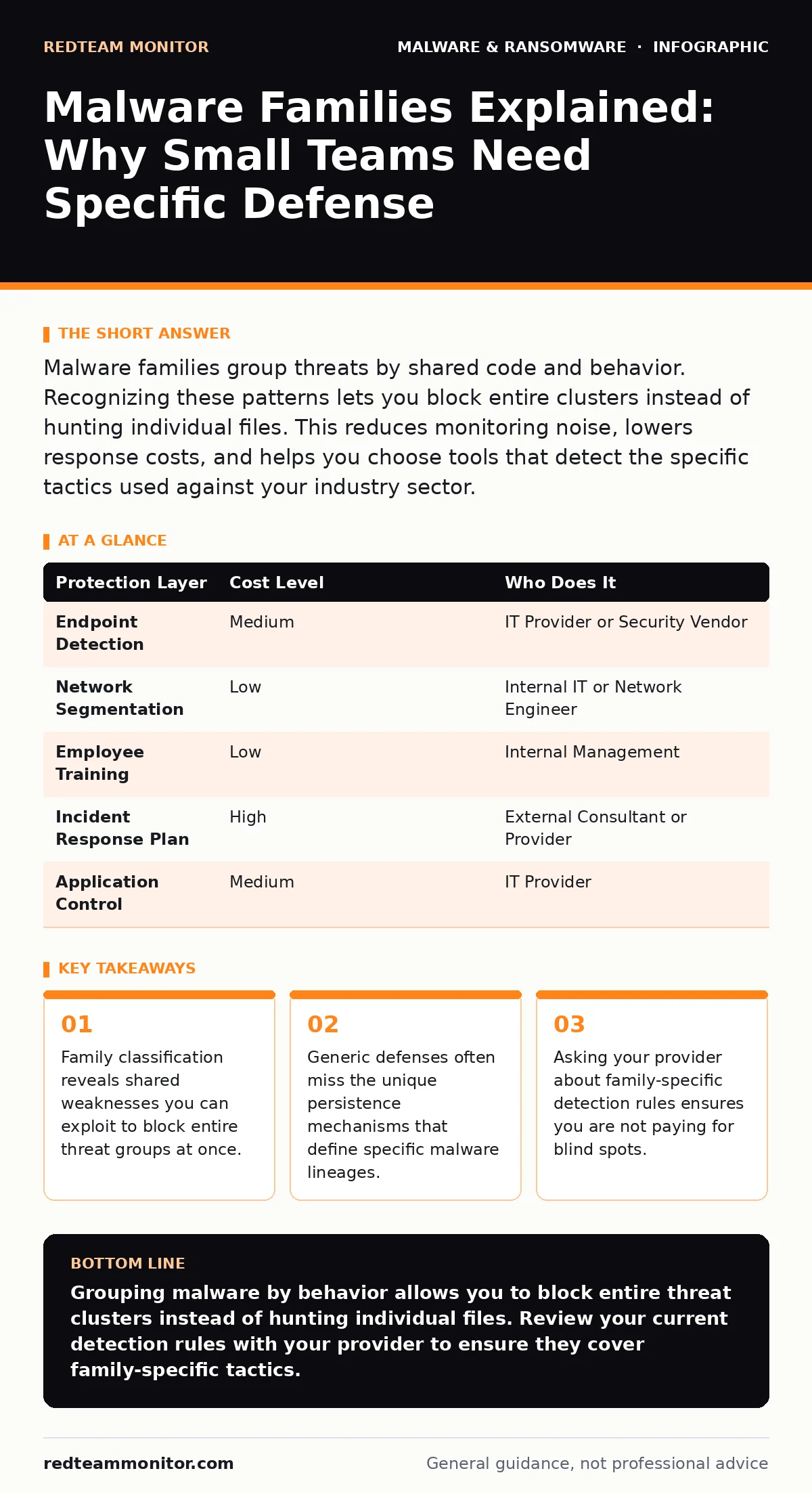
Malware families group threats by shared code and behavior. Recognizing these patterns lets you block entire clusters instead of hunting individual files. This reduces monitoring noise, lowers response costs, and helps you choose tools that detect the specific tactics used against your industry sector.
Why Family Classification Matters for Small Teams
Malware families group malicious software by shared code structure, delivery methods, and operational goals. This classification matters because threats within a family share common weaknesses. If you block the communication channel used by one variant, you often block the entire family. Small teams lack the resources to hunt every new file hash. They need to stop the broader pattern.
Grouping threats reduces the noise in your security logs. Instead of investigating 50 separate alerts for different files, you investigate one behavioral pattern. This efficiency is critical when you have limited staff. You focus on the root cause rather than the symptoms. Understanding these groups helps you prioritize which threats are most likely to target your specific industry and data types.
How Families Evade Generic Defenses
Many small businesses rely on signature-based detection. This method compares files against a database of known bad hashes. Malware authors easily bypass this by changing a few bytes in the code. This creates a new hash that looks clean to the scanner. The new file belongs to the same family but evades the basic check.
Behavioral analysis addresses this gap. It watches what the software does rather than what it looks like. A ransomware family might always encrypt files in a specific order or use a specific algorithm. Detecting this behavior stops the attack even if the file is new. You must ensure your tools look for these actions. Generic solutions often lack the depth to recognize these subtle patterns.
This is where DLL sideloading becomes a critical concept. Some families use legitimate system processes to run malicious code. The security tool sees a trusted program and allows it. You need detection that monitors process injection and abnormal library loading. Without this, your perimeter defenses become meaningless once the initial breach occurs.
Practical Steps for Family-Based Defense
Start by mapping your critical assets. Know which data holds the most value. Malware families often target specific file types. Ransomware targets documents and databases. Spyware targets credentials and communications. Tailor your monitoring to protect these high-value items first.
Implement application whitelisting where possible. This allows only approved programs to run. It blocks unknown malware families from executing at all. For environments that cannot use strict whitelisting, use application control policies. These restrict what actions a program can take. A word processor should not be able to modify system registry keys or connect to external servers.
Regular updates remain a baseline requirement. Vulnerabilities in software are common entry points for malware families. Patching closes these doors. However, patching alone is insufficient. You need layers of defense that catch what slips through. Combine network segmentation with endpoint detection. This limits the spread if a family breaches one machine.
Evaluating Your IT Provider’s Capabilities
Your managed service provider or IT team must understand malware families. They should not just install tools. They must configure them to detect specific behaviors. Ask about their detection logic. Do they monitor for known family tactics? Do they update their rules based on new intelligence?
Review their incident response plans. How do they handle a confirmed infection from a known family? Do they have playbooks for rapid containment? Speed matters. The longer a malware family resides in your network, the more data it can exfiltrate or encrypt. Verify that they test these plans regularly.
| Protection Layer | Cost Level | Who Does It |
|---|---|---|
| Endpoint Detection | Medium | IT Provider or Security Vendor |
| Network Segmentation | Low | Internal IT or Network Engineer |
| Employee Training | Low | Internal Management |
| Incident Response Plan | High | External Consultant or Provider |
| Application Control | Medium | IT Provider |
Questions to Ask Your Provider
Use these questions to verify that your partner understands the nuances of malware families. Their answers will reveal their depth of expertise.
- How do you distinguish between a new variant and a completely new malware family?
- What specific behavioral indicators do you monitor for ransomware and spyware families?
- Can you demonstrate how your tools detect DLL sideloading or other process injection techniques?
- How often do you update your detection rules to reflect changes in known family tactics?
- What is your average time to detect and contain a breach from a known family?
- Do you provide post-incident reports that explain the family characteristics of the threat?
- How do you handle false positives when monitoring for aggressive family behaviors?
- Can you show examples of how your configuration blocked a specific family attack last year?
See also: Endpoint Detection and Response: Benefits, Limits, and Real Value · Sandbox Evasion: How Malware Hides and What to Do About It
Integrating With Broader Security Strategies
Malware families do not operate in isolation. They often work with other threats. For example, malicious mobile apps may serve as initial access points for later desktop attacks. Your defense must cover all entry vectors. Ensure your mobile security strategy aligns with your desktop protections.
Consider the role of business continuity planning in your strategy. Even with strong defenses, breaches can happen. Your plan should include recovery steps specific to the types of malware that target your sector. If ransomware is a primary risk, ensure your backups are isolated and tested. If data theft is the concern, focus on rapid credential rotation.
The Hidden Cost of Ignoring Families
Ignoring family classification leads to reactive security. You fight each new file as if it were unique. This approach is exhausting and expensive. You waste resources on alerts that are part of a larger, stoppable pattern. Proactive family-based defense reduces this burden.
It also improves your security posture over time. As you learn which families target you, you can strengthen specific defenses. You build a history of attacks that informs future decisions. This historical data is valuable for risk assessments and insurance purposes. It shows insurers that you understand your specific threats.
Smaller teams often feel overwhelmed by the volume of security information. Focusing on families simplifies this. You learn the key patterns that matter to you. You ignore the noise. This clarity allows you to allocate your limited budget and time more effectively. You protect what matters most without spending on unnecessary features.
Key takeaways
- Family classification reveals shared weaknesses you can exploit to block entire threat groups at once.
- Generic defenses often miss the unique persistence mechanisms that define specific malware lineages.
- Asking your provider about family-specific detection rules ensures you are not paying for blind spots.
Grouping malware by behavior allows you to block entire threat clusters instead of hunting individual files. Review your current detection rules with your provider to ensure they cover family-specific tactics.
Frequently asked questions
How do I know if my antivirus detects malware families?
Check if your tool uses behavioral analysis and heuristic detection. Signature-only scanners miss new variants. Look for features that monitor process behavior and network connections in real time.
Can open-source tools detect malware families?
Yes, many open-source solutions support behavioral monitoring and signature updates. However, they often require more manual configuration and expertise to tune for specific family patterns effectively.
Is it enough to block known malware families?
No, threat actors constantly create new families. You must monitor for novel behaviors and anomalies. Static blocking leaves you vulnerable to zero-day attacks that do not match existing family profiles.
How often should I update my family detection rules?
Update rules as soon as new intelligence becomes available. Most automated systems handle this daily. Manual checks should occur weekly to ensure no critical updates were missed or blocked.
How this guide was produced: written by the RedTeam Monitor editorial team with AI assistance, checked against the public references listed below, and reviewed when the facts change. See our editorial policy or report an error.