
Dumpster Diving Detection: Log Signals and Physical Blind Spots
Digital dumpster diving leaves distinct artifacts in identity logs and file access records that standard monitoring often ignores because it focuses on network traffic rather than local data extraction.
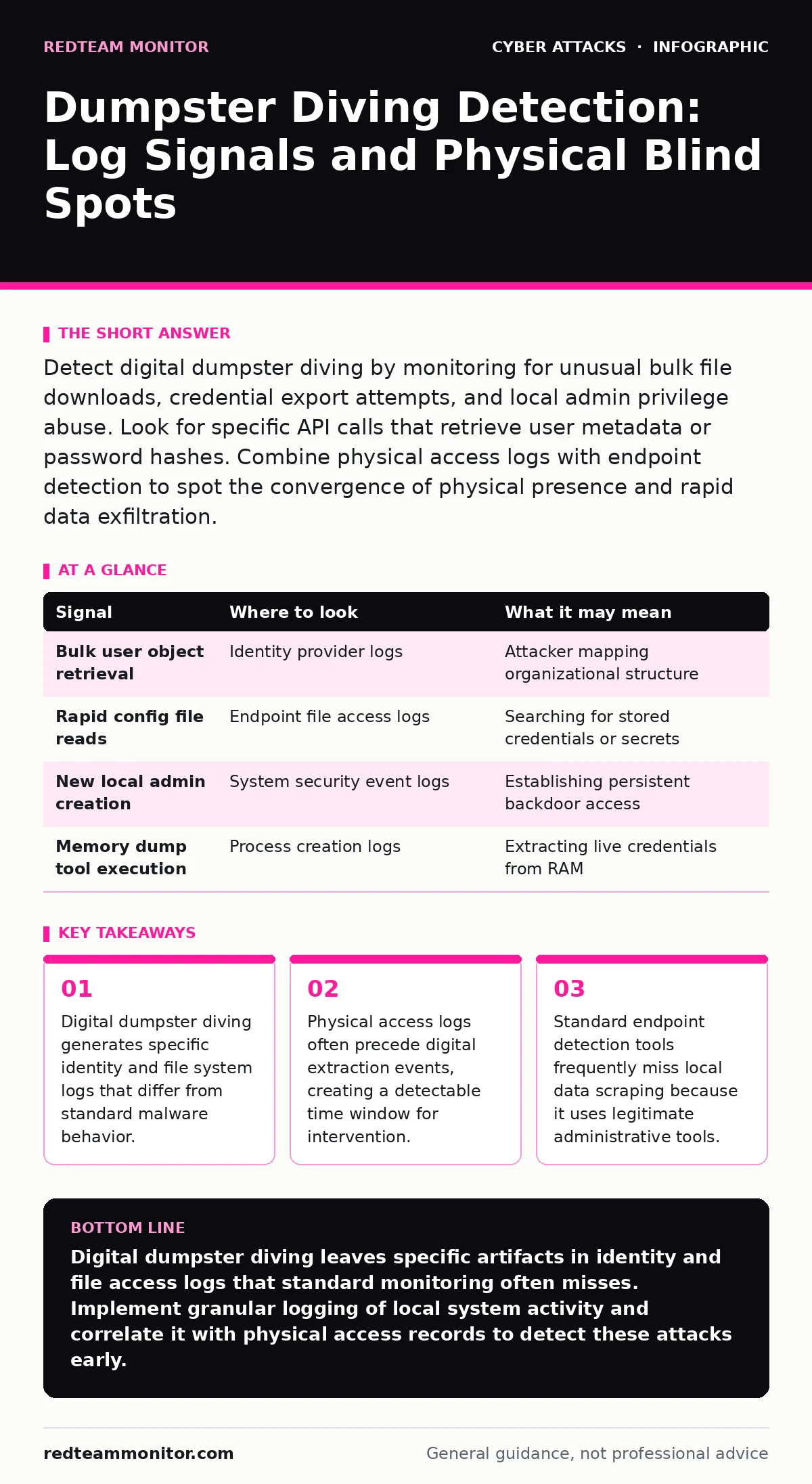
Detect digital dumpster diving by monitoring for unusual bulk file downloads, credential export attempts, and local admin privilege abuse. Look for specific API calls that retrieve user metadata or password hashes. Combine physical access logs with endpoint detection to spot the convergence of physical presence and rapid data exfiltration.
Identity Provider Anomalies
Digital dumpster diving often begins with an attacker who has already bypassed perimeter defenses. They do not need to brute force a login; they need to harvest what is already accessible. You will see unusual queries against your identity provider. Attackers use these queries to map out user roles, group memberships, and service account permissions. This mapping allows them to identify high-value targets without triggering alert thresholds for failed login attempts.
Monitor for API calls that retrieve large lists of users or groups. A single request returning hundreds of user objects is rare in normal operations. Check for requests that ask for attributes typically hidden from standard users, such as password last changed dates or security group memberships. These requests help the attacker build a target list for subsequent lateral movement or privilege escalation.
Endpoint File Access Patterns
Once the attacker knows who to target, they move to the local system. They look for stored credentials, configuration files, and sensitive documents. This activity creates a distinct pattern in file access logs. The attacker often uses command-line tools to search for specific file extensions or content. This behavior differs from normal user activity, which is usually driven by graphical interfaces and specific application needs.
Look for rapid sequential access to files in directories that store configuration data. Attackers frequently search for files containing keywords like "password," "config," or "secret." They may also look for browser cache files or saved credential stores. These actions generate a high volume of read events in a short time frame. Standard antivirus software often ignores these reads because reading a file is not inherently malicious. You must correlate the volume and speed of access with the user context to detect the anomaly.
Privilege Escalation and Local Admin Abuse
Dumpster diving requires the ability to access protected areas of the operating system. Attackers often exploit misconfigurations that grant them local administrative rights. Once they have these rights, they can access sensitive system files that standard users cannot touch. This includes the Security Account Manager database on Windows systems or shadow password files on Linux systems.
Monitor for the creation of new local administrator accounts. Attackers often create backdoor accounts to maintain access even if their initial entry point is discovered. They may also enable remote management protocols that were previously disabled. These changes leave traces in the system event logs. You should also watch for the use of tools that dump memory or extract credentials from running processes. These tools are often signed with legitimate certificates, making them hard to detect via signature-based scanning.
| Signal | Where to look | What it may mean |
|---|---|---|
| Bulk user object retrieval | Identity provider logs | Attacker mapping organizational structure |
| Rapid config file reads | Endpoint file access logs | Searching for stored credentials or secrets |
| New local admin creation | System security event logs | Establishing persistent backdoor access |
| Memory dump tool execution | Process creation logs | Extracting live credentials from RAM |
Network Traffic Indicators
While dumpster diving is primarily a local activity, it often involves moving data out of the environment. Attackers compress sensitive files and exfiltrate them over the network. This traffic may look like normal web browsing if they use encrypted channels. However, the volume and timing of the transfer can reveal the activity.
Look for large outbound data transfers to unfamiliar IP addresses or cloud storage services. Attackers often use their own cloud accounts to store stolen data. They may also use DNS tunneling to exfiltrate small amounts of data hidden within DNS queries. This technique bypasses many firewall rules that focus on standard HTTP or HTTPS traffic. You must monitor for unusual DNS query volumes or lengths, which can indicate data being encoded in domain names.
Common Blind Spots in Detection
Many security teams focus heavily on network perimeter defenses and miss local data extraction. They assume that if an attacker is inside the network, they have already won. This assumption leads to a lack of visibility into local file system and registry changes. Another blind spot is the reliance on signature-based detection. Attackers use legitimate system tools to perform their tasks, which means their actions do not match known malware signatures.
You must also consider the human element. Employees may inadvertently leave sensitive information accessible on shared drives or unencrypted devices. This makes digital dumpster diving easier for an attacker who gains physical access. Regular audits of shared folder permissions and encryption status are necessary to reduce this risk. Additionally, many organizations do not log standard user file access, only administrative actions. This gap allows attackers to browse and copy files without leaving a trace in your logs.
See also: How Credential Dumps Work: From Memory to Exfiltration · Fix Common EDR Mistakes: Stop Blind Spots and False Positives
Tools for Enhanced Visibility
You need tools that can see into the local system and correlate different data sources. Endpoint detection and response platforms provide visibility into process execution and file access. However, you must configure them to log standard user activity, not just administrative actions. Identity and access management tools help you detect unusual queries against your directory services.
Network traffic analysis tools can identify unusual data exfiltration patterns. Look for tools that can decode DNS traffic to detect tunneling attempts. Data loss prevention solutions can help identify when sensitive data is being copied to removable media or uploaded to cloud services. Integrate these tools with your security information and event management platform to create a unified view of potential dumpster diving activities.
Mitigating the Risk
Reducing the value of what an attacker can find is key to mitigating this risk. Implement strict least privilege principles to limit what users and processes can access. Encrypt sensitive data at rest so that even if an attacker copies the files, they cannot read them without the key. Disable unnecessary local administrator rights and use remote management tools that log all actions.
Regularly audit your environment for stored credentials and configuration files. Remove or encrypt any sensitive information that is not strictly necessary. Train employees on the risks of leaving sensitive data accessible on shared drives or unencrypted devices. Consider implementing a zero trust architecture that verifies every access request, regardless of its origin. This approach reduces the impact of any single breach by limiting the attacker's ability to move laterally.
Key takeaways
- Digital dumpster diving generates specific identity and file system logs that differ from standard malware behavior.
- Physical access logs often precede digital extraction events, creating a detectable time window for intervention.
- Standard endpoint detection tools frequently miss local data scraping because it uses legitimate administrative tools.
Digital dumpster diving leaves specific artifacts in identity and file access logs that standard monitoring often misses. Implement granular logging of local system activity and correlate it with physical access records to detect these attacks early.
Frequently asked questions
How do I distinguish dumpster diving from normal administrative tasks?
Look for the volume and speed of access. Normal admins access specific files for specific reasons. Attackers often scan directories rapidly and access many unrelated configuration files in a short period.
Can endpoint detection tools detect all dumpster diving attempts?
No. If the attacker uses legitimate system tools and stays within standard user permissions, they may avoid detection. You need specific logging configurations and behavioral analysis to catch these subtle activities.
What is the most common tool used for digital dumpster diving?
Attackers often use built-in command-line tools like PowerShell, Bash, or standard search utilities. These tools are trusted by the system and often excluded from deep inspection by security software.
How does physical access impact digital dumpster diving?
Physical access allows attackers to bypass many network-based controls. They can connect directly to systems, use local admin accounts, or extract data from removable media that is not monitored by network sensors.
How this guide was produced: written by the RedTeam Monitor editorial team with AI assistance, checked against the public references listed below, and reviewed when the facts change. See our editorial policy or report an error.