Living-Off-The-Land Attacks Explained: How Attackers Use Your Tools
Attackers bypass security by using legitimate system tools already present on your device, making detection nearly impossible without behavioral analysis.
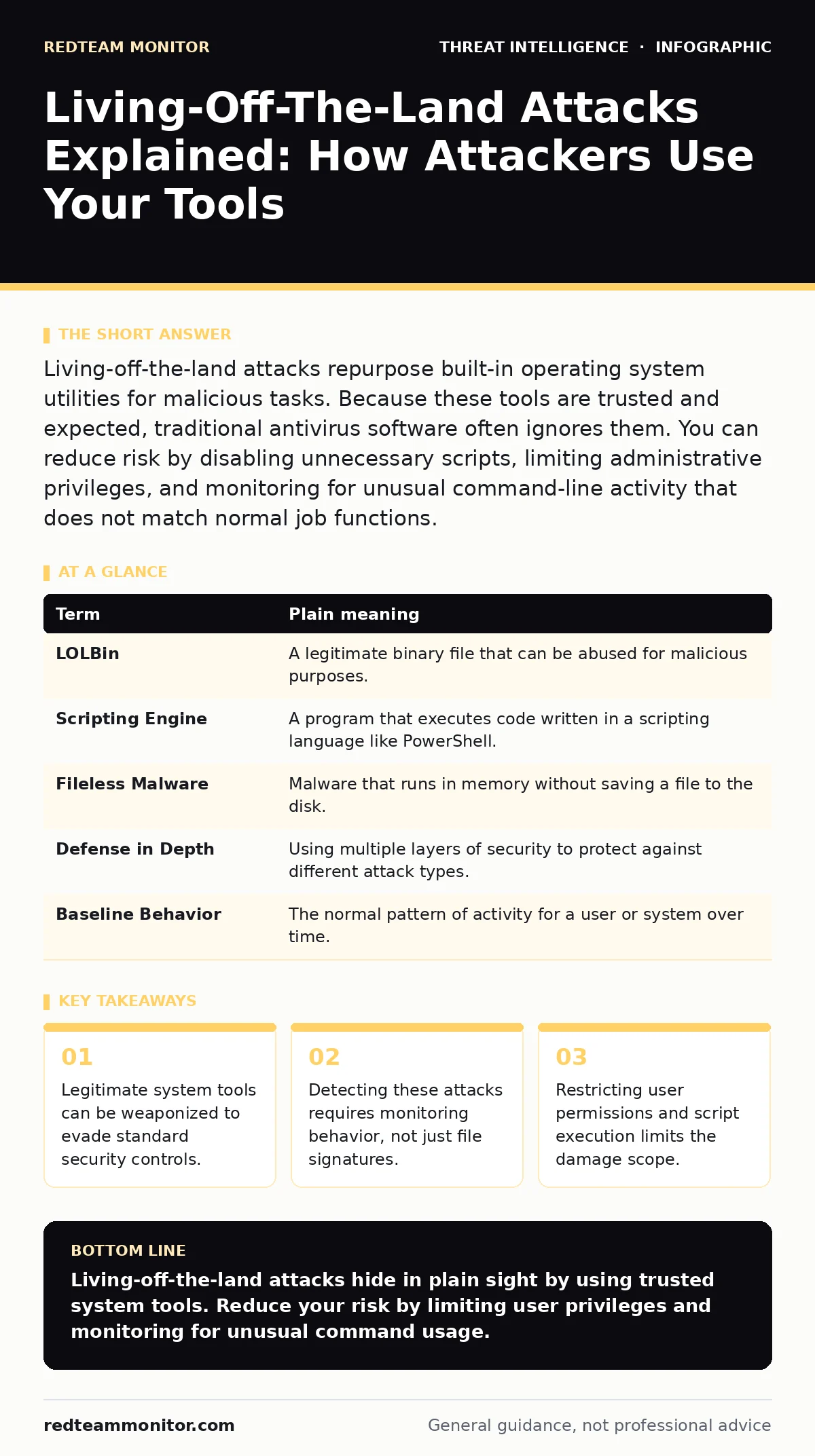
Living-off-the-land attacks repurpose built-in operating system utilities for malicious tasks. Because these tools are trusted and expected, traditional antivirus software often ignores them. You can reduce risk by disabling unnecessary scripts, limiting administrative privileges, and monitoring for unusual command-line activity that does not match normal job functions.
The Toolkit in Your Pocket
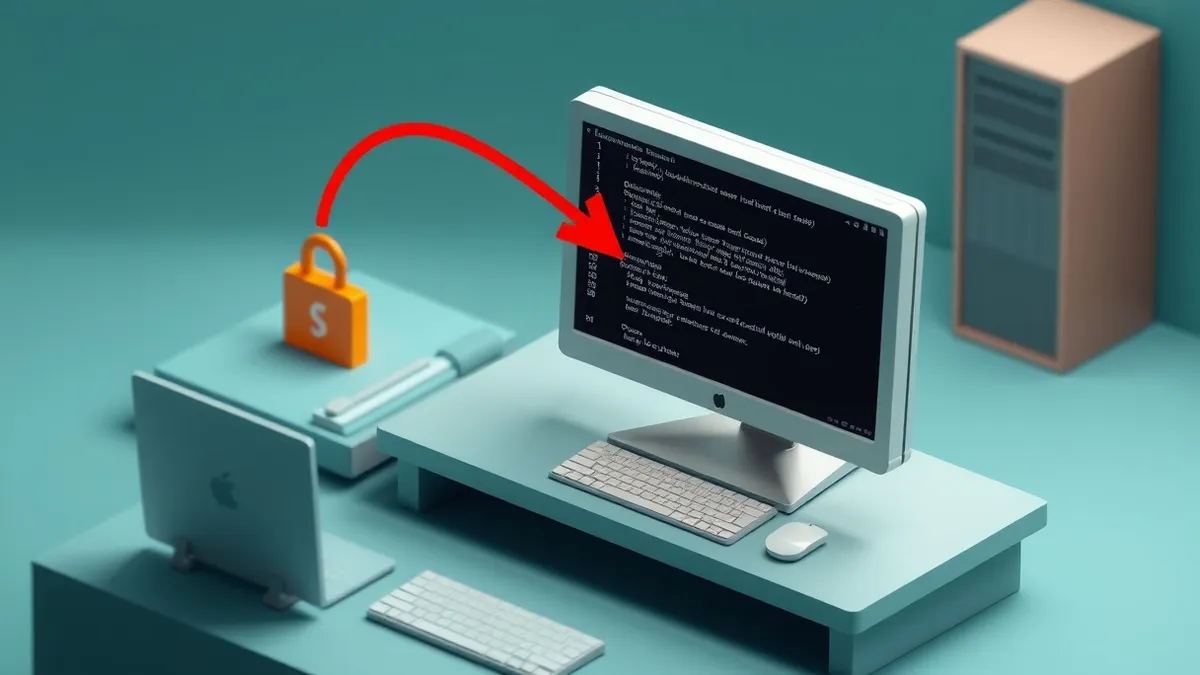
Imagine a burglar enters your house. Instead of bringing a crowbar, they use your own screwdriver to open the window. Your alarm system never trips because the screwdriver is a normal household object. It belongs there. The burglar knows the house better than you do. They use what is already present to avoid leaving foreign evidence. This is the core concept of living-off-the-land attacks. Attackers do not always need to bring malware from the outside. They use the tools already installed on your computer.
These tools are part of the operating system. They are needed for daily work. Security software trusts them implicitly. This trust is the attacker's greatest advantage.
Key Terms You Need to Know
Understanding the vocabulary helps you spot the signs. These terms appear in operational threat intelligence reports and internal security reviews.
| Term | Plain meaning |
|---|---|
| LOLBin | A legitimate binary file that can be abused for malicious purposes. |
| Scripting Engine | A program that executes code written in a scripting language like PowerShell. |
| Fileless Malware | Malware that runs in memory without saving a file to the disk. |
| Defense in Depth | Using multiple layers of security to protect against different attack types. |
| Baseline Behavior | The normal pattern of activity for a user or system over time. |
Why Standard Defenses Fail
Traditional antivirus software works by checking files against a database of known bad signatures. If a file looks like a virus, it gets blocked. But living-off-the-land binaries are not viruses. They are system files. They have valid digital signatures from the operating system vendor. The antivirus sees a trusted file and lets it pass.
The attacker then tells this trusted file to do something it was not designed to do. For example, a tool meant to download updates might be tricked into downloading a malicious script. The tool itself is clean. The action is not. This gap between intent and execution is where the risk lies.
The Hidden Cost of Convenience
Modern operating systems are powerful. They include many tools to help administrators manage networks and automate tasks. This convenience is a double-edged sword. Every tool added to the system increases the attack surface.
PowerShell is a prime example. It is a powerful scripting engine used for system administration. Attackers love it because it can execute complex commands in a single line. It can download files, encrypt data, and move laterally across a network. All without creating a suspicious executable file on the hard drive.
Suppose an attacker gains access to your account. They do not install a new program. They open PowerShell. They type a command to disable your logging. They type another command to steal credentials. To the system, this looks like an admin doing their job. The noise from normal administrative work hides the malicious actions.
What This Means for You
You might think this only affects large corporations. It affects anyone with a computer. The attacker needs a foothold. This often comes from a phishing email or a weak password. Once inside, they look for what they can use.
If you have administrative rights, you are a bigger target. Admin rights give the attacker more tools to use. If you have standard user rights, the attacker is limited. This is why privilege management matters.
Regular users often run scripts or install software that requires temporary admin access. This window of elevated power is dangerous. Attackers often time their moves to coincide with these moments. They wait for you to grant permission, then they act quickly before you notice anything wrong.
See also: Attacker Dwell Time: How to Detect and Reduce Intrusion Duration
Simple Safety Habits
You cannot remove all system tools. They are needed for the computer to function. But you can make them harder to abuse. These steps reduce the chance of a successful living-off-the-land attack.
- Disable Unnecessary Scripts: Many systems allow scripts to run by default. Check your settings. Disable script execution for users who do not need it. If you must allow scripts, require them to be signed by a trusted publisher. This stops unsigned malicious scripts from running.
- Limit Administrative Access: Do not use an administrator account for daily work. Use a standard user account. Only elevate privileges when absolutely necessary. This limits the tools available to an attacker. If they compromise your standard account, they cannot run many powerful system commands.
- Monitor for Odd Commands: Look for unusual activity. If a user account suddenly starts running many PowerShell commands at 3 AM, that is suspicious. Set up alerts for rare commands. Focus on tools that are rarely used by normal staff. This helps you spot the burglar using your screwdriver at an odd time.
The Bigger Picture
Living-off-the-land attacks are a symptom of a larger problem. Attackers adapt to your defenses. If you block malware, they use built-in tools. If you block those, they use other methods.
This is why purple teaming is valuable. It brings defenders and attackers together. They test defenses in real-world scenarios. They find the gaps in your tool usage. This helps you adjust your controls before a real breach occurs.
You should also look at MITRE ATT&CK Navigator frameworks. These maps show how attackers behave. They list specific techniques for living-off-the-land binaries. Checking your defenses against this framework reveals blind spots. It shows which tools you are not monitoring.
Key takeaways
- Legitimate system tools can be weaponized to evade standard security controls.
- Detecting these attacks requires monitoring behavior, not just file signatures.
- Restricting user permissions and script execution limits the damage scope.
Living-off-the-land attacks hide in plain sight by using trusted system tools. Reduce your risk by limiting user privileges and monitoring for unusual command usage.
Frequently asked questions
Can antivirus software detect living-off-the-land attacks?
Standard signature-based antivirus usually cannot detect these attacks because the files involved are legitimate system components. You need behavioral analysis or endpoint detection and response systems to identify misuse.
How do attackers get the initial access to run these commands?
Attackers typically gain access through phishing emails, compromised credentials, or unpatched software vulnerabilities. Once inside, they escalate privileges to use powerful system tools.
Is disabling PowerShell a good security practice?
Disabling PowerShell entirely can break many administrative functions and applications. Instead, restrict script execution policies and require signed scripts. Monitor PowerShell usage for suspicious patterns rather than blocking it completely.
Do these attacks require internet access to work?
Some techniques require internet access to download payloads or exfiltrate data. However, many living-off-the-land techniques work entirely offline, using local tools to move laterally or steal credentials within the network.
How this guide was produced: written by the RedTeam Monitor editorial team with AI assistance, checked against the public references listed below, and reviewed when the facts change. See our editorial policy or report an error.