Spot Living-of-the-Land Attacks Before They Spread
Attackers hide in plain sight by abusing trusted system tools, making behavioral anomalies the only reliable detection signal for your security operations.
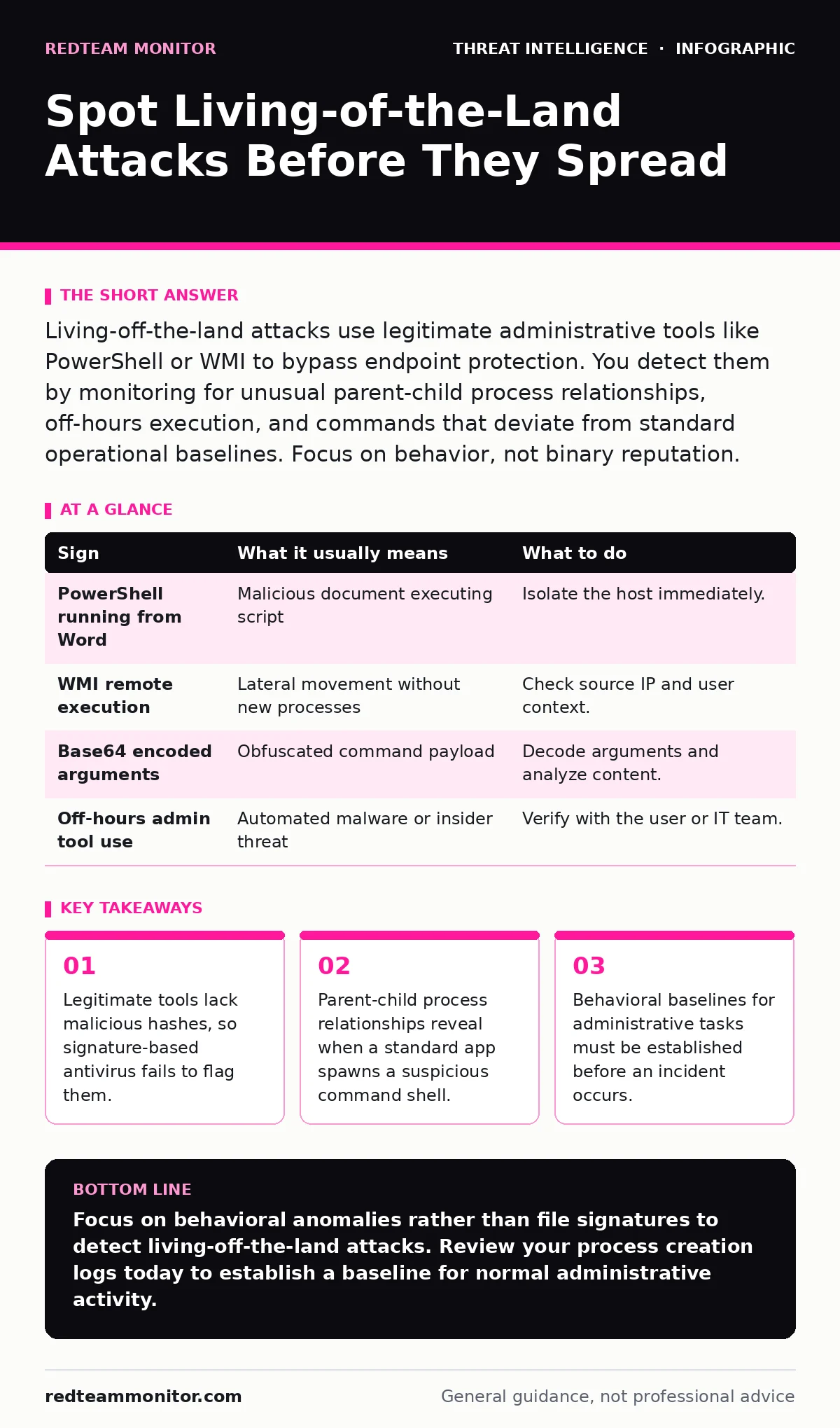
Living-off-the-land attacks use legitimate administrative tools like PowerShell or WMI to bypass endpoint protection. You detect them by monitoring for unusual parent-child process relationships, off-hours execution, and commands that deviate from standard operational baselines. Focus on behavior, not binary reputation.
The Trust Exploit Mechanism
Living-off-the-land (LotL) techniques rely on a simple premise: if a tool is already installed, signed, and trusted by the operating system, security controls will likely allow it to run. Attackers exploit this trust by using standard utilities for malicious purposes. This approach bypasses application whitelisting and traditional antivirus solutions that rely on known bad signatures.
You cannot patch these vulnerabilities because the tools are not broken; they are working exactly as designed. The vulnerability lies in the lack of context around how and why the tool is being used. Defense requires shifting from identity-based trust to behavior-based verification.
Obvious Behavioral Anomalies
The first signs often appear as performance issues or unexpected network activity. Users may report slow system response times or high CPU usage during idle periods. These symptoms occur because attackers use local tools to exfiltrate data or establish persistence mechanisms.
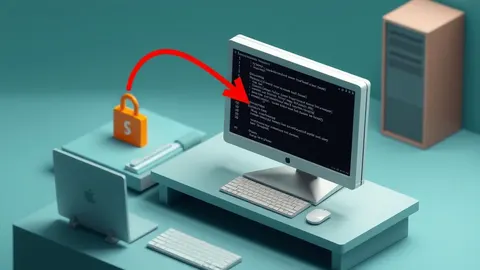
Look for command-line interfaces launching from unexpected parent processes. A web browser spawning a PowerShell session is statistically rare in most enterprise environments. Similarly, a text editor launching a remote management tool suggests compromise. These deviations from normal user workflow are immediate red flags.
Hidden Execution Channels
Subtle signs hide in the background, often missed by standard monitoring. Attackers use Windows Management Instrumentation (WMI) to execute code remotely without creating new processes on the target machine. This technique leaves minimal forensic artifacts because WMI is a standard administrative component.
Scripting engines like PowerShell or VBScript can run in memory, avoiding disk writes entirely. This means no executable file exists for traditional file scanners to inspect. You must monitor for encoded commands or scripts that download payloads from external URLs. These actions look like routine maintenance until you analyze the command arguments.
Establishing Operational Baselines
Detecting LotL attacks requires knowing what normal looks like for your specific environment. You must document which applications typically spawn which child processes. For example, does your IT department regularly use PsExec for remote administration? If so, that behavior is not inherently malicious.
Without this baseline, you face high false-positive rates. Every administrative action triggers an alert, leading to alert fatigue. Use operational threat intelligence to understand how attackers adapt these tools. This context helps you distinguish between legitimate administrative tasks and adversarial activity.
Detection and Response Table
| Sign | What it usually means | What to do |
|---|---|---|
| PowerShell running from Word | Malicious document executing script | Isolate the host immediately. |
| WMI remote execution | Lateral movement without new processes | Check source IP and user context. |
| Base64 encoded arguments | Obfuscated command payload | Decode arguments and analyze content. |
| Off-hours admin tool use | Automated malware or insider threat | Verify with the user or IT team. |
See also: Indicators of Compromise Examples and How to Use Them · Malware Families Explained: Why Small Teams Need Specific Defense
Correlating with Threat Intelligence
Single events are rarely conclusive. You must correlate local behavioral data with external indicators. Threat intelligence feeds provide context on which specific LotL techniques are currently trending in the wild. This helps you prioritize alerts based on current adversary tactics.
Integrate this data with your MITRE ATT&CK Navigator to map observed behaviors to specific adversary actions. This mapping reveals the attacker's intent, whether it is discovery, lateral movement, or data exfiltration. Understanding the broader campaign helps you respond to the full scope of the intrusion.
Mitigation Through Restriction
You cannot remove these tools without breaking system functionality. Instead, restrict their usage through policy. Implement Application Control policies that limit which users can execute sensitive tools. Restrict PowerShell execution policies to prevent unsigned scripts from running.
Enable detailed logging for all administrative actions. Ensure these logs are forwarded to a secure, centralized storage system that attackers cannot tamper with. Regular purple teaming exercises can test whether your detection rules catch these subtle behaviors in real-time scenarios.
The Cost of Visibility
Implementing deep behavioral monitoring has a hidden cost: storage and analysis overhead. Detailed process creation logs generate massive amounts of data. You must have the infrastructure to ingest and query this data efficiently.
Without proper log retention and search capabilities, you will miss historical context during an investigation. Balance the depth of monitoring with your operational capacity. Focus on high-value assets and administrative accounts first to maximize your detection coverage.
Key takeaways
- Legitimate tools lack malicious hashes, so signature-based antivirus fails to flag them.
- Parent-child process relationships reveal when a standard app spawns a suspicious command shell.
- Behavioral baselines for administrative tasks must be established before an incident occurs.
Focus on behavioral anomalies rather than file signatures to detect living-off-the-land attacks. Review your process creation logs today to establish a baseline for normal administrative activity.
Frequently asked questions
Can antivirus software detect living-of-the-land attacks?
Traditional antivirus often fails because the tools are legitimate and signed. You need behavioral detection engines that analyze how the tool is used, not just what the tool is.
How do I distinguish between an admin and an attacker?
Context is key. Check the time of execution, the user role, and the parent process. Legitimate admins usually follow established procedures, while attackers often use obfuscated commands or unusual execution chains.
What is the best tool to monitor PowerShell?
There is no single best tool, but you should enable Module Logging and Script Block Logging. These features capture detailed information about what scripts are running and what commands they execute.
Do living-of-the-land attacks leave traces?
Yes, but they are subtle. Process creation logs, network connections, and registry changes provide evidence. You need detailed logging enabled before the incident to capture these artifacts effectively.
How this guide was produced: written by the RedTeam Monitor editorial team with AI assistance, checked against the public references listed below, and reviewed when the facts change. See our editorial policy or report an error.