
MITRE ATT&CK Navigator: Map Tactics to Defend Your Environment
The Navigator turns abstract threat data into a visual heatmap, revealing which attacker behaviors your defenses actually catch and which slip through unnoticed.
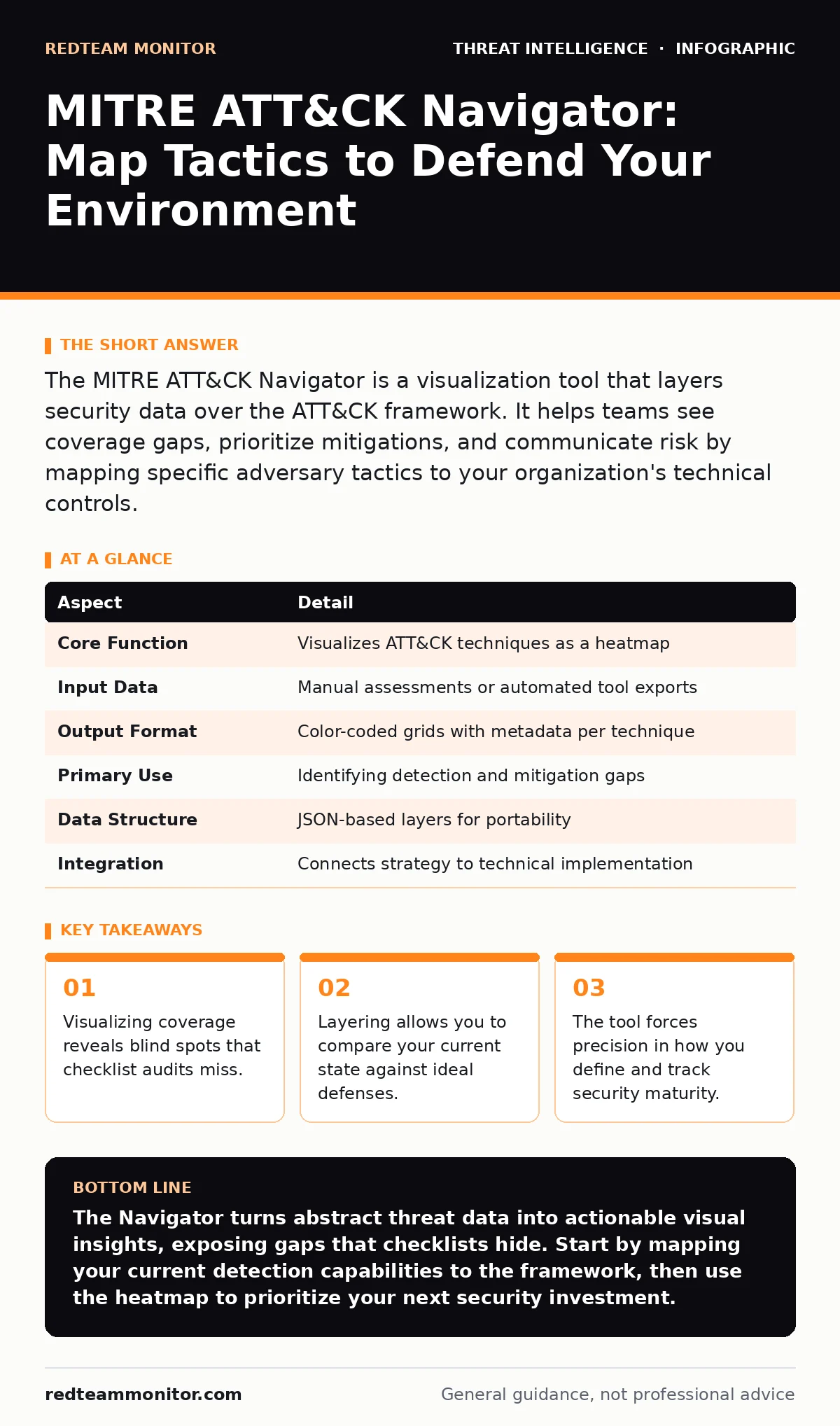
The MITRE ATT&CK Navigator is a visualization tool that layers security data over the ATT&CK framework. It helps teams see coverage gaps, prioritize mitigations, and communicate risk by mapping specific adversary tactics to your organization's technical controls.
From Spreadsheet to Heatmap
Imagine you are inspecting a large warehouse for structural weaknesses. A spreadsheet listing every beam and bolt tells you what exists, but it does not show you where the floor might collapse under weight. You need a map that highlights stress points. The MITRE ATT&CK Navigator serves this function for cybersecurity. It takes the vast, tabular data of the MITRE ATT&CK framework and renders it as a visual heatmap. This shift from rows and columns to color-coded cells changes how you perceive risk.
The framework itself is a knowledge base of adversary tactics and techniques. Tactics are the "why" of an attack, such as gaining initial access. Techniques are the "how," such as using a spear-phishing link. The Navigator places these elements on a grid. You then apply colors to specific cells based on your data. Red might mean a technique is detected. Green might mean a control is in place. This visual summary allows you to grasp complex security states at a glance.
The Problem of Infinite Coverage
Security teams often suffer from a false sense of security. You may believe you are protected because you have installed an endpoint detection tool. However, that tool might only catch known malware signatures. It might miss an attacker who uses legitimate system utilities to move laterally. This is the core problem the Navigator solves. It forces you to confront the gap between what you think you defend and what you actually detect.
Without this visualization, you rely on memory or incomplete reports. You might assume that because you block external ports, you are safe from remote access. You overlook that an attacker could use a technique that exploits an already-open administrative channel. The Navigator makes these assumptions visible. It highlights the techniques you have not considered. It turns vague anxiety about "being hacked" into specific, addressable gaps in your detection logic.
Anatomy of a Layer
The primary unit of work in the Navigator is the layer. A layer is a JSON file that contains your data points. Each data point maps to a specific technique or sub-technique in the framework. You assign metadata to these points, such as a color, a comment, or a score. This structure allows you to save your analysis and share it with others.
Layers are not static snapshots. They represent a specific view of your environment at a specific time. You might create one layer for your current detection capabilities. You might create another for your planned improvements. You can overlay these layers to see progress. This modularity is powerful. It allows you to separate different concerns, such as network monitoring versus endpoint logging, while still viewing them within the same tactical context.
| Aspect | Detail |
|---|---|
| Core Function | Visualizes ATT&CK techniques as a heatmap |
| Input Data | Manual assessments or automated tool exports |
| Output Format | Color-coded grids with metadata per technique |
| Primary Use | Identifying detection and mitigation gaps |
| Data Structure | JSON-based layers for portability |
| Integration | Connects strategy to technical implementation |
Operational Context and Integration
The Navigator does not generate intelligence on its own. It requires input. You must decide which techniques are relevant to your organization. This decision process is where operational threat intelligence becomes vital. You filter the global list of attacks down to those that target your industry or technology stack. This filtering prevents you from wasting resources on irrelevant threats.
You also need to understand how attackers sustain their presence. Attacker persistence techniques are often the hardest to detect because they mimic normal user behavior. The Navigator helps you identify if your monitoring covers these subtle actions. If your heatmap shows red cells in the persistence category, you know to investigate your logging depth. This connects the tool directly to your defensive posture.
What People Get Wrong
Many users treat the Navigator as a compliance checklist. They color every cell green to show they have "covered" a technique. This is misleading. Having a control does not mean the control works. A firewall rule might exist, but if it is misconfigured, it provides no protection. The Navigator should reflect operational reality, not policy intent. If you cannot verify detection, do not mark it as green.
Another common error is ignoring the tactical perspective. Users often focus only on specific techniques without considering the broader tactic. An attacker might fail at one technique but succeed with another in the same category. If you only defend against the most common variant, you leave lateral paths open. You must evaluate the entire tactic column. This holistic view prevents tunnel vision.
See also: IOC Enrichment: Why Context Beats Raw Data in Threat Hunting
Beyond the Visuals
The Navigator is a communication tool as much as an analytical one. It translates technical data into a format that executives can understand. A heatmap is easier to digest than a thousand-line log file. It shows where investment is needed. It justifies budget requests by highlighting critical gaps. This bridges the divide between technical teams and leadership.
However, the tool has limits. It does not tell you how to implement the controls. It only shows you where they are missing. You still need to design the detection rules. You still need to tune the alerts. The Navigator is a map, not the terrain. It guides your journey, but you must walk the path.
Strategic Alignment
To use the Navigator effectively, you must align it with your broader strategy. Consider how you gather information about emerging threats. Open-source intelligence (OSINT) provides context for why certain tactics are rising. You can update your layers to reflect these trends. This keeps your defense dynamic rather than static.
You should also consider deception. Deception technology can create fake assets to trap attackers. When an attacker interacts with these assets, you gain high-fidelity data. You can use this data to validate your Navigator layers. If your deception nodes are triggered, you know the attacker is using specific techniques. You can then update your heatmap to reflect this confirmed activity. This creates a feedback loop between detection and visualization.
Maintaining Accuracy
The framework evolves constantly. New techniques are added. Old ones are deprecated. Your Navigator layers must be updated to reflect these changes. If you ignore updates, your map becomes obsolete. You might think you are covered, but a new variant of an old technique has emerged. Regular audits of your layers are necessary.
You should also compare your layers against industry benchmarks. Many organizations share anonymized layers. Comparing your heatmap against a peer group reveals relative strengths and weaknesses. This benchmarking helps you prioritize improvements. It shows you where you lag behind industry standards. This external perspective is invaluable for continuous improvement.
Key takeaways
- Visualizing coverage reveals blind spots that checklist audits miss.
- Layering allows you to compare your current state against ideal defenses.
- The tool forces precision in how you define and track security maturity.
The Navigator turns abstract threat data into actionable visual insights, exposing gaps that checklists hide. Start by mapping your current detection capabilities to the framework, then use the heatmap to prioritize your next security investment.
Frequently asked questions
Do I need to pay for the MITRE ATT&CK Navigator?
No, the Navigator is a free, open-source tool provided by MITRE. You can download and use it without any licensing fees.
Can I import data from my SIEM into the Navigator?
Yes, many SIEM and EDR tools support exporting detection data in a format compatible with Navigator layers. You can automate this process to keep your heatmap current.
How often should I update my Navigator layers?
You should update your layers whenever you change your security controls or when new threat intelligence indicates a shift in attacker behavior. Monthly reviews are a good baseline.
Is the Navigator useful for small organizations?
Yes, small organizations benefit most from the prioritization aspect. It helps you focus limited resources on the tactics and techniques that pose the greatest risk to your specific environment.
How this guide was produced: written by the RedTeam Monitor editorial team with AI assistance, checked against the public references listed below, and reviewed when the facts change. See our editorial policy or report an error.