
Nation-State Cyber Attacks Explained: The Spy Game in Your Network
Nation-state hackers operate like foreign intelligence agencies, using slow, patient infiltration to steal secrets rather than quick, loud thefts.
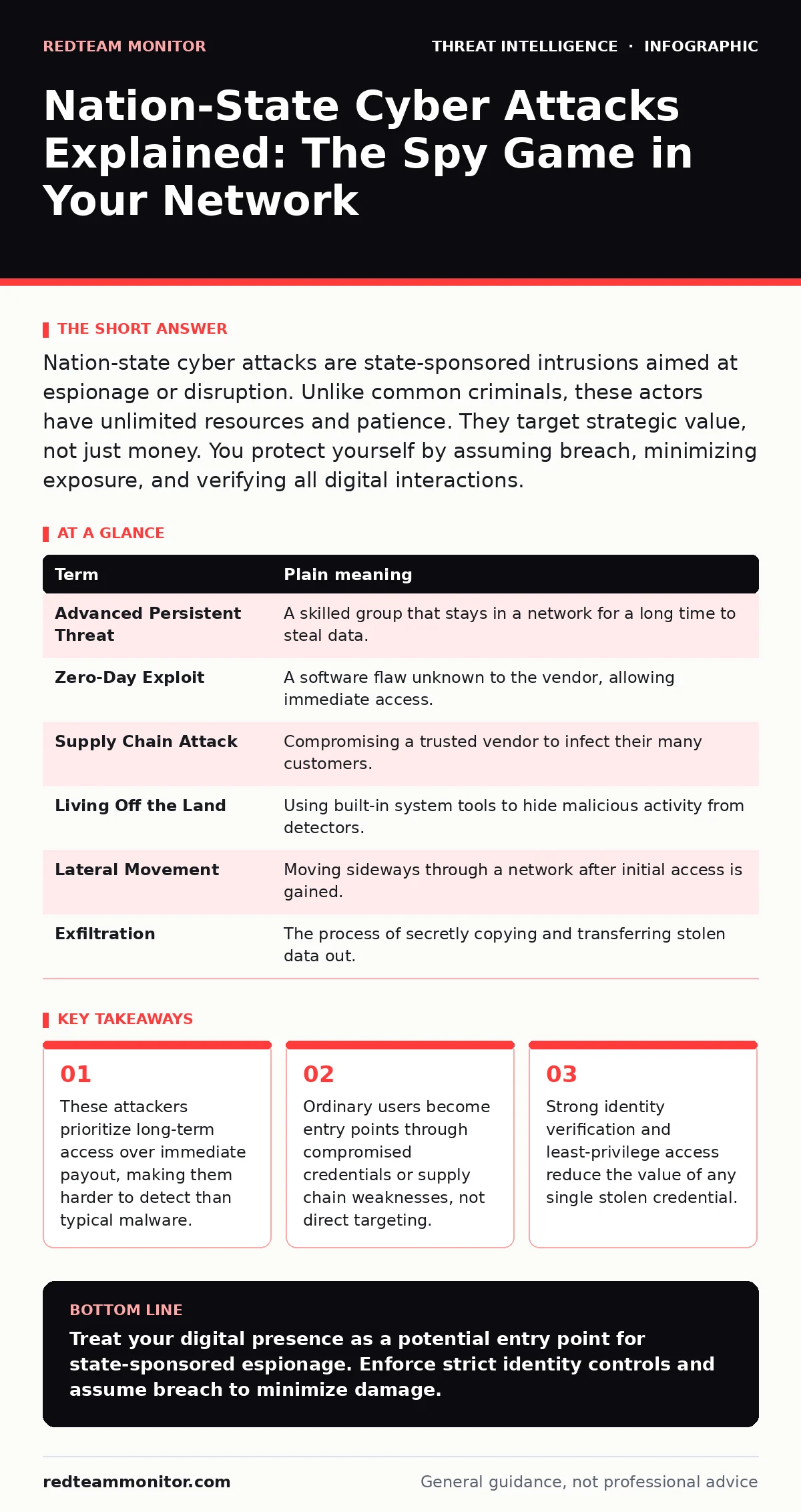
Nation-state cyber attacks are state-sponsored intrusions aimed at espionage or disruption. Unlike common criminals, these actors have unlimited resources and patience. They target strategic value, not just money. You protect yourself by assuming breach, minimizing exposure, and verifying all digital interactions.
The Library Heist Analogy
Imagine a national library containing classified blueprints. A common thief smashes a window, grabs the nearest book, and runs. The noise triggers alarms, and security catches them quickly. A nation-state actor does not smash windows. They hire a librarian, study the building’s schedule for months, and install a hidden camera in the ventilation shaft. They wait for the right moment, copy the blueprints silently, and leave no trace. This patience defines their strategy.
This analogy explains why traditional security often fails. Standard defenses stop the smash-and-grab. They struggle against the patient insider. You must design your security to detect the hidden camera, not just the broken glass. The goal shifts from preventing entry to detecting presence.
Key Terms Defined
Understanding the vocabulary helps you recognize these threats in operational reports. These terms describe the methods and tools used by advanced persistent threats.
| Term | Plain meaning |
|---|---|
| Advanced Persistent Threat | A skilled group that stays in a network for a long time to steal data. |
| Zero-Day Exploit | A software flaw unknown to the vendor, allowing immediate access. |
| Supply Chain Attack | Compromising a trusted vendor to infect their many customers. |
| Living Off the Land | Using built-in system tools to hide malicious activity from detectors. |
| Lateral Movement | Moving sideways through a network after initial access is gained. |
| Exfiltration | The process of secretly copying and transferring stolen data out. |
Why Ordinary Users Matter
You might assume your personal laptop is not a target. This assumption is dangerous. Attackers use ordinary devices as stepping stones. They compromise your account to reach your employer’s network. Your credentials provide a trusted foothold. This is known as pivoting.
Suppose you use the same password for work and personal email. A breach of your personal account gives the attacker your work password. They now log in from your home IP address. It looks like a legitimate user. This bypasses many geographic and behavioral filters. Your personal hygiene directly impacts organizational security.
The Hidden Cost of Patience
Most security tools look for known bad signatures. They scan for specific malware files. Nation-state actors avoid known malware. They write custom code or use living off the land techniques. They use PowerShell or SSH commands that administrators also use. The activity looks normal.
This creates a high false-negative rate. You might be compromised for months without knowing. This period is called attacker dwell time. The longer they stay, the more they learn. They map your network, find sensitive data, and establish backup access methods. They study your attacker persistence techniques to survive reboots and password changes. Detection requires behavioral analysis, not just signature matching.
Simple Safety Habits
You cannot build a military-grade defense alone. You can, however, remove the easy wins. Start with identity protection. Use unique passwords for every account. Use a password manager to generate complex strings. Enable multi-factor authentication everywhere it is available. This stops stolen passwords from being useful.
Next, minimize your digital footprint. Remove unused accounts. Delete old social media profiles. Limit public information about your job and family. Attackers use this data for social engineering. The less they know, the harder it is to craft convincing phishing emails.
Finally, verify updates. Keep your operating system and applications current. Patches fix zero-day exploits before attackers can weaponize them. Delaying updates leaves the door open. Automate updates where possible.
See also: IOC Enrichment: Why Context Beats Raw Data in Threat Hunting
Try This Now
Take these 3 steps to harden your immediate environment.
- Audit your connected devices. Disconnect any old or unused hardware from your home network. Each device is a potential entry point.
- Check your email recovery options. Ensure your backup email and phone number are secure and active. Attackers often reset passwords to take over accounts.
- Review your browser extensions. Remove any you do not recognize or use. Extensions can read your data and inject malicious code into legitimate sites.
Integrating Broader Intelligence
Individual habits are the foundation. Organizations layer additional controls. They use operational threat intelligence to understand current tactics. They deploy canary tokens to detect when data is accessed by unauthorized parties. They monitor indicators of compromise to find known bad files.
They also perform IOC enrichment to understand the context of alerts. Knowing that an IP address belongs to a specific autonomous system numbers (ASNs) in threat intelligence can reveal the attacker’s location or infrastructure. They conduct red teaming to test their own defenses. This simulates real attacks to find gaps.
The Reality of Protection
No system is immune. Nation-state actors have immense resources. They will find a weakness eventually. Your goal is not perfect prevention. Your goal is rapid detection and response. Reduce the value of what they find. Encrypt sensitive data. Limit access rights.
You cannot stop every attack. You can make them costly and slow. You can ensure that when they enter, they find nothing useful and leave quickly. This is the best defense available.
Key takeaways
- These attackers prioritize long-term access over immediate payout, making them harder to detect than typical malware.
- Ordinary users become entry points through compromised credentials or supply chain weaknesses, not direct targeting.
- Strong identity verification and least-privilege access reduce the value of any single stolen credential.
Treat your digital presence as a potential entry point for state-sponsored espionage. Enforce strict identity controls and assume breach to minimize damage.
Frequently asked questions
How do I know if I am targeted?
You usually do not know. Successful attacks are silent. Look for unexpected login alerts, password reset requests, or unusual network traffic.
Are free antivirus programs enough?
They stop common malware. They do not stop custom tools used by advanced actors. Behavior-based detection is required for those threats.
Should I disconnect from the internet?
That is impractical for most. Instead, segment your network. Keep sensitive devices on separate networks from general-use devices.
What is the biggest mistake users make?
Trusting the source of an email or message. Always verify requests for data or money through a separate communication channel.
How this guide was produced: written by the RedTeam Monitor editorial team with AI assistance, checked against the public references listed below, and reviewed when the facts change. See our editorial policy or report an error.