
Container Escape Vulnerabilities: Risks and Protection for Small Businesses
A single misconfigured container can grant attackers full access to the underlying host system, bypassing application-level security controls entirely.
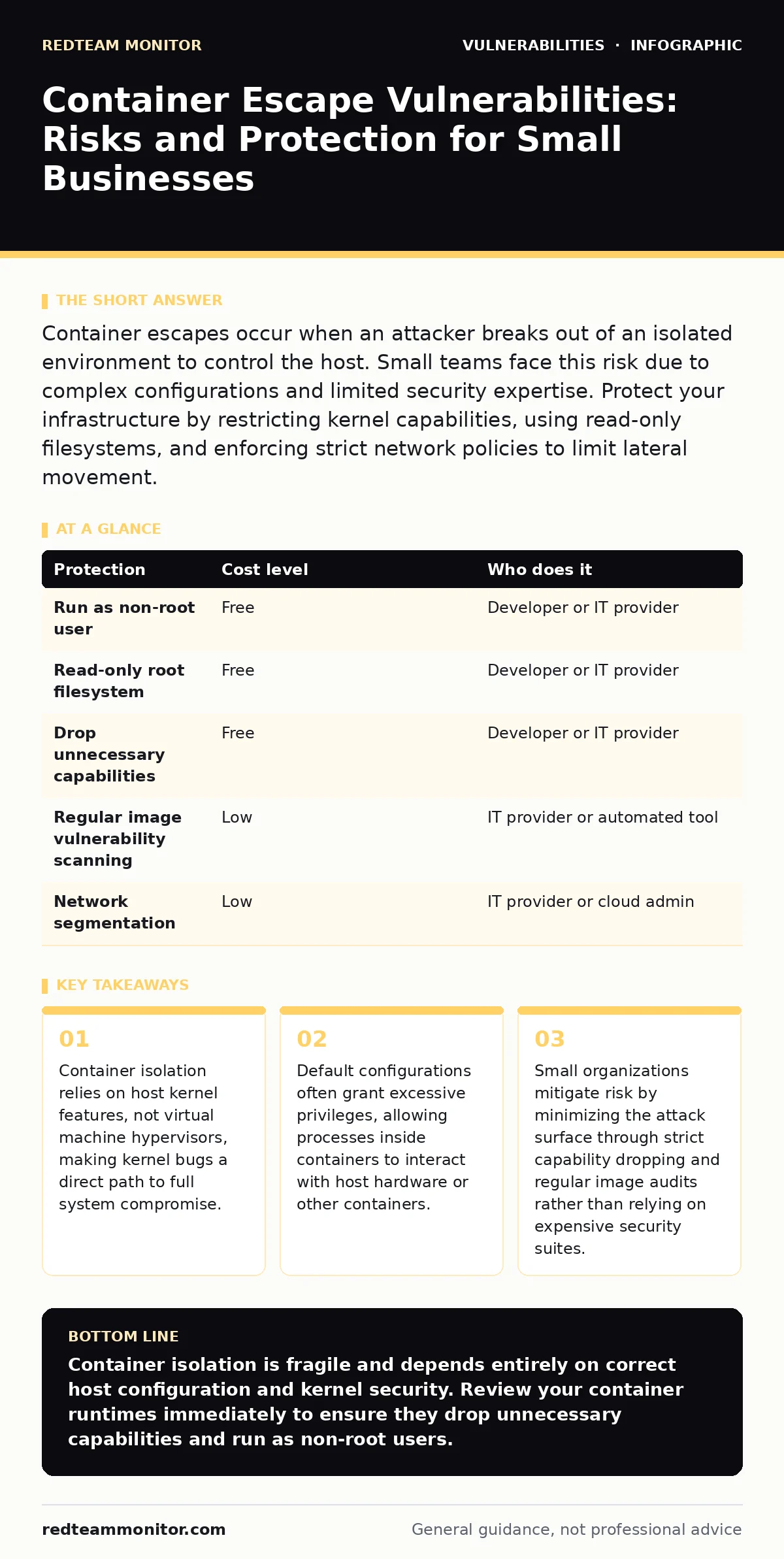
Container escapes occur when an attacker breaks out of an isolated environment to control the host. Small teams face this risk due to complex configurations and limited security expertise. Protect your infrastructure by restricting kernel capabilities, using read-only filesystems, and enforcing strict network policies to limit lateral movement.
Why Small Organizations Face Disproportionate Risk
Small teams often adopt containers to reduce infrastructure costs and simplify deployment. This efficiency creates a hidden security debt. You likely manage fewer servers than large enterprises, which means each server holds more value. A compromise of a single host exposes every container running on it. Large organizations distribute workloads across many nodes, limiting the blast radius. You do not have that luxury. Your architecture concentrates risk.
Container isolation depends on operating system features like namespaces and cgroups. Namespaces hide processes and network interfaces from other processes. Cgroups limit resource usage. These features are part of the Linux kernel. If the kernel has a flaw, the isolation fails. This is different from virtual machine escapes. Virtual machines use hardware virtualization to separate guest systems from the host. Containers share the same kernel. A flaw in the shared kernel affects all containers simultaneously. You cannot patch the kernel without restarting the host, which causes downtime.
Understanding the Mechanics of Container Escapes
An escape happens when a process inside a container interacts with the host in an unauthorized way. This usually involves privilege escalation. The container process gains higher permissions than intended. It might access the host filesystem, manipulate host processes, or exploit a kernel vulnerability.
Common vectors include misconfigured volume mounts. If you mount the host’s root directory into the container, any write access from inside the container modifies the host. Another vector is privileged mode. Running a container in privileged mode disables most security boundaries. It grants the container full access to host devices and kernel modules. This is often done for convenience during development but left in production by mistake.
A third vector involves capabilities. Linux capabilities break down root privileges into smaller units. By default, containers drop many capabilities. If you add unnecessary capabilities, you increase the risk. For example, the SYS_PTRACE capability allows a process to debug other processes. An attacker can use this to inject code into other containers or the host.
Low-Cost Protections for Limited Budgets
You do not need expensive security platforms to reduce risk. Basic configuration changes provide significant protection. Start by running containers as non-root users. This limits the damage an attacker can do even if they escape. If the container process cannot write to system directories, it cannot install malware or modify configurations.
Use read-only root filesystems. This prevents attackers from modifying binaries or libraries inside the container. They still need writable storage for temporary files. Mount specific directories as writable volumes instead of making the whole filesystem writable. This contains malicious changes to known locations. You can monitor these volumes for suspicious activity.
Drop all capabilities by default. Add back only the specific ones your application needs. Most web applications require very few capabilities. Tools like Docker and Kubernetes allow you to specify this in the configuration file. This principle of least privilege reduces the attack surface. It forces attackers to find more complex vulnerabilities to achieve full control.
| Protection | Cost level | Who does it |
|---|---|---|
| Run as non-root user | Free | Developer or IT provider |
| Read-only root filesystem | Free | Developer or IT provider |
| Drop unnecessary capabilities | Free | Developer or IT provider |
| Regular image vulnerability scanning | Low | IT provider or automated tool |
| Network segmentation | Low | IT provider or cloud admin |
The Role of Image Hygiene and Updates
Container images are the foundation of your deployment. They contain the application code and all dependencies. If an image contains vulnerable libraries, your container is vulnerable. You must update images regularly. Outdated images often contain known exploits. Attackers scan the internet for these known weaknesses.
Automate the update process where possible. Manual updates are often forgotten. Use a tool that checks for new versions of base images and dependencies. However, automation requires testing. An automatic update might break your application. Balance speed with stability. Test updates in a staging environment before deploying to production.
Scan images for vulnerabilities before deployment. This identifies known issues in the libraries you use. It does not catch zero-day flaws. It does catch common mistakes like including debug tools or secret keys in the image. Keep images small. Smaller images have fewer components. Fewer components mean fewer potential vulnerabilities. This aligns with the concept of automatic software updates but applied to the build stage rather than the running system.
Network Segmentation and Policy Enforcement
Even if an attacker escapes a container, they face the network. If your containers communicate freely with each other and the host, the attacker moves easily. Restrict network access. Containers should only talk to the services they need. A web frontend should not talk directly to a database container. Use an application proxy or service mesh to enforce these rules.
Implement default-deny network policies. This blocks all traffic unless explicitly allowed. You define which ports and protocols are permitted. This stops lateral movement. If an attacker compromises one container, they cannot scan or attack other containers on the same host. This limits the impact of a single breach.
Consider web application firewalls for public-facing containers. These firewalls filter malicious HTTP requests. They protect against common attacks like cross-site scripting (XSS). While not a substitute for secure coding, they add a layer of defense. They can block exploit attempts before they reach your application logic. This is particularly useful for small teams that may not have dedicated application security engineers.
What to Ask Your IT Provider
If you outsource your infrastructure management, you must verify their security practices. You cannot assume they follow best practices. Ask specific questions about container security. Do not accept vague answers. Demand evidence of configuration standards.
- How do you ensure containers run with minimal privileges?
- What process do you use to scan container images for vulnerabilities?
- How do you handle kernel updates on the host systems?
- Can you demonstrate the network policies applied to our containers?
- Do you use secrets management tools or embed credentials in images?
These questions reveal their maturity. A provider who cannot answer them clearly is a risk. You need a partner who understands that container security is different from traditional server security. They must treat the host kernel as a critical asset. They must also monitor for anomalous behavior.
Monitoring and Incident Response
Prevention is not enough. You must detect escapes when they happen. Monitor system calls from containers. Unusual system calls can indicate an escape attempt. For example, a web server should not be calling debug functions. Set up alerts for these anomalies.
Log all container activity. Send logs to a centralized system. This preserves evidence if an incident occurs. You need to reconstruct the attack path. Did the attacker start in a container? Did they move to the host? Logs provide this timeline. Without logs, you are blind to the scope of the breach.
Have a response plan ready. Know how to isolate a compromised host. Shutting down the container might not be enough. If the attacker is on the host, you need to disconnect the server from the network. Practice this procedure. Speed matters. The longer an attacker stays on your system, the more damage they can do. This relates to Linux kernel privilege escalation techniques, where attackers try to maintain access. Your response must cut off that access immediately.
Key takeaways
- Container isolation relies on host kernel features, not virtual machine hypervisors, making kernel bugs a direct path to full system compromise.
- Default configurations often grant excessive privileges, allowing processes inside containers to interact with host hardware or other containers.
- Small organizations mitigate risk by minimizing the attack surface through strict capability dropping and regular image audits rather than relying on expensive security suites.
Container isolation is fragile and depends entirely on correct host configuration and kernel security. Review your container runtimes immediately to ensure they drop unnecessary capabilities and run as non-root users.
Frequently asked questions
Does using a cloud provider eliminate container escape risks?
No, cloud providers manage the physical hardware and hypervisor, but you remain responsible for the guest operating system and container configurations on virtual machines or bare metal.
How often should I update container base images?
You should update base images regularly, ideally as part of your continuous integration pipeline, to patch known vulnerabilities in the operating system components included in the image.
How this guide was produced: written by the RedTeam Monitor editorial team with AI assistance, checked against the public references listed below, and reviewed when the facts change. See our editorial policy or report an error.