
Backup Data Exposure: How to Spot and Stop Silent Leaks
Backup systems often bypass primary security controls, creating a blind spot where attackers harvest data without triggering standard intrusion alerts.
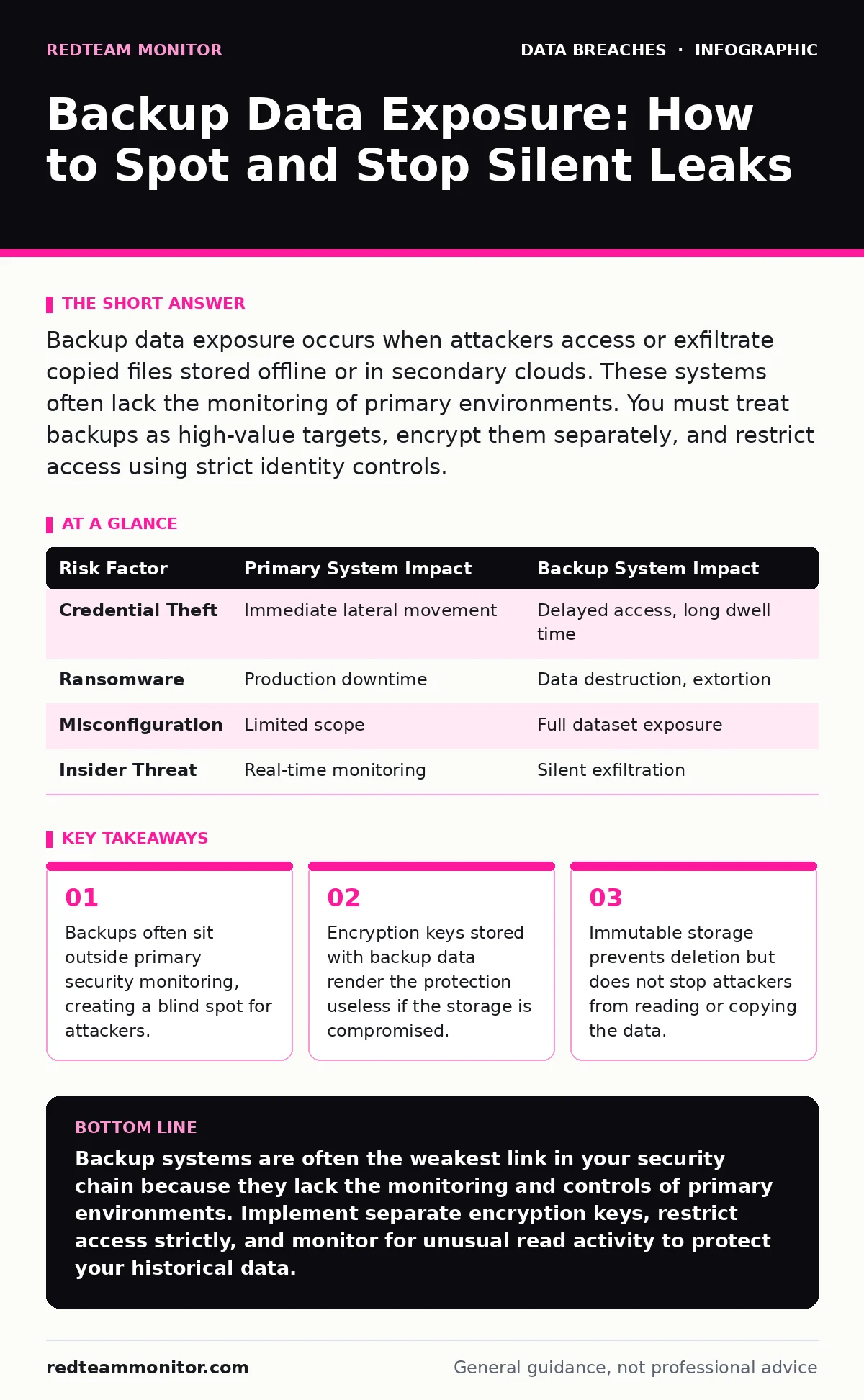
Backup data exposure occurs when attackers access or exfiltrate copied files stored offline or in secondary clouds. These systems often lack the monitoring of primary environments. You must treat backups as high-value targets, encrypt them separately, and restrict access using strict identity controls.
Why do attackers target backup systems instead of live servers?
Attackers target backups because they often bypass the active defenses protecting your primary production environment. Security operations teams focus heavily on real-time traffic analysis and endpoint detection, leaving secondary storage systems with fewer sensors and slower response times. A backup server rarely runs the same antivirus or intrusion prevention systems as a live workstation. This creates a quiet path for data theft that goes unnoticed for long periods.
Imagine an attacker who has gained limited access to your network. Instead of trying to breach the heavily monitored database server, they pivot to the backup repository. The backup system may only require basic authentication, which the attacker can brute-force or steal from a less secure endpoint. Once inside, they can copy terabytes of data without triggering the alarms designed for the primary system.
How is backup security different from primary data protection?
Primary data protection focuses on availability and immediate integrity, while backup security must prioritize long-term confidentiality and isolation. Your live systems need high performance, so they often accept certain security trade-offs for speed. Backups, however, are static copies that do not need to be accessed frequently. This allows you to implement stricter controls, such as air-gapping or immutable storage, that would disrupt daily operations on live servers.
The trade-off is complexity. Managing separate encryption keys and access lists for backups doubles your administrative overhead. If you use the same credentials for both live and backup systems, a breach in one compromises both. You must treat backup infrastructure as a distinct security domain with its own identity and access management policies.
What is the biggest mistake organizations make with backup encryption?
The most common error is storing encryption keys in the same location as the encrypted backup data. This is known as co-location, and it renders the encryption ineffective if the storage medium is breached. An attacker who gains access to the backup file also gains access to the key needed to decrypt it. The data remains protected only from casual viewers, not from determined adversaries with storage access.
You must implement a key rotation schedule that does not rely on the backup system itself. If the key management service is compromised, all historical backups become readable. Separating the key lifecycle from the data lifecycle ensures that a breach of one component does not automatically compromise the other.
Does immutable storage prevent data theft?
Immutable storage prevents files from being deleted or modified for a set period, but it does not prevent reading or copying. This technology is designed to protect against ransomware, which overwrites or encrypts files to extort victims. It is not designed to stop exfiltration, where attackers silently copy data for espionage or sale. An attacker can read an immutable file just as easily as they can read a mutable one.
Suppose your organization enables immutability on all cloud backups. Ransomware cannot destroy the files, so you can restore them after an attack. However, if an attacker steals credentials with read-only access, they can export the entire database before anyone notices. You must monitor read events on immutable storage, not just write or delete events.
How do cloud backups increase exposure risk?
Cloud backups introduce shared responsibility models where the provider secures the infrastructure, but you secure the data and access. Misconfigurations in cloud storage buckets are a leading cause of data exposure. A bucket set to "public" or "anonymous" access allows anyone on the internet to download your backups. These errors often persist for months because cloud storage does not generate alerts for successful reads.
Cloud migration security requires rigorous auditing of access control lists. You must verify that no backup storage objects have public read permissions. Automated scanning tools can check for these misconfigurations, but they must run continuously. A single changed permission setting can expose years of historical data to the entire internet.
See also: Password Reuse Prevention Checklist for Secure Identity Management · Least Privilege for Small Teams: Cut Risk Without Slowing Work
Why don’t standard SIEM alerts catch backup exfiltration?
Security Information and Event Management systems are tuned to detect anomalies in live network traffic and user behavior. Backup transfers are often high-volume, scheduled, and expected, so they fall below the threshold for alerting. When an attacker initiates a large data transfer from a backup server, the SIEM may classify it as a routine maintenance job. The volume and timing match legitimate patterns, creating a false sense of security.
You need to establish a baseline for normal backup activity. This includes the typical size, duration, and destination of backup jobs. Any deviation from this baseline, such as a backup job running at 3 AM on a Sunday or transferring data to an external IP, should trigger an immediate investigation. Context is the missing piece in standard monitoring.
How can you detect a backup breach early?
Detection requires monitoring metadata changes and access logs, not just the data itself. Look for new user accounts created with backup service permissions. Check for changes in encryption key access policies. Monitor for unusual spikes in read operations on archived data. These indicators are subtle but distinct from normal operational activity.
Digital forensics techniques can help reconstruct the timeline of an attack after detection. By analyzing backup logs, you can identify when the attacker first accessed the system and what data they viewed. This information is critical for understanding the scope of the breach and meeting regulatory requirements. Early detection minimizes the amount of data exfiltrated.
What is the impact of credential dumps on backup security?
Credential dumps contain hashed passwords that attackers crack to gain access to systems. If your backup system uses domain credentials, a cracked password from a workstation can grant the attacker access to the backup server. This lateral movement is common because backup systems often trust the same identity providers as user workstations.
Stolen session tokens can be even more dangerous than passwords. Tokens often have higher privileges and longer expiration times. If an attacker steals a token from a system administrator’s browser, they can access the backup console without needing to enter a password. You must implement short-lived tokens and require re-authentication for sensitive backup operations.
| Risk Factor | Primary System Impact | Backup System Impact |
|---|---|---|
| Credential Theft | Immediate lateral movement | Delayed access, long dwell time |
| Ransomware | Production downtime | Data destruction, extortion |
| Misconfiguration | Limited scope | Full dataset exposure |
| Insider Threat | Real-time monitoring | Silent exfiltration |
How does dwell time affect backup breaches?
Breach dwell time refers to the period between initial compromise and detection. Backup breaches often have longer dwell times because the systems are not actively monitored. Attackers take their time, copying data slowly to avoid triggering bandwidth alerts. This slow and steady approach can go on for months.
The longer the dwell time, the more data is exfiltrated. Attackers may wait for critical data to be backed up before stealing it. This strategic patience makes backup security a long-term challenge. You must assume that attackers have access and focus on limiting the damage they can do during that time.
Key takeaways
- Backups often sit outside primary security monitoring, creating a blind spot for attackers.
- Encryption keys stored with backup data render the protection useless if the storage is compromised.
- Immutable storage prevents deletion but does not stop attackers from reading or copying the data.
Backup systems are often the weakest link in your security chain because they lack the monitoring and controls of primary environments. Implement separate encryption keys, restrict access strictly, and monitor for unusual read activity to protect your historical data.
Frequently asked questions
Should I encrypt backups before sending them to the cloud?
Yes, you should encrypt backups client-side before transmission to ensure the cloud provider cannot access the raw data.
How often should I rotate backup encryption keys?
Rotate keys annually or immediately if you suspect a compromise, ensuring old backups remain accessible with archived keys.
Can I use the same password for backup and live systems?
No, using the same credentials increases the risk of lateral movement if one system is compromised.
What is the best way to test backup security?
Conduct regular penetration tests that specifically target backup infrastructure and access controls.
How this guide was produced: written by the RedTeam Monitor editorial team with AI assistance, checked against the public references listed below, and reviewed when the facts change. See our editorial policy or report an error.